Frequently Asked Questions
Everything you need to know about our free text to speech tool
Is this text to speech tool really free?+
Yes! Our text to speech tool is 100% free with unlimited usage. Unlike other services that charge per character or require subscriptions, we provide completely free and unlimited text to speech conversions with no hidden costs or limitations.
Do I need to create an account?+
No account required! You can start using our text to speech tool immediately without signing up or providing any personal information. Your privacy is important to us, and all processing happens locally in your browser.
What is text to speech (TTS)?+
Text to speech (TTS) is an AI technology that converts written text into spoken audio. Our TTS tool uses advanced machine learning models to generate natural-sounding human voices that can read any text aloud, making content more accessible and easier to consume.
How natural do the voices sound?+
Our AI voices are powered by state-of-the-art text to speech technology, producing remarkably natural and human-like speech. The voices include proper intonation, pronunciation, and emotional nuance, making them ideal for audiobooks, learning materials, and professional presentations.
Can I download the generated audio?+
Yes! Once your text is converted to speech, you can download the audio file in WAV format. The downloaded audio can be used for various purposes including podcasts, videos, presentations, or personal use.
What languages are supported?+
Currently, our text to speech tool supports English with both US and UK accents. We offer multiple voice options to choose from, allowing you to find the perfect voice for your content. Support for additional languages is coming soon.
Who can benefit from using text to speech?+
Text to speech is valuable for everyone! Students can listen to study materials, professionals can consume documents while multitasking, content creators can generate voiceovers, and people with visual impairments or dyslexia can access written content more easily. It's also perfect for creating audiobooks, podcasts, and video narrations.
Are there any usage limits?+
No! We offer truly unlimited text to speech conversions. There are no daily limits, character restrictions, or hidden quotas. You can convert as much text as you need, whenever you need it—completely free forever.
Can I adjust the voice speed?+
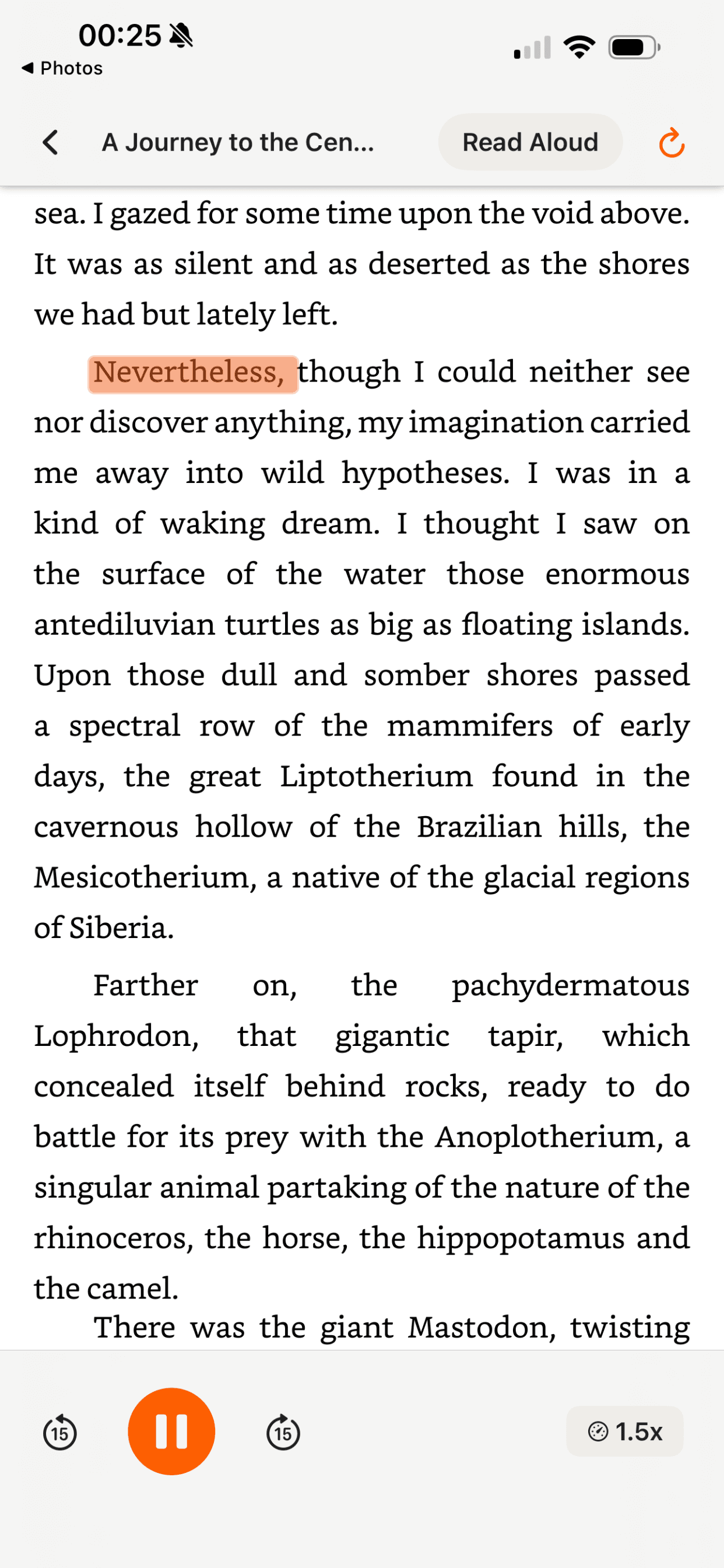
Yes! Our text to speech tool allows you to control the playback speed. You can slow down the speech for better comprehension or speed it up to consume content faster. Speed options range from 0.5x to 2x, giving you complete control over how you listen.
Is my text data secure and private?+
Absolutely! Your privacy is our top priority. All text to speech processing happens directly in your browser using local AI models. Your text is never sent to our servers or stored anywhere. What you type stays completely private and secure on your device.
Can I use this on my mobile phone?+
Currently, our text to speech tool is optimized for desktop browsers only. We're working on mobile support and will be releasing a mobile-friendly version in the near future. For now, please use a desktop or laptop computer to access all features.
Does CastReader have a character limit like other free TTS tools?+
No. Most free text-to-speech websites cap you at 500-5,000 characters per conversion and ask you to upgrade for longer text. CastReader has no character limit — paste a single sentence or an entire novel, it all works the same. Because CastReader is a Chrome extension that reads what's already on your screen, there's no uploading, no pasting, and no character counting. Truly unlimited, forever free.
What is the best free text-to-speech Chrome extension in 2026?+
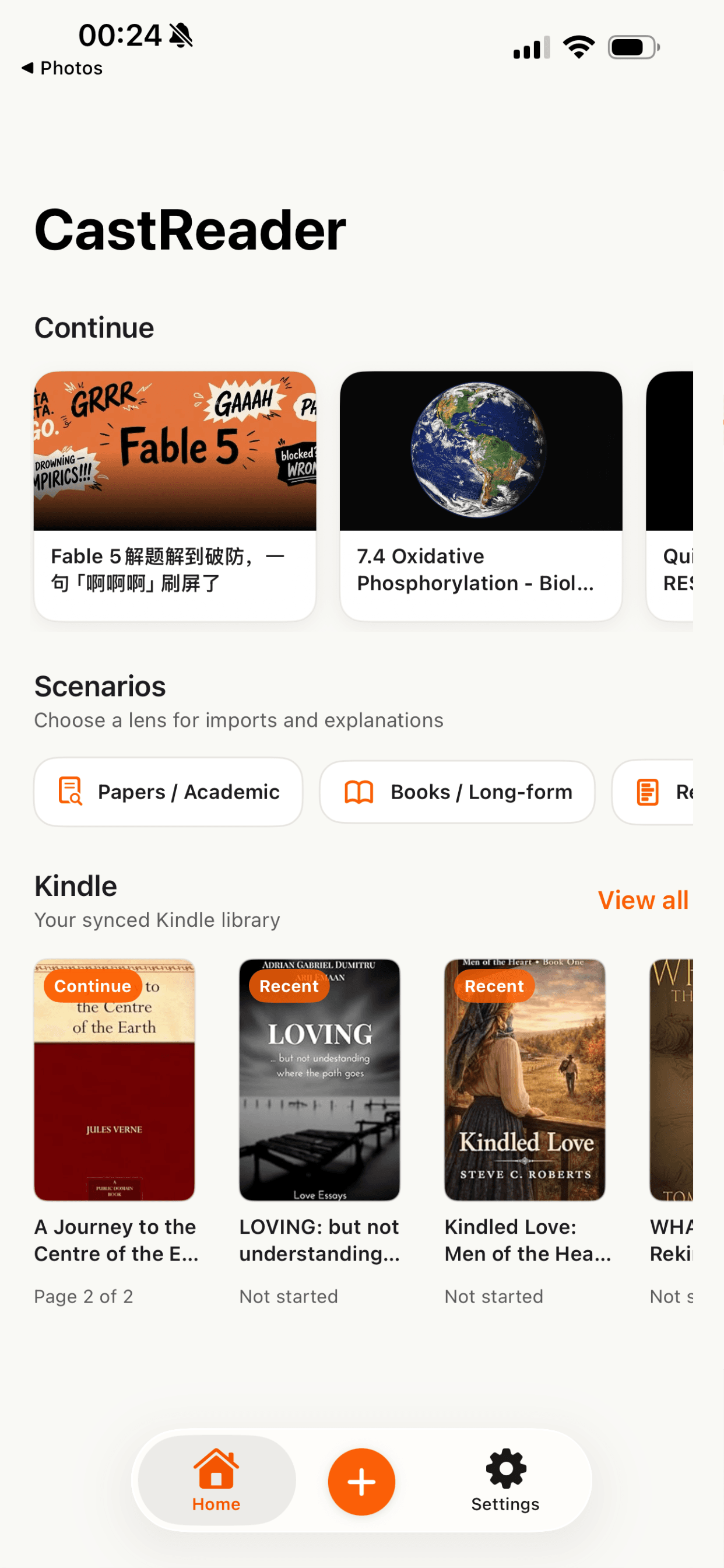
CastReader is rated 4.7★ on the Chrome Web Store and is the only TTS extension that works on encrypted platforms like Kindle Cloud Reader and Canvas-rendered sites like WeRead. It's completely free with no usage limits. Other options include Read Aloud and Natural Reader, but both have daily free limits or require paid upgrades for natural-sounding voices. See our full comparison of TTS Chrome extensions.
Can I use text to speech for long documents like entire books?+
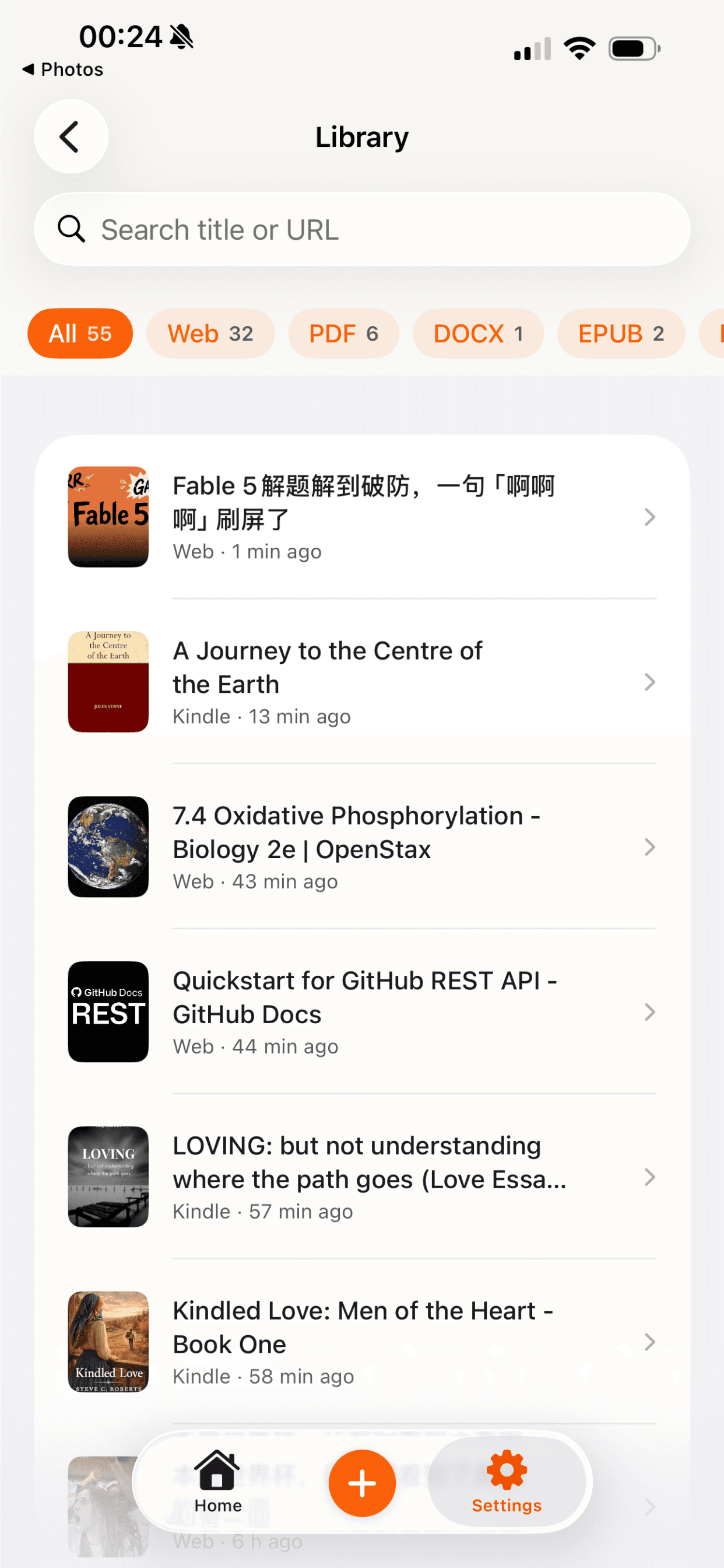
Yes. The online tool on this page handles short text. For long documents — articles, ebooks, PDFs, entire Kindle books — install the free CastReader Chrome extension. It reads any webpage aloud with paragraph highlighting, auto-scrolling, and speed control. There's no length limit. You can also send audio to your phone and listen on the go.
How does CastReader compare to Speechify and NaturalReader?+
Speechify costs $139/year. NaturalReader's premium plan is $60/year. CastReader is 100% free — no trial period, no feature restrictions. Voice quality is comparable across all three (all use neural AI voices). CastReader's unique advantage: it works on sites that block other extensions (Kindle, Google Docs, WeRead) using OCR and dedicated extractors. For a detailed comparison, see our Speechify vs CastReader breakdown.
Is there a free text to speech that works offline?+
CastReader's online tool requires an internet connection. However, your browser has a built-in speech synthesis API (window.speechSynthesis) that works offline — but the voice quality is significantly lower than AI voices. For the best free TTS experience, we recommend using CastReader online. If you need offline capability and are willing to pay, tools like Balabolka (Windows) offer offline TTS with downloadable voice packs.