Turn Any Ebook into an Audiobook

Upload an EPUB, DOCX, or text file. Get a natural AI audiobook in seconds — free, no signup, no install.

100% FreeNo Signup NeededUnlimited Files

Drag and drop your file here

or click to browse

Supports PDF, EPUB, DOCX, TXT, MD, HTML

Why Convert Ebooks to Audio with CastReader

Other converters cap your usage or require paid plans. CastReader is free and unlimited.

Smart Parsing

It Knows How Ebooks Work

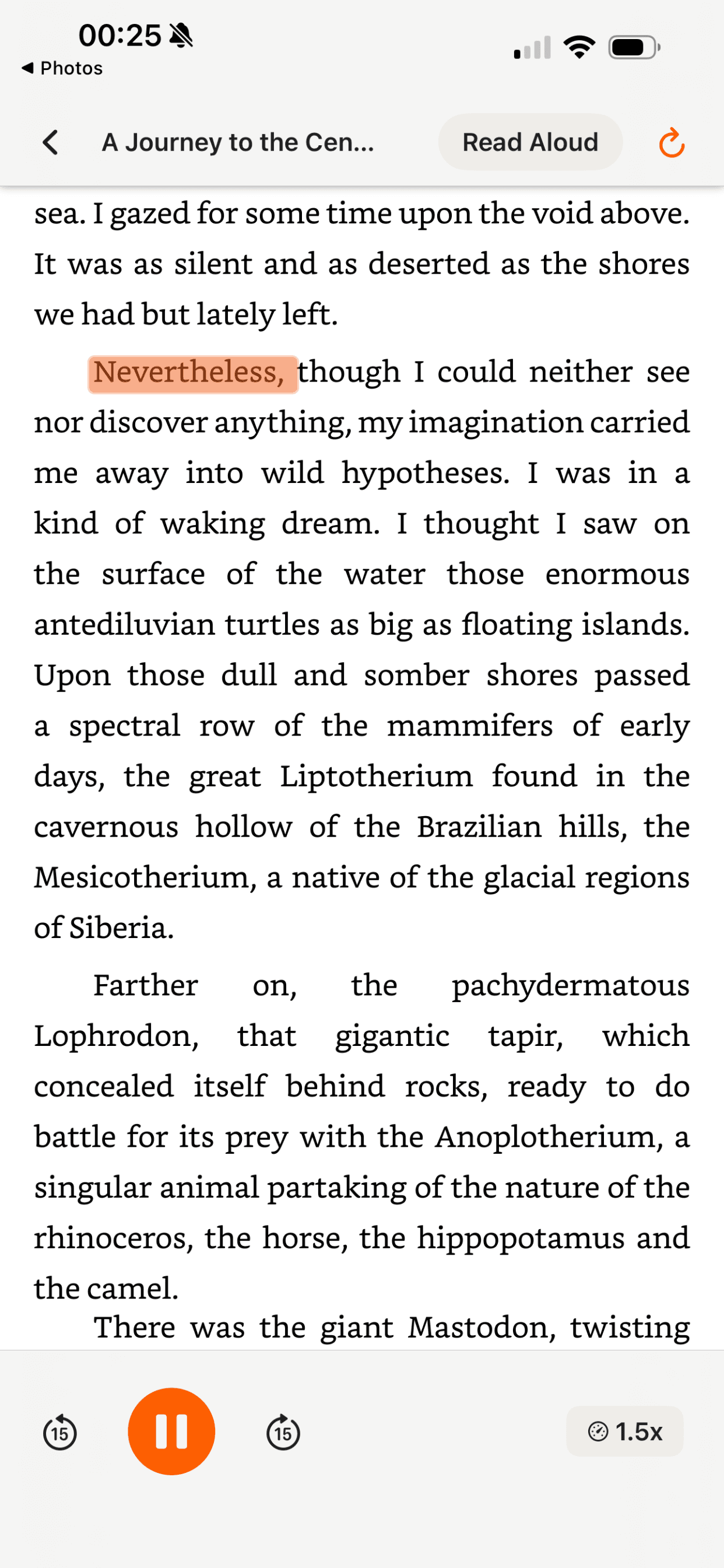
CastReader understands EPUB structure — chapters, headings, paragraphs. It preserves reading order, skips formatting artifacts, and delivers clean audio chapter by chapter.

Smart ebook structure parsing
Multiple ebook formats supported

Every Format

EPUB, DOCX, TXT, and More

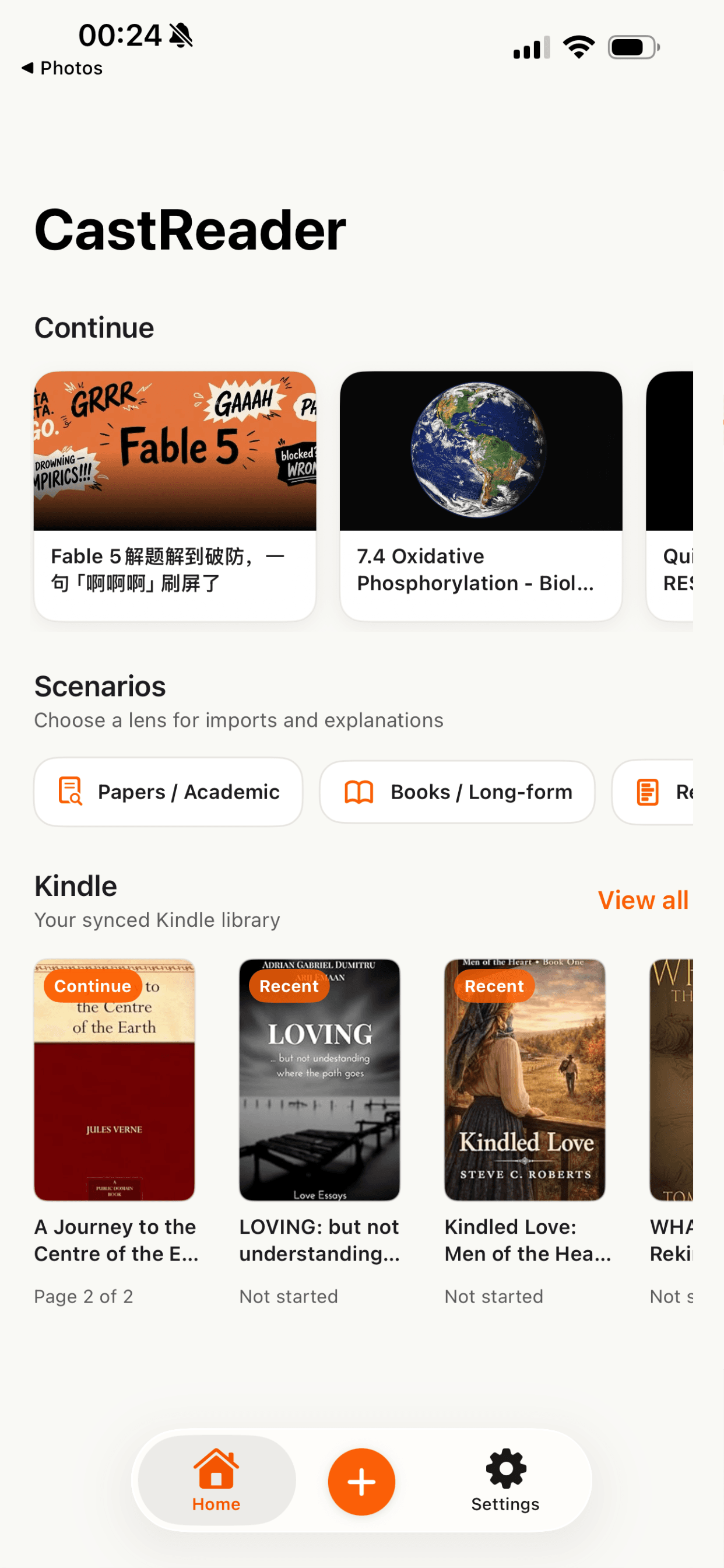
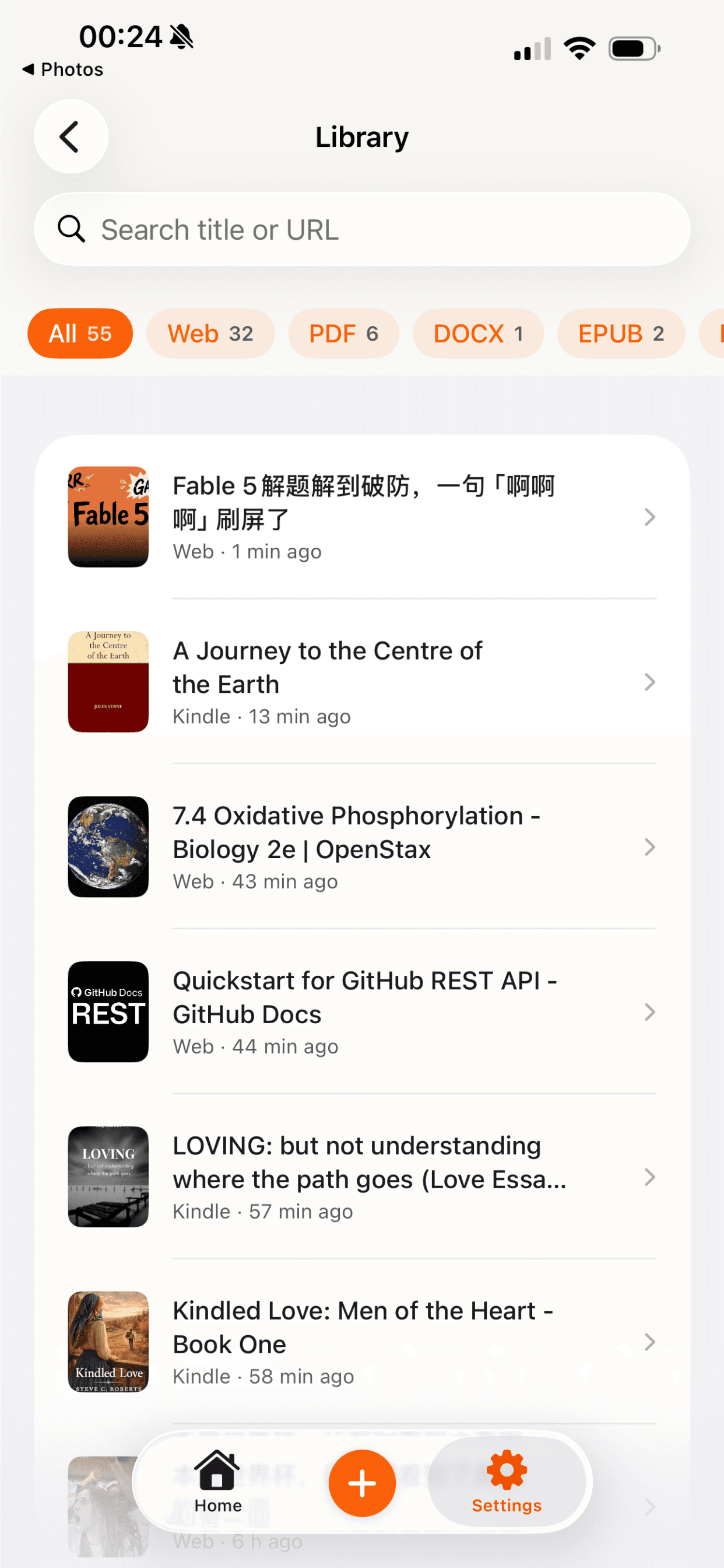
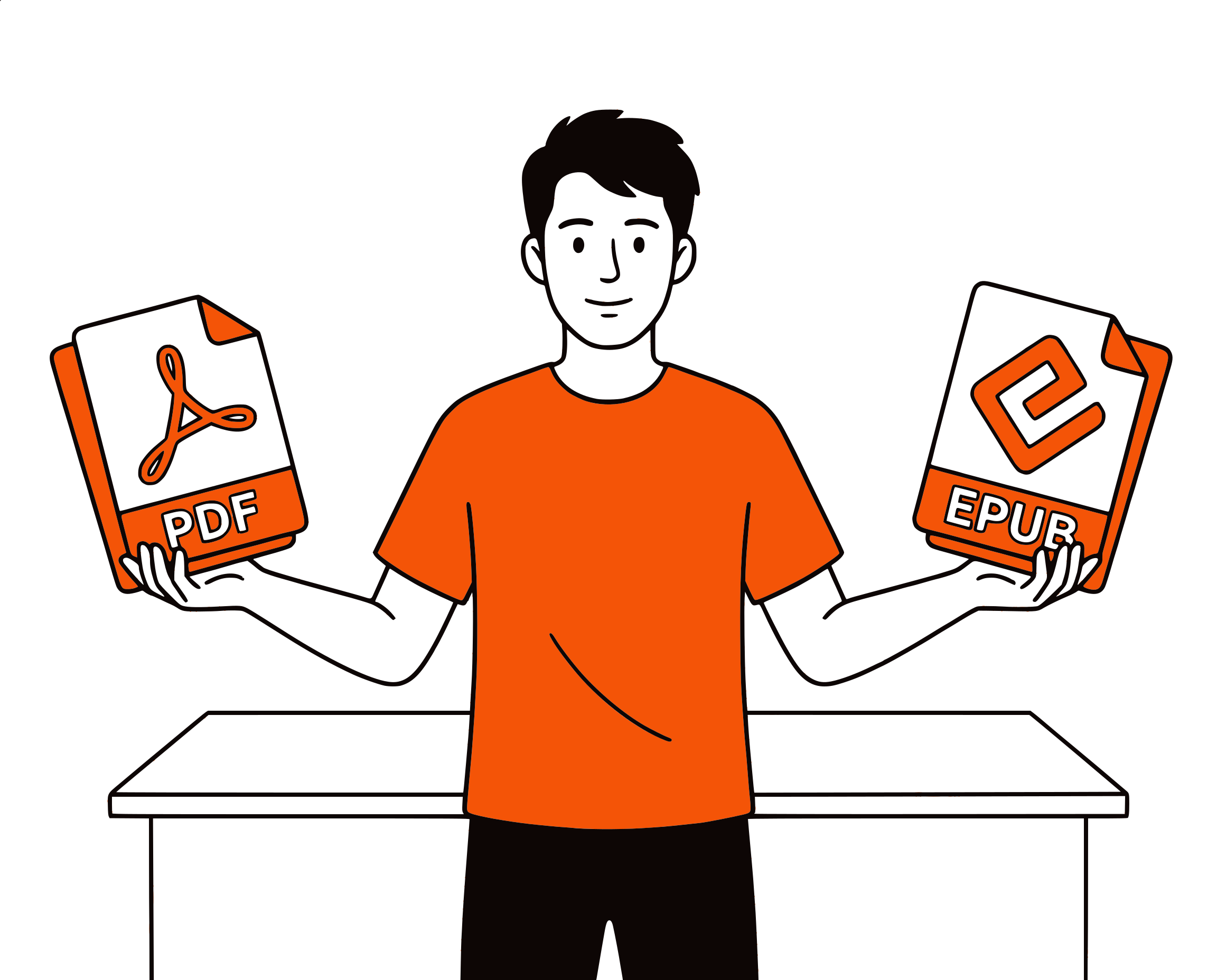
Upload any ebook or document format. EPUBs from Project Gutenberg, Word documents from school, Markdown notes, plain text exports — they all work. We extract the text, clean it up, and convert it to natural speech.

Language Learning

Listen in 40+ Languages

Upload a document in French, Japanese, or Arabic. CastReader auto-detects the language and uses a native AI voice. Read along while listening — the best way to improve pronunciation and comprehension.

Multilingual document to audio
Browser-based document to audio converter

No Heavy Software

Runs in Your Browser

No installing Calibre, Adobe Reader, or desktop apps. Open this page, upload your file, listen. Works on Chromebooks, school laptops, borrowed computers — anywhere you have a browser.

EPUB to Audiobook in 2026: What Actually Works

EPUBs are the open standard for ebooks — structured HTML under the hood, with chapters, metadata, and styling baked in. Converting an EPUB to audio should be simple, and with CastReader it is. Upload your file, pick a voice, listen. No signup, no character limit, no subscription. The audio is generated using Kokoro, an open-source neural TTS model that sounds natural enough for hour-long listening sessions.

The catch is DRM. EPUBs purchased from Kindle, Kobo, or Apple Books are DRM-protected and won't work with any upload tool — the encryption prevents text extraction. If you bought an EPUB from a DRM-free source like Project Gutenberg, Humble Bundle, Smashwords, or a direct author sale, upload works perfectly. For DRM-locked ebooks, use the CastReader Chrome extension instead — it reads the text directly from the browser screen, bypassing DRM entirely.

DOCX and TXT files are even simpler — clean text in, clean audio out. Word documents from school, Markdown notes, plain text exports from note-taking apps. CastReader preserves paragraph structure and skips formatting artifacts. Upload a .docx term paper and get a listenable audio version in seconds.

The practical use cases go beyond 'listening to books.' Students convert lecture notes to audio for review. Language learners upload foreign-language novels and listen along while reading. Parents convert children's storybooks into bedtime audio. Teachers create audio versions of worksheets for students with reading difficulties. Writers listen to their own manuscripts to catch awkward phrasing.

For PDFs specifically — academic papers, textbooks, scanned documents — use our dedicated <a href='/pdf-to-audiobook'>PDF to Audiobook converter</a>, which handles multi-column layouts and OCR. For live webpages, Kindle books, or Google Docs, install the free CastReader Chrome extension.

Other tools that convert ebooks to audio — NaturalReader ($60/yr), Speechify ($139/yr), Voice Dream Reader ($5.99) — all charge money. CastReader is free. Voice quality is comparable. The difference is price: zero dollars, forever.
EPUB & Document to Audiobook FAQ

Common questions about converting ebooks and documents to audio

What file formats can I convert to audio?+

CastReader supports EPUB, DOCX, TXT, MD (Markdown), HTML, and PDF files. Upload any of these formats and get natural AI audio. For PDFs with complex layouts (academic papers, multi-column), we recommend the dedicated PDF to Audiobook converter.

Is it really free to convert EPUB to audiobook?+

Yes, 100% free. No signup, no credit card, no daily limits, no character caps. Upload as many ebooks as you want. Other tools like NaturalReader ($60/yr) and Speechify ($139/yr) charge for this feature — CastReader offers it for free.

Can I convert a DRM-protected EPUB or Kindle book?+

No. DRM-protected files cannot be uploaded and converted. For Kindle books, use the free CastReader Chrome extension — it reads Kindle Cloud Reader directly using OCR, bypassing the text encryption. For DRM-free EPUBs (from Project Gutenberg, Humble Bundle, etc.), upload works perfectly.

Where can I get DRM-free EPUBs?+

Project Gutenberg (70,000+ free public domain books), Standard Ebooks (beautifully formatted classics), Humble Bundle (periodic ebook bundles), Smashwords, and direct author sales. Many indie authors sell DRM-free EPUBs on their websites. Our free audiobooks library also has thousands of public domain titles.

How does this compare to NaturalReader or Speechify?+

NaturalReader charges $60/year for document upload. Speechify charges $139/year. CastReader is free. Voice quality is comparable — all three use neural AI voices. CastReader's unique advantage: the free Chrome extension also reads live webpages, Kindle books, and Google Docs directly in your browser.

Can I download the audio as MP3?+

Yes. After your ebook is processed, you can play it in the browser and download individual chapters as MP3 files. Use them offline, on your phone, or in any audio player.

Can I convert a DOCX or Word document to audio?+

Yes. Upload any .docx file — term papers, lecture notes, reports — and CastReader converts it to natural AI audio. It preserves paragraph structure and skips formatting artifacts. Works with .txt and .md (Markdown) files too.

Can I use this for language learning?+

Absolutely. Upload an ebook in your target language — French, Japanese, Spanish, Arabic, or any of 40+ supported languages. CastReader auto-detects the language and uses a native AI voice. Read along while listening for maximum comprehension and pronunciation practice.

Is my document private and secure?+

Yes. Your document is processed on our servers for text extraction and TTS generation, then the audio is available only to you. We don't share, sell, or use your documents for training. No account means no tracking — we don't even know who you are.

What about very large EPUB files?+

We support files up to 100MB. For long ebooks, the system processes them chapter by chapter. Each chapter becomes a separate audio track you can play or download independently. A 500-page novel typically takes about a minute to process.

File not opening correctly? Send it to our debug team