Listen to UWorld Explanations — Turn Exam Prep into Audio
CastReader adds text-to-speech to UWorld. Click play on any question explanation — it reads aloud with paragraph highlighting and natural AI voices. Study while commuting, exercising, or cooking.
Why CastReader is Perfect for UWorld
Built for exam prep — study smarter, not just harder
The Problem
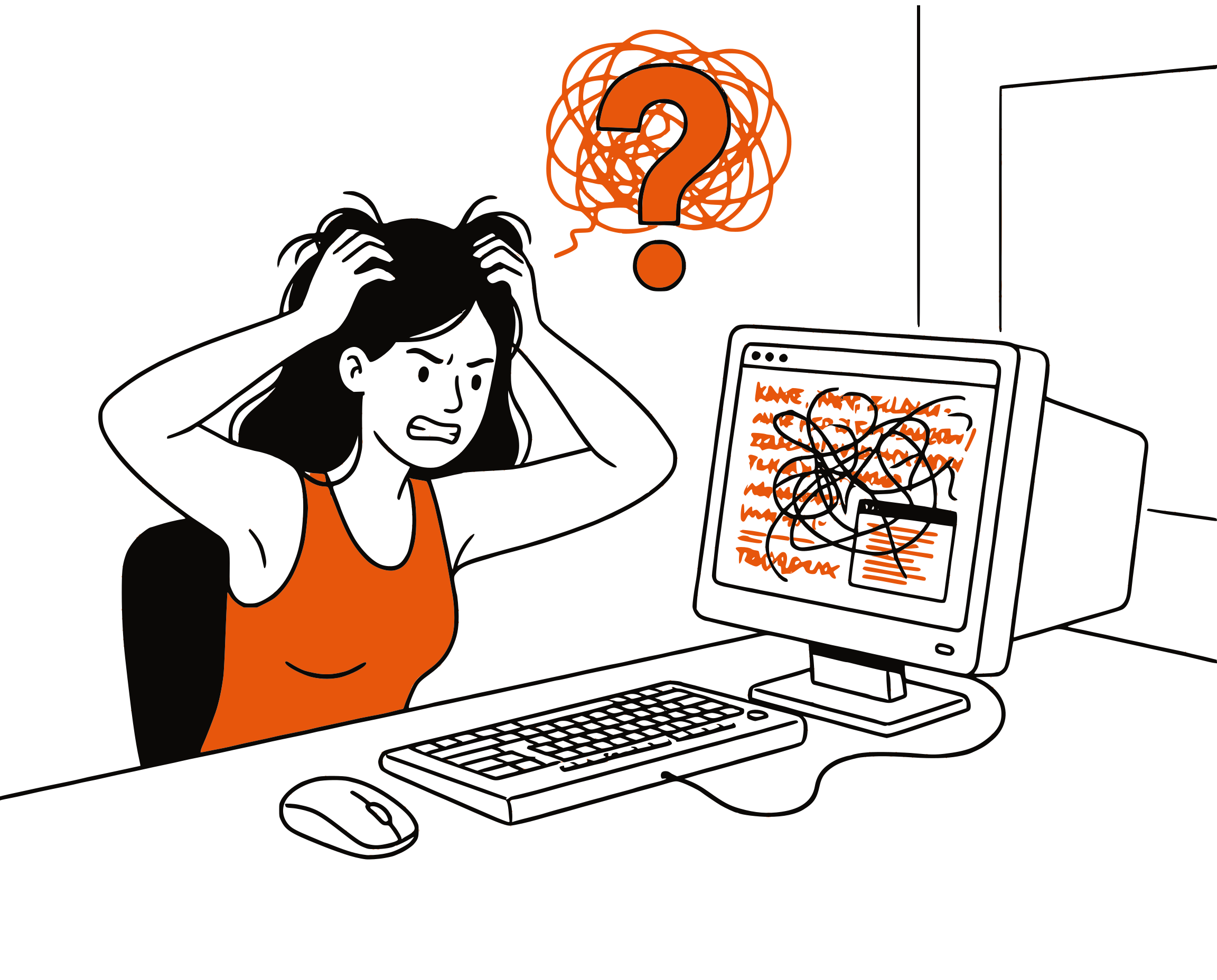
Thousands of Pages, Zero Audio
UWorld is the gold standard for USMLE, NCLEX, Bar, and other professional exam prep. Each question comes with detailed explanations — often 500+ words of critical reasoning. But there's no audio option. You're stuck reading on a screen, which limits when and how you can study.
Smart Reading
Reads Explanations, Skips UI Elements
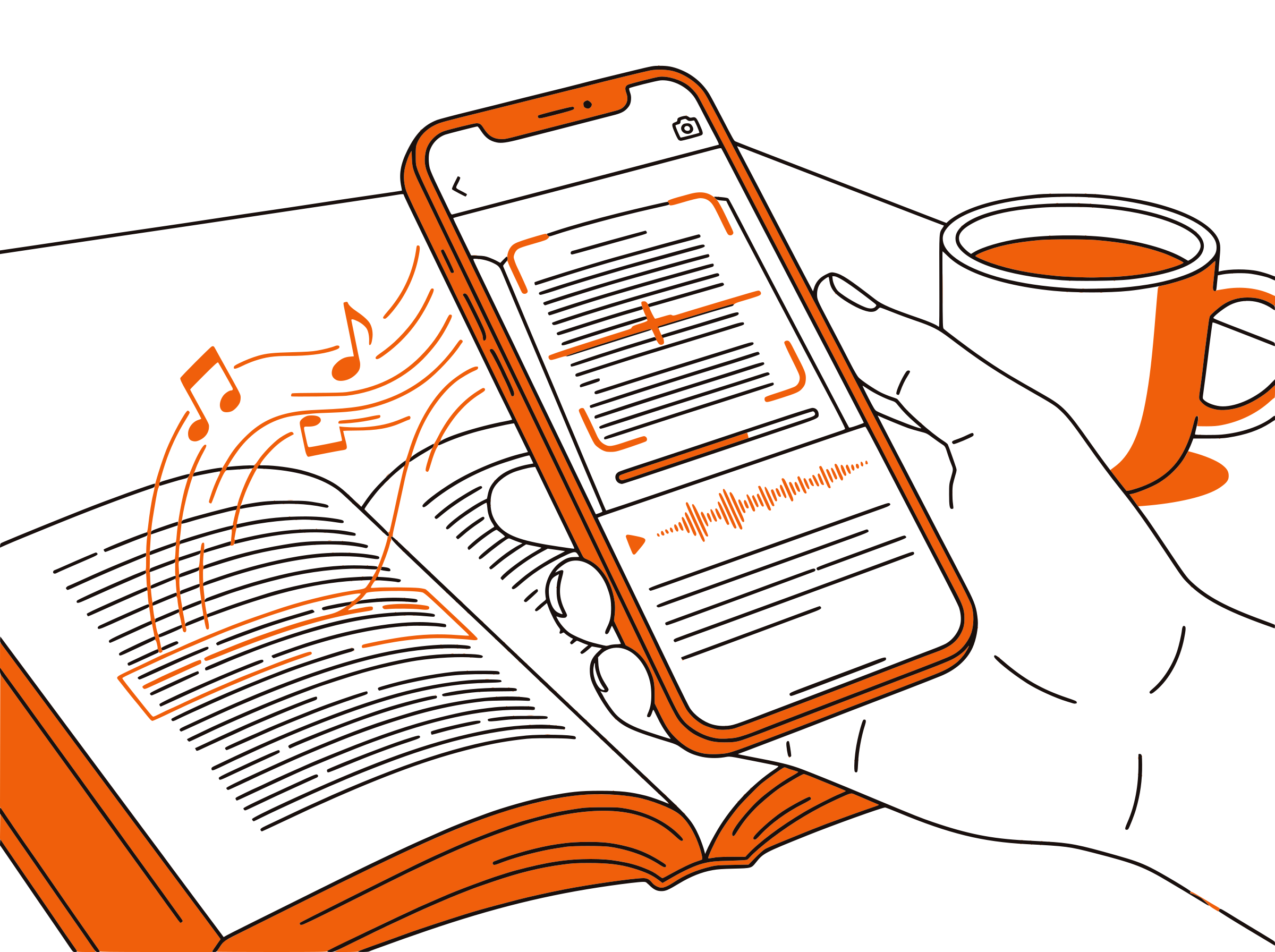
CastReader extracts only the explanation text — paragraphs, headings, and bullet points. It skips navigation buttons, question numbers, answer choices UI, and other interface elements that don't belong in audio.
Follow Along
Paragraph Highlighting
Each paragraph highlights as it's read aloud. Click any paragraph to jump there. The page auto-scrolls to follow along — perfect for visual reinforcement while listening.

Multi-Tasking
Study During Your Commute
Send audio to your phone via Telegram and listen to UWorld explanations during your commute, at the gym, or while doing chores. Turn dead time into study time.

100% Free
No Extra Cost for Audio
Completely free. No signup, no subscription, no usage limits. You're already paying for UWorld — CastReader adds audio at no extra cost.

UWorld Text to Speech in 2026: Your Complete Guide
UWorld is the most trusted question bank for medical, nursing, legal, and financial exam prep. Whether you're studying for the USMLE Step 1, NCLEX-RN, Bar Exam, or CPA, UWorld's detailed explanations are what set it apart from competitors. Each question explanation breaks down the reasoning, covers related concepts, and includes educational tables — often running 500-1,000 words per question.
The challenge: UWorld has no built-in audio feature. Every minute of studying means sitting in front of a screen reading text. For students who spend 6-8 hours a day on exam prep, this creates eye strain, fatigue, and wasted commute time. Many students wish they could listen to explanations while walking, driving, or exercising.
CastReader solves this by adding intelligent text-to-speech directly to UWorld's web interface. Install the free Chrome extension, open any UWorld question, and click play. CastReader reads the explanation aloud with natural AI voices in 40+ languages, highlighting each paragraph as it goes. You can follow along visually or just listen.
The integration is smart about what it reads. UWorld pages contain navigation elements, answer choice buttons, performance metrics, and other UI that shouldn't be read aloud. CastReader's extraction engine identifies the explanation content and reads only the educational text — paragraphs, headings, lists, and key takeaways.
For maximum study efficiency, use CastReader's Send to Phone feature. Start reading an explanation on your computer, tap the phone icon, and continue listening on your phone via Telegram. This turns your commute, gym session, or household chores into productive study time — perfect for the months-long marathon of exam preparation.
Frequently Asked Questions
Everything about UWorld text to speech
Does UWorld have text to speech?
No, UWorld does not have a built-in text-to-speech feature. CastReader adds TTS to UWorld's web interface as a free Chrome extension. It reads question explanations aloud with natural AI voices and paragraph highlighting.
Does UWorld have an audio option?
UWorld does not offer audio versions of its question explanations. CastReader fills this gap by converting any UWorld page into audio with intelligent content extraction that reads only the explanation text.
Can I listen to UWorld USMLE explanations?
Yes. Install CastReader, open any UWorld USMLE question, and click play. CastReader reads the explanation aloud, skipping UI elements like answer buttons and navigation. Works with Step 1, Step 2 CK, and Step 3 content.
Does CastReader work with UWorld NCLEX?
Yes. CastReader works with all UWorld question banks including NCLEX-RN, NCLEX-PN, USMLE, COMLEX, Bar Exam, CPA, CFA, and more. It reads any text content on the UWorld web platform.
Can I use CastReader with UWorld on my phone?
CastReader works on desktop Chrome and Edge browsers. For mobile listening, use the Send to Phone feature — start reading on your computer and stream the audio to your phone via Telegram.
Is CastReader free for UWorld?
Yes, 100% free. No signup, no subscription, no usage limits. You're already paying for your UWorld subscription — CastReader adds audio at no extra cost.
Does it read the answer choices or just the explanation?
CastReader's smart extraction focuses on the explanation text — the detailed reasoning, educational content, and key takeaways. It skips answer choice buttons, navigation elements, and performance metrics.
How many languages does CastReader support?
CastReader supports 40+ languages with natural AI voices. While UWorld content is primarily in English, CastReader can read any language and automatically selects the appropriate voice.
Can I adjust the reading speed?
Yes. CastReader lets you adjust the reading speed from 0.5x to 3x. Many students prefer 1.5x-2x speed for review sessions to cover more material in less time.
Does CastReader work with UWorld's self-assessment exams?
Yes. CastReader works on any UWorld page that contains text, including self-assessment exams, practice tests, and review modes. It reads the explanation content after you submit your answer.
Can I study UWorld while driving?
With CastReader's Send to Phone feature, you can stream UWorld explanations to your phone and listen during your commute. Review the explanations for questions you've already answered — turning drive time into study time.
Does it work with UWorld's mobile app?
CastReader works with UWorld's web interface (accessed through Chrome or Edge browser), not the mobile app. For the best experience, use UWorld in your desktop browser with CastReader installed.
Also Try
UWorld TTS Complete Guide
Step-by-step setup and tips for listening to UWorld
Listen to LexisNexis
Add TTS to legal research on LexisNexis
Listen to Canvas LMS
Listen to course materials on Canvas and WGU
Send to Phone
Stream UWorld audio to your phone for mobile study
Text to Speech for Students
How TTS helps students study more effectively
Listen to O'Reilly Books
Turn technical books into audio on O'Reilly Learning
Listen to Amboss
Add TTS to Amboss medical study library
Start Listening to UWorld Now
Completely free. No signup. No limits. Turn every UWorld explanation into audio.
★★★★★ 4.7 · Free · No login · No limits