Listen to Amboss — Turn Medical Knowledge into Audio
CastReader adds text-to-speech to Amboss. Click play on any article or study material — it reads aloud with paragraph highlighting and natural AI voices. Study smarter for USMLE, shelf exams, and clinical rotations.
Why CastReader is Perfect for Amboss
Built for medical students — master dense clinical content more efficiently
The Problem
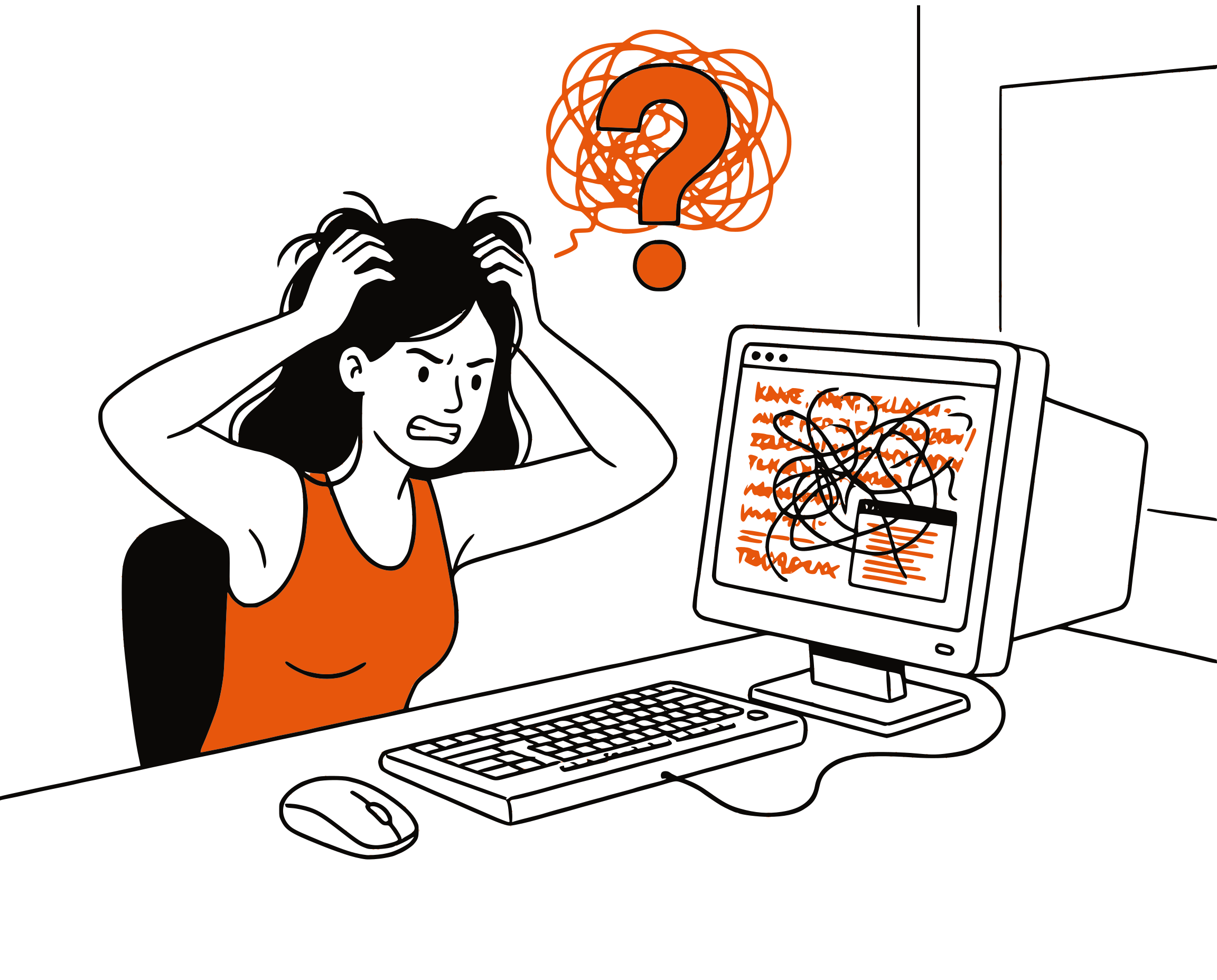
Medical Students Are Drowning in Dense Reading
Medical students spend 8+ hours daily reading dense, detail-rich content on Amboss. From pathophysiology to pharmacology, each knowledge library article packs thousands of words with critical clinical details. But Amboss has no built-in audio — every article means more screen time and eye fatigue.
Smart Extraction
Reads Article Content, Skips UI Clutter
Amboss pages include navigation menus, anchor links, Qbank prompts, highlight overlays, and sidebar tools. CastReader extracts only the article text — definitions, clinical pearls, diagnostic criteria, and treatment guidelines — for focused, uninterrupted audio.
Follow Along
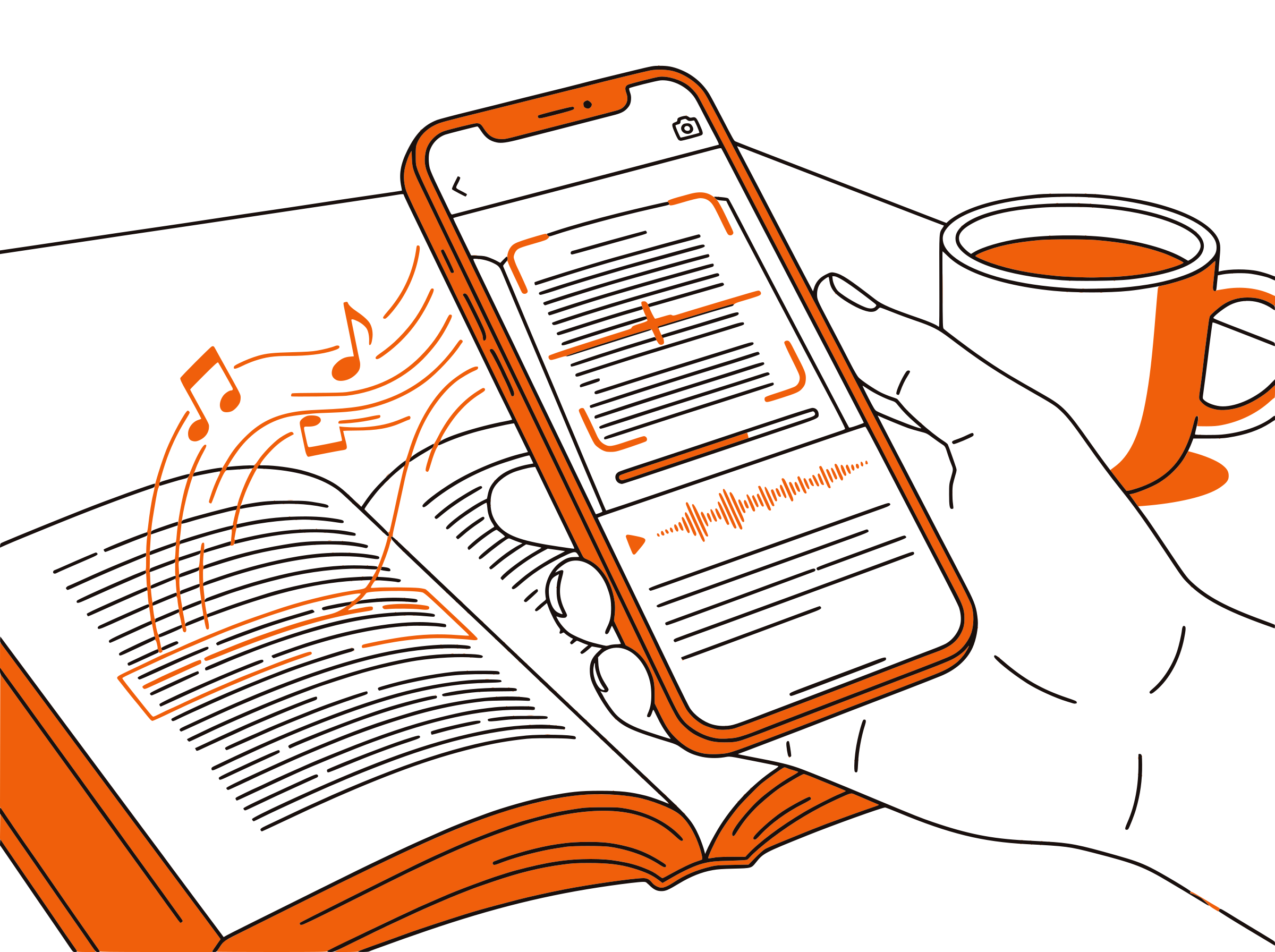
Paragraph Highlighting for Complex Medical Content
Each paragraph highlights as it's read aloud. For dense medical material full of drug names, lab values, and differential diagnoses, visual tracking while listening dramatically improves comprehension and retention.

Speed Control
Adjust Speed for Different Study Modes
Use 1.0x for first-time learning of new pathophysiology. Switch to 1.5x for reviewing articles before a shelf exam. Crank to 2x for rapid review during dedicated USMLE study blocks. CastReader's 0.5x-3x range adapts to every phase of medical education.

100% Free
No Extra Cost on Top of Your Amboss Subscription
Completely free. No signup, no subscription, no usage limits. You're already paying for Amboss — CastReader adds audio at zero additional cost so you can get more value from every article.

Amboss Text to Speech in 2026: Study Medicine by Listening
Amboss is one of the most comprehensive medical learning platforms available, trusted by over 2 million medical students and physicians worldwide. Its knowledge library covers thousands of clinical topics with deeply interconnected articles on anatomy, pathology, pharmacology, and clinical medicine. Combined with its integrated Qbank for USMLE Step 1, Step 2 CK, and NBME shelf exams, Amboss has become an indispensable resource throughout medical school and residency.
The challenge is volume. A single Amboss article on a topic like heart failure or diabetes mellitus can run thousands of words, packed with diagnostic criteria, treatment algorithms, drug dosages, and clinical pearls. Medical students are expected to absorb dozens of these articles per week across multiple organ systems. With no built-in audio option, every minute of study means eyes on a screen.
CastReader adds text-to-speech to Amboss as a free Chrome extension. Open any article in the Amboss knowledge library, click the extension icon, and listen to the content read aloud with natural AI voices. Each paragraph highlights as it's spoken, so you can follow along visually or close your laptop and just listen.
For USMLE preparation, audio study is a game-changer. Students can listen to Amboss articles during commutes, gym sessions, or meal prep — turning dead time into active review. The speed control feature lets you slow down for complex pathophysiology or speed up for familiar review topics. Many students report that hearing medical content reinforces the visual learning from reading and Qbank practice.
CastReader's paragraph-level navigation makes it easy to jump to specific sections within long Amboss articles. Reviewing just the treatment section of a cardiology article? Skip ahead. Need to re-hear a tricky diagnostic algorithm? Click that paragraph. Combined with the Send to Phone feature for mobile listening, CastReader transforms Amboss from a desk-only resource into a study companion that goes wherever you do.
Frequently Asked Questions
Everything about Amboss text to speech
Does Amboss have a built-in text-to-speech feature?
No, Amboss does not include built-in text-to-speech. The knowledge library articles and Qbank explanations are text-only. CastReader adds free TTS to any Amboss page, reading articles aloud with natural AI voices.
Can CastReader read Amboss knowledge library articles?
Yes. Install CastReader, open any article in the Amboss knowledge library, and click play. CastReader extracts the article content and reads it aloud with paragraph highlighting, skipping navigation and UI elements.
Does CastReader work with Amboss Qbank explanations?
Yes. After completing a Qbank question, CastReader can read the explanation text aloud. This is especially helpful for lengthy explanations that cover the reasoning behind correct and incorrect answers.
How can text-to-speech help with USMLE preparation?
TTS lets you study Amboss articles during commutes, workouts, and daily tasks — adding hours of review time without extra screen time. Hearing content reinforces visual learning, and speed control lets you adjust pace for new material versus rapid review.
Is CastReader useful for both Step 1 and Step 2 CK studying?
Absolutely. For Step 1, use CastReader to listen to basic science and pathophysiology articles. For Step 2 CK, listen to clinical management and treatment articles. The workflow is the same — different content, same audio benefit.
Can I adjust the reading speed on Amboss articles?
Yes. CastReader offers speed control from 0.5x to 3x. Use 1.0x for complex new topics, 1.5x for review, and 2x or higher for rapid pre-exam review of familiar material.
Can I listen to Amboss on my phone?
CastReader is a desktop browser extension for Chrome and Edge. Use the Send to Phone feature to stream audio to your mobile device, so you can listen to Amboss articles during commutes or at the gym.
Does CastReader support medical terminology pronunciation?
CastReader uses advanced AI voices that handle medical terminology well. While occasional complex terms may not be perfectly pronounced, the natural AI voices are clear enough for effective study and review.
What languages does CastReader support for Amboss?
CastReader supports 40+ languages with natural AI voices. This is useful since Amboss offers content in English and German — CastReader can read both language versions aloud.
Is CastReader free for medical students?
Yes, 100% free. No signup, no subscription, no usage limits. You're already paying for your Amboss subscription — CastReader adds audio at zero additional cost.
Also Try
Listen to UWorld
Add TTS to UWorld Qbank questions and explanations
Listen to UpToDate
Add TTS to UpToDate clinical decision articles
Listen to PubMed
Add TTS to PubMed research abstracts and articles
Listen to Canvas LMS
Add TTS to Canvas courses and assignments
Listen to Coursera
Add TTS to Coursera courses and specializations
Text to Speech for Students
How TTS helps students study more effectively
Start Listening to Amboss Now
Completely free. No signup. No limits. Turn every Amboss article into audio.
★★★★★ 4.7 · Free · No login · No limits