Convert Any PDF to Audiobook — Free
Upload a PDF and get a natural AI audiobook in seconds. Multi-column layouts, academic papers, textbooks — all handled automatically. No signup, no limits.
Drag and drop your PDF here
or click to browse
Supports PDF, EPUB, DOCX, TXT, MD, HTML
Why CastReader Is the Best Free PDF to Audiobook Converter
Purpose-built for PDFs — handles layouts that break every other converter.
Multi-Column PDFs
Academic Papers Just Work
Two-column research papers, three-column newsletters, mixed layouts with figures and tables. CastReader detects column structure and reads in the correct order. Headers, footers, page numbers, and figure captions are automatically filtered out.
Textbook Ready
From Textbook Chapter to Audio in 30 Seconds
Upload a textbook PDF and listen to it on the bus. CastReader preserves chapter structure, skips formatting artifacts, and handles the complex layouts that textbook publishers love. Each chapter becomes a separate audio track you can download.
40+ Languages
PDFs in Any Language
Upload a PDF in French, Japanese, German, or Arabic. CastReader auto-detects the language and uses a native AI voice. Perfect for language learners — read along in the PDF while listening to correct pronunciation.
No Software
No Adobe Reader, No Calibre, No Install
Open this page, drop your PDF, listen. Works on any device with a browser — Chromebooks, school laptops, library computers. No desktop software to install, no plugins, no account to create.
PDF to Audiobook: The Complete Guide (2026)
PDFs are the most common document format on the internet — and the hardest to convert to audio. The reason is simple: a PDF is a visual format, not a text format. It describes where ink goes on a page. A two-column academic paper is just coordinates and glyphs. A scanned textbook is literally a stack of images. Most 'PDF to audio' tools don't actually handle any of this — they call a basic text extraction library, get garbled output, and feed it to a TTS engine. The result sounds like someone reading a phone book.
CastReader's PDF pipeline is different. It uses a multi-pass extraction process: first, it detects the page layout (single column, two-column, mixed). Then it reads text in the correct order — left column before right column, body text before footnotes. It identifies and strips headers, footers, page numbers, running heads, and figure captions. For scanned PDFs, it runs OCR. The output is clean, ordered paragraphs ready for the TTS engine.
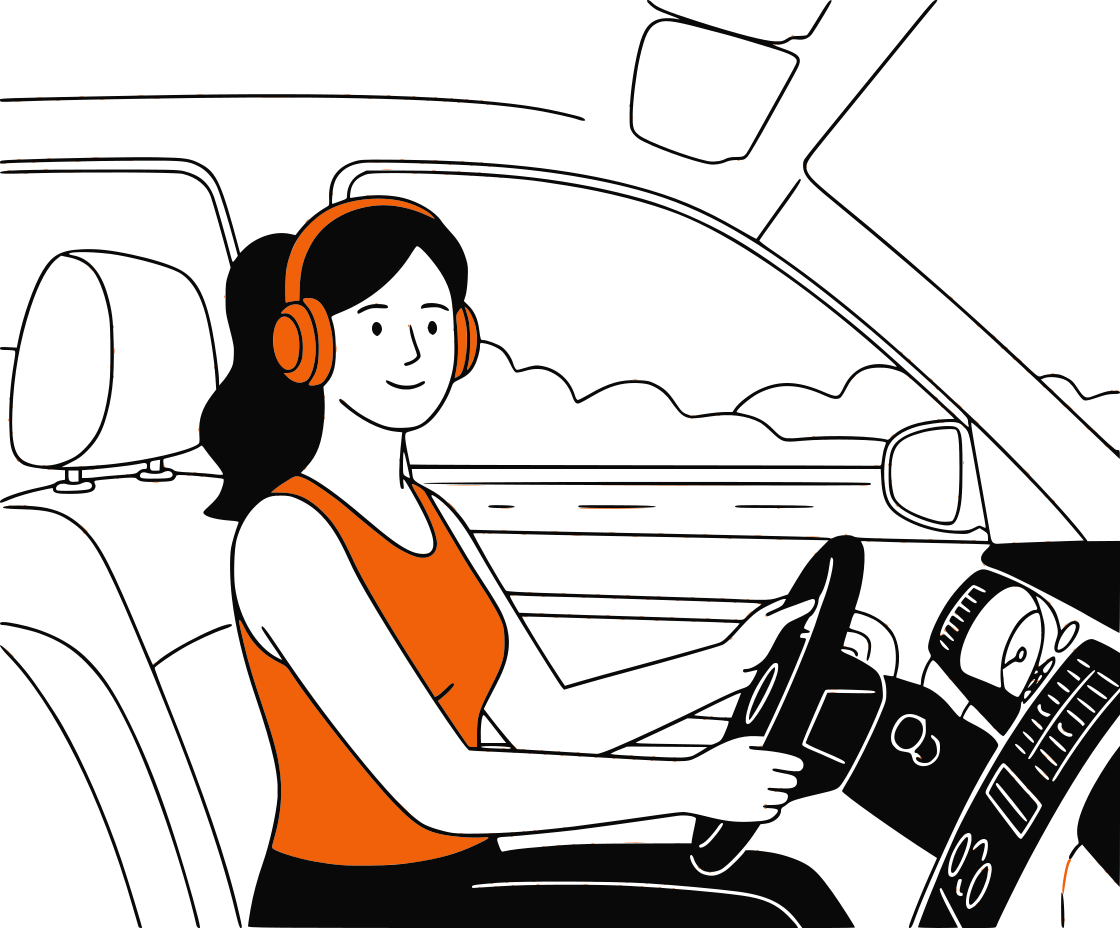
The TTS engine itself uses Kokoro, an open-source neural voice model that produces speech natural enough for hour-long listening. It's not a robotic voice from 2018 — it handles emphasis, pauses, and sentence flow in a way that makes academic papers actually listenable. You can download the result as MP3 and listen on your phone, in your car, or on any audio player.
Who converts PDFs to audiobooks? More people than you'd expect. Graduate students listen to research papers during their commute — reading 20 papers a week on screen causes eye strain; listening to 10 of them while walking is sustainable. Law students convert casebook chapters to audio for review. Medical residents listen to clinical guidelines between shifts. Language learners upload foreign-language PDFs and listen along while reading. Teachers create audio versions of reading assignments for students with dyslexia or visual impairments.
The alternatives are expensive. NaturalReader charges $60/year for PDF upload. Speechify charges $139/year. Adobe Acrobat's built-in 'Read Aloud' uses the old robotic system voice and can't handle two-column layouts. Voice Dream Reader is $15 and iOS-only. CastReader is free — no daily limit, no page cap, no signup. Upload a 500-page textbook and it works the same as a 2-page handout.
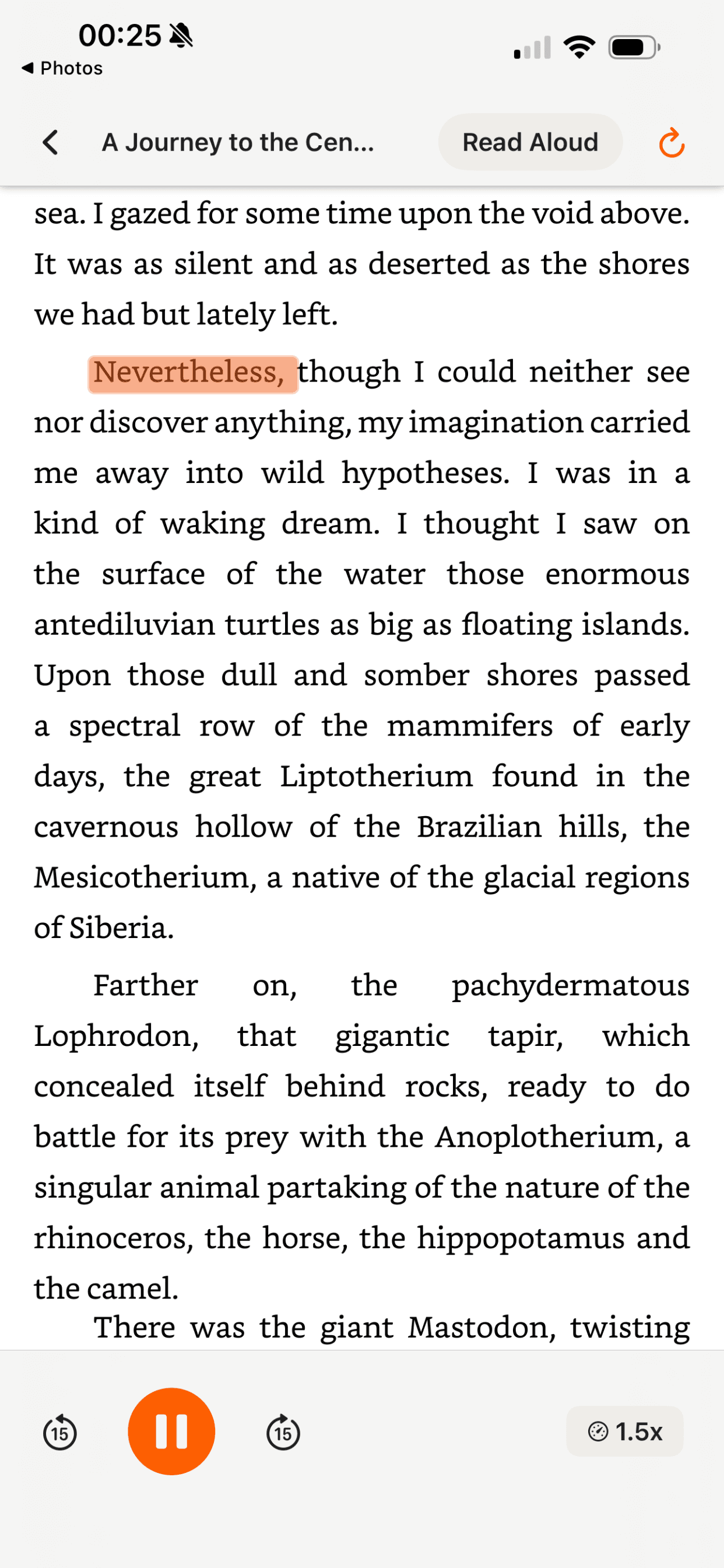
For PDFs you access regularly online — academic databases, government documents, company reports — consider installing the free CastReader Chrome extension. Instead of downloading and uploading, it reads the PDF directly in your browser tab with paragraph highlighting and speed control. One click, instant playback.
PDF to Audiobook FAQ
Common questions about converting PDFs to audio
Can I convert any PDF to an audiobook for free?+
Yes. Upload any PDF — textbooks, research papers, reports, novels, manuals — and CastReader converts it to natural AI audio for free. No signup, no page limit, no daily cap. Other tools like NaturalReader ($60/yr) and Speechify ($139/yr) charge for this feature.
Does it handle two-column academic papers?+
Yes. CastReader's PDF pipeline detects multi-column layouts and reads text in the correct order (left column first, then right). It also filters out headers, footers, page numbers, figure captions, and table labels so the narrator reads only the actual content.
What about scanned PDFs (image-only)?+
CastReader runs OCR on scanned PDFs to extract text from page images. Results are best with clear, high-resolution scans. Handwritten documents and very old/degraded scans may have limited accuracy. For best results, use PDFs with selectable text.
Can I download the audiobook as MP3?+
Yes. After your PDF is processed, each chapter becomes a separate audio track. You can play them in the browser or download as MP3 files for offline listening on your phone, car, or any audio player.
How long does it take to convert a PDF?+
Most PDFs process in under 30 seconds. A 500-page textbook might take a minute or two. You'll see a progress indicator, and the reader opens automatically when processing is complete.
Is this better than Adobe Acrobat's Read Aloud?+
Significantly. Adobe's built-in 'Read Aloud' uses old system voices (robotic and unnatural), can't handle multi-column layouts, and reads page numbers and headers aloud. CastReader uses neural AI voices, detects layout structure, filters noise, and lets you download the audio as MP3.
How does this compare to NaturalReader and Speechify?+
NaturalReader charges $60/year for PDF upload. Speechify charges $139/year. CastReader is free. Voice quality is comparable — all three use neural AI voices. CastReader's additional advantage: the free Chrome extension reads PDFs directly in your browser tab without downloading, and works on sites that block other tools.
Can I use this for language learning with foreign-language PDFs?+
Absolutely. Upload a PDF in your target language — French, Japanese, Spanish, Arabic, or 40+ others. CastReader auto-detects the language and uses a native AI voice. Read along in the PDF while listening for pronunciation and comprehension practice.
Is my PDF private and secure?+
Yes. Your PDF is processed on our servers for text extraction and audio generation, then available only to you. We don't share, sell, or use your documents for training. No account required means no tracking.
What's the maximum file size?+
Up to 100MB. For very long PDFs, the system processes them chapter by chapter. Each chapter becomes a separate audio track you can play or download independently.
Can I listen to online PDFs without downloading them?+
Yes — install the free CastReader Chrome extension. It reads PDFs open in your browser tab directly, with paragraph highlighting and speed control. No downloading, no uploading. Perfect for academic databases, arXiv, government sites, and any PDF you view in Chrome.
Does it work with password-protected PDFs?+
If you can open and view the PDF (i.e., you know the password), the text extraction will work after you unlock it. Fully encrypted PDFs that you cannot open are not supported — you need access to the content for any converter to work.
PDF not converting correctly? Send it to our debug team
More PDF & Document Tools
Listen to PDF in Browser
Read any PDF aloud directly in Chrome — no download needed
EPUB to Audiobook
Convert EPUB, DOCX, and other documents to audio
Free Text to Speech
Convert any text to natural AI speech — no signup, no limits
Free Audiobooks Library
70,000+ public domain books you can listen to for free
Listen to Kindle Books
The only TTS that works on Kindle Cloud Reader
TTS for Dyslexia
How dual-channel reading helps — tools and techniques