Listen to PDF Files
Open any PDF in your browser and listen to it with natural AI voices. CastReader reads PDFs aloud with paragraph highlighting.
气候变化适应年度报告
全球研究院 · 2024
气候变化适应已成为全球各国政府和组织的关键优先事项。随着极端天气事件的频率和强度不断增加,建立有效的适应策略变得前所未有的紧迫。
有效的适应措施需要将科学证据与当地知识相结合,制定因地制宜的响应方案。这包括基础设施升级、预警系统建设和社区韧性能力提升。
朗读 PDF 文档 — 逐词高亮跟随朗读
Why Listen to PDFs with CastReader?
Turn any PDF into an audiobook experience
Any PDF
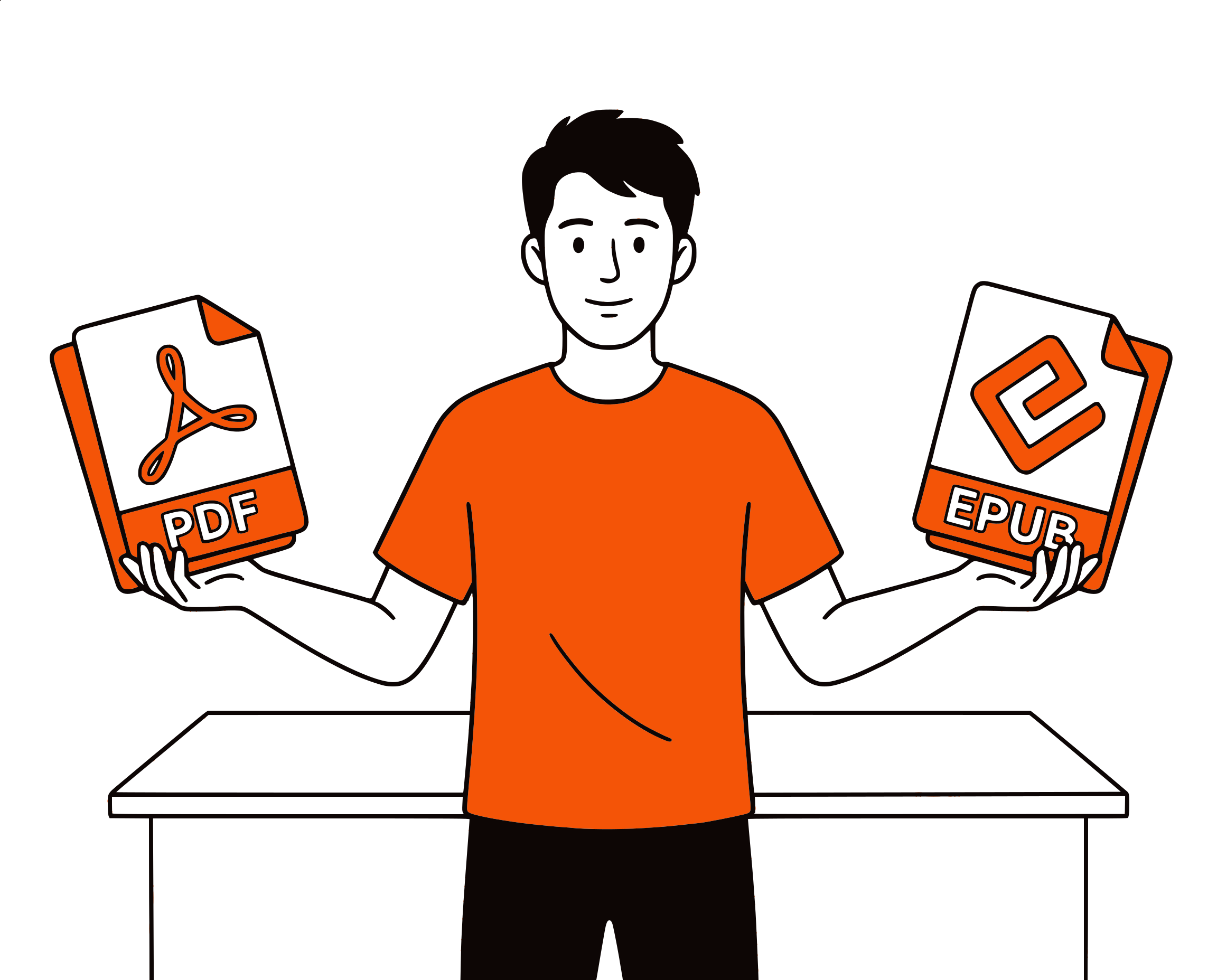
Read PDFs in Your Browser
Open any PDF in Chrome or Edge, click the CastReader icon, and it reads the document aloud. Works with text-based PDFs of any length.
Natural Voices
AI Voices, Not Robotic
CastReader uses the Kokoro AI model for natural-sounding voices in 40+ languages. Far better than built-in browser TTS.
Follow Along
Paragraph Highlighting
The current paragraph is highlighted as it reads. Click any paragraph to jump there. Never lose your place.
100% Free
No Limits, No Account
Completely free. No signup, no limits, no subscription. Listen to unlimited PDFs.

Frequently Asked Questions
Everything you need to know about listening to content with CastReader
How do I listen to a PDF?
Open the PDF in Chrome or Edge (drag it into the browser or use File > Open), then click the CastReader icon. It reads the PDF aloud.
Does it work with scanned PDFs?
CastReader works with text-based PDFs. Scanned PDFs (images of text) are not supported — the PDF needs to contain selectable text.
Is it free?
Completely free with no limits. No account needed.
Can I adjust playback speed?
Yes. Use the floating player to control speed.
Does it highlight text?
Yes. Paragraph-level highlighting with auto-scroll.
What languages are supported?
40+ languages with natural AI voices.
Does it work on Edge?
Yes. CastReader is available on both Chrome and Edge.
Can it read long PDFs?
Yes. CastReader handles PDFs of any length, reading them section by section with continuous playback.
立即开始收听
完全免费。无需注册。没有限制。安装即可开始收听。
★★★★★ 4.7 · Free · No login · No limits