Listen to Coursera — Turn Any Course into Audio
CastReader adds text-to-speech to Coursera. Click play on any lecture transcript, reading, or assignment — it reads aloud with paragraph highlighting and natural AI voices. Learn from Stanford, Yale, Google, and IBM courses hands-free.
Why CastReader is Perfect for Coursera
Built for MOOC learners — study smarter across any specialization
The Problem
World-Class Courses, Screen-Only Reading
Coursera offers 7,000+ courses from top universities and companies — Stanford, Yale, Google, IBM, Meta. While video lectures have audio, supplementary readings, peer-graded assignment briefs, discussion prompts, and lecture transcripts are all text-only. That's hours of reading per week with no listen option.

Smart Extraction
Reads Course Content, Skips Platform Chrome
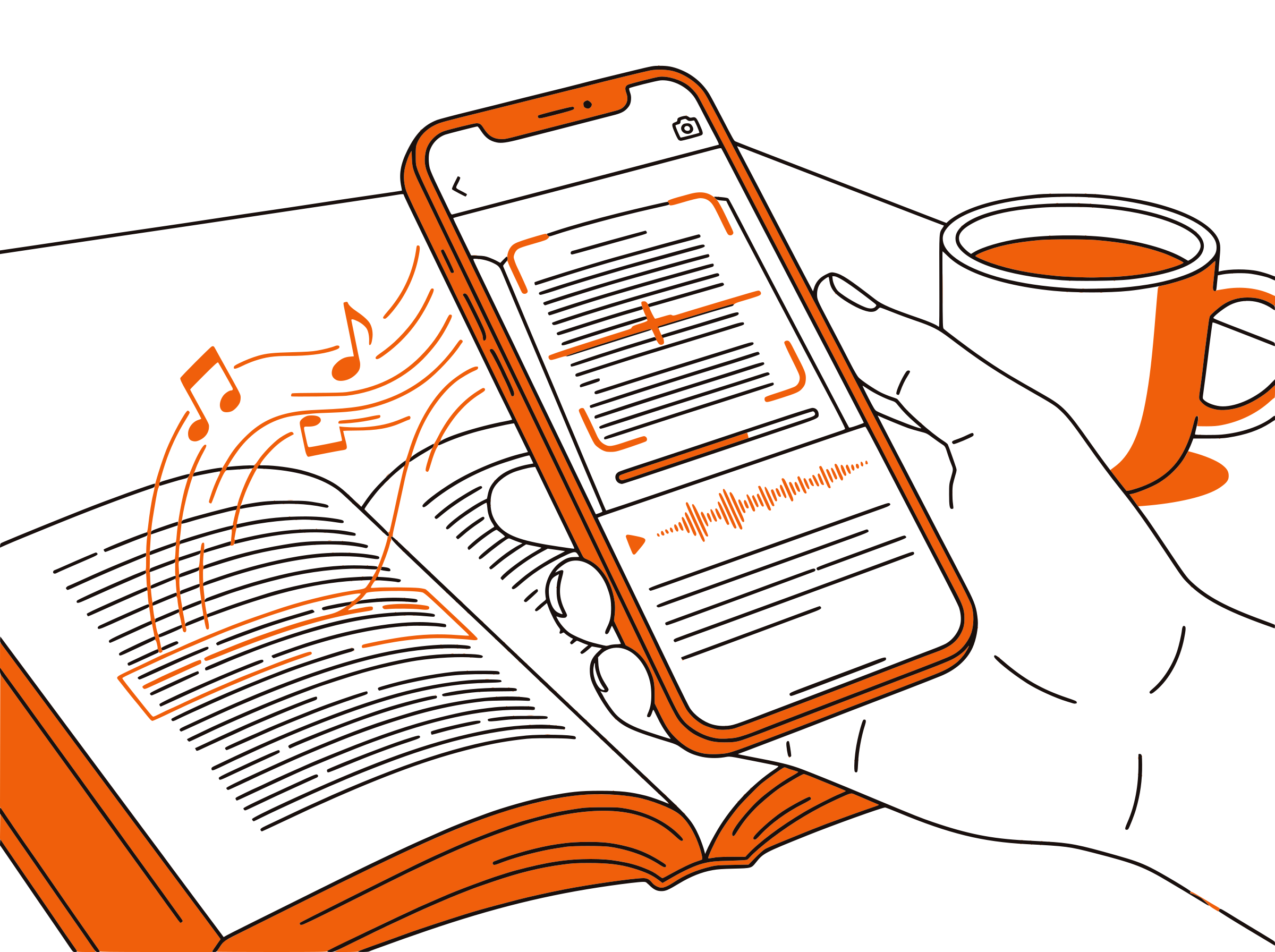
Coursera pages include navigation bars, enrollment prompts, progress widgets, and sidebar recommendations. CastReader extracts only the educational content — lecture transcripts, reading materials, assignment instructions, and discussion posts — for clean, focused audio.
Follow Along
Paragraph Highlighting While Listening
Each paragraph highlights as it's read aloud. Follow along visually while listening for dual-channel learning — research shows combining reading and listening improves comprehension by up to 30%. Essential for dense material from university-level courses.

Flexible Pace
Speed Control for Different Course Types
Use 1.0x for dense technical material from Stanford's machine learning courses. Switch to 1.5x for review passes before graded quizzes. Crank to 2x for skimming supplementary readings. Adjustable from 0.5x to 3x to match your learning pace and course difficulty.

100% Free
No Extra Cost on Top of Coursera
Completely free. No signup, no subscription, no usage limits. Whether you're auditing courses for free or paying for a Coursera Plus subscription, CastReader adds audio at zero additional cost.

Coursera Text to Speech in 2026: Listen to the World's Best Courses
Coursera is the world's largest MOOC platform with over 130 million learners and 7,000+ courses from 300+ top universities and companies. From Stanford's machine learning specialization to Google's data analytics certificate, Coursera has become the go-to platform for career advancement, skill building, and lifelong learning. Courses range from free audit tracks to paid certificates and full online degrees.
While Coursera's video lectures include spoken instruction, a significant portion of every course is text-based. Supplementary readings, lecture transcripts, peer-graded assignment briefs, quiz explanations, discussion forum posts, and course notes all require reading on screen. For learners juggling full-time jobs, family responsibilities, or multiple courses in a specialization, this text-heavy material creates a bottleneck.
CastReader adds text-to-speech to Coursera as a free Chrome extension. Open any course page on coursera.org — a lecture transcript, a reading assignment, a peer review brief — click the extension icon, and listen to the content read aloud with natural AI voices. Each paragraph highlights as it's spoken, so you can follow along visually or just listen.
The combination of audio and visual learning is especially powerful for Coursera's diverse content. Technical courses benefit from slower speeds where you can hear complex terminology while reading formulas or code. Business and humanities courses work well at faster speeds during commutes or exercise. Specialization tracks with dozens of courses become more manageable when you can study during previously unproductive time.
CastReader supports 40+ languages with natural AI voices, matching Coursera's global reach. Whether you're taking a course in English, Spanish, French, or Mandarin, CastReader reads the content in the page's language. Combined with adjustable speed from 0.5x to 3x and the Send to Phone feature for mobile listening, CastReader transforms Coursera from a screen-bound experience into a flexible, audio-enhanced learning platform.
Frequently Asked Questions
Everything about Coursera text to speech
Does Coursera have a built-in text-to-speech feature?
No, Coursera does not offer built-in text-to-speech. Video lectures have audio, but supplementary readings, lecture transcripts, assignment briefs, and discussion posts are text-only. CastReader adds free TTS to any Coursera page.
Can I listen to Coursera courses with CastReader?
Yes. Install CastReader, open any course page on coursera.org, and click play. CastReader reads lecture transcripts, readings, assignment instructions, and any other text content aloud with paragraph highlighting.
Is CastReader free for Coursera learners?
Yes, 100% free. No signup, no subscription, no usage limits. Whether you're auditing free courses or enrolled in Coursera Plus, CastReader adds audio at no additional cost.
Can I adjust the reading speed on Coursera?
Yes. CastReader offers adjustable speed from 0.5x to 3x. Use slower speeds for dense technical material and faster speeds for review passes or lighter readings.
Does CastReader work on my phone with Coursera?
CastReader works on desktop Chrome and Edge browsers. Use the Send to Phone feature to stream audio to your mobile device via Telegram for listening on the go.
What languages does CastReader support for Coursera?
CastReader supports 40+ languages with natural AI voices. It reads Coursera content in whatever language the page is written in — English, Spanish, French, Mandarin, Arabic, and more.
Can I use CastReader offline with Coursera?
CastReader requires an internet connection to generate speech. For offline study, download Coursera's mobile app for video content and use CastReader when you're back online for text-based materials.
Does CastReader work with Coursera certificates and specializations?
Yes. CastReader works on any Coursera page — individual courses, professional certificates, specialization tracks, and MasterTrack programs. All text content on the page can be read aloud.
Can CastReader read Coursera peer-graded assignments?
Yes. CastReader reads assignment instructions, rubrics, and peer submissions displayed as text on the page. It's especially useful for understanding detailed rubric criteria before submitting your work.
Does CastReader work with other learning platforms besides Coursera?
Yes. CastReader works on any website. It supports Coursera, Canvas LMS, Sophia Learning, O'Reilly, AWS Skill Builder, arXiv, and any other web-based learning platform.
Also Try
Listen to Canvas LMS
Add TTS to Canvas courses at universities worldwide
Listen to Sophia Learning
Add TTS to Sophia's self-paced college credit courses
Listen to O'Reilly
Add TTS to O'Reilly technical books and courses
Listen to AWS Skill Builder
Add TTS to AWS training and certification materials
Listen to arXiv
Add TTS to arXiv research papers and preprints
Text to Speech for Students
How TTS helps students study more effectively
Start Listening to Coursera Now
Completely free. No signup. No limits. Turn every Coursera course into audio.
★★★★★ 4.7 · Free · No login · No limits