Listen to Canvas Course Materials — Turn Online Classes into Audio
CastReader adds text-to-speech to Canvas LMS. Click play on any assignment, announcement, or course page — it reads aloud with paragraph highlighting and natural AI voices. Perfect for WGU, university, and college students.
Why CastReader is Perfect for Canvas LMS
Built for online learners — make the most of every study session
The Problem
Walls of Text, No Audio Option
Canvas LMS is used by thousands of universities, colleges, and K-12 schools worldwide. Course materials — assignments, syllabi, announcements, discussion prompts — are all text-heavy. Canvas has no built-in text-to-speech, leaving students to read everything on screen.

Smart Extraction
Reads Content, Skips Navigation
Canvas pages are surrounded by navigation menus, sidebar links, breadcrumbs, and footer elements. CastReader extracts only the course content — assignment descriptions, page text, announcements — and reads just that.
Follow Along
Paragraph Highlighting
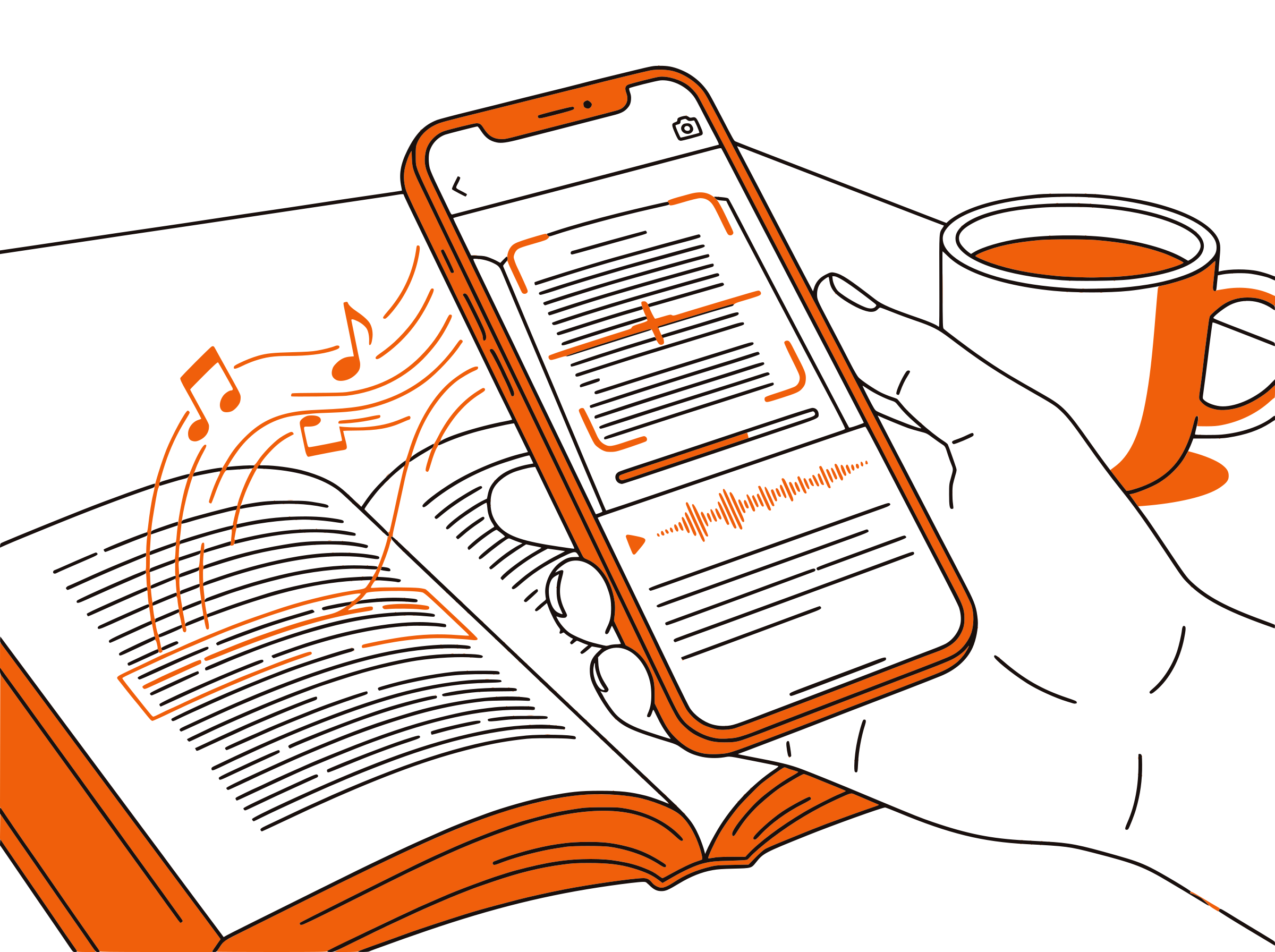
Each paragraph highlights as it's read aloud. Click any paragraph to jump there. The page auto-scrolls to follow the reading — great for reinforcing comprehension while listening.

Accessibility
Perfect for IEP & 504 Accommodations
Many students have IEP or 504 accommodations that require text-to-speech tools. CastReader provides free, unlimited TTS on Canvas — no special institutional software needed, no IT department approval required.

100% Free
No Cost, No Limits
Completely free. No signup, no subscription, no usage limits. Works with any Canvas instance — whether your school uses canvas.instructure.com or a custom domain.

Canvas LMS Text to Speech in 2026: Options for Students
Canvas by Instructure is the most widely used learning management system in higher education, powering courses at thousands of universities including Western Governors University (WGU), Arizona State University, Penn State, and many more. Students spend hours each week reading assignments, discussion prompts, course pages, and announcements — all delivered as text in Canvas.
Canvas does not include built-in text-to-speech. Some institutions purchase separate accessibility tools like Read&Write or Kurzweil, but these often require IT approval, institutional licenses, and training. Many students — especially those at online universities like WGU — need a simpler solution they can set up themselves in seconds.
CastReader fills this gap as a free Chrome extension. Install it once, open any Canvas page, and click the extension icon to start listening. CastReader reads assignment descriptions, course pages, announcements, and discussion prompts aloud with natural AI voices. Each paragraph highlights as it's read, so you can follow along visually.
For WGU students, this is especially valuable. WGU's competency-based model means students work through large volumes of text independently, often reading course materials for 4-6 hours a day. CastReader lets you listen during walks, commutes, or exercise — turning passive time into study time. The adjustable speed (0.5x-3x) lets you slow down for complex topics or speed through review material.
CastReader also supports IEP and 504 accommodation needs. Students with dyslexia, ADHD, visual impairments, or other learning differences often require text-to-speech as an accommodation. CastReader provides this for free, without requiring institutional approval — students install it themselves and start using it immediately on any Canvas course.
Frequently Asked Questions
Everything about Canvas LMS text to speech
Does Canvas LMS have text to speech?
Canvas does not have built-in text-to-speech. Some institutions add third-party tools like Ally or Read&Write, but these require institutional licenses. CastReader adds free TTS to any Canvas instance — install the Chrome extension and start listening.
Does CastReader work with WGU Canvas?
Yes. CastReader works with WGU's Canvas instance and any other Canvas deployment. It reads course materials, assignments, announcements, and pages aloud regardless of how your school has configured Canvas.
Is CastReader free for Canvas?
Yes, 100% free. No signup, no subscription, no usage limits. Works with any Canvas LMS instance at any school.
Can I use CastReader for IEP or 504 accommodations?
Yes. CastReader provides text-to-speech that meets common IEP and 504 accommodation requirements. Students can install it themselves — no IT approval or institutional license needed.
Does it read assignment instructions?
Yes. CastReader reads all text content on Canvas pages including assignment descriptions, due dates, rubric text, announcements, discussion prompts, and course module pages.
Can I listen to Canvas on my phone?
CastReader works on desktop Chrome and Edge browsers. Use the Send to Phone feature to stream Canvas audio to your phone via Telegram for mobile listening.
Does it work with Canvas quizzes?
CastReader can read quiz questions and answer choices aloud. However, it works best with text-heavy content like assignments, course pages, and announcements.
What if my school uses a custom Canvas domain?
CastReader works on any Canvas deployment regardless of the domain. Whether your school uses canvas.instructure.com, a custom subdomain, or a branded URL, CastReader detects the Canvas content and reads it aloud.
Can I adjust the reading speed?
Yes. CastReader offers adjustable speed from 0.5x to 3x. Many students use 1.5x for regular reading and 2x for review sessions.
Does CastReader work with other LMS platforms?
CastReader works on any web page, so it can read content from Blackboard, Moodle, Brightspace, and other LMS platforms — not just Canvas.
How does CastReader help with online learning?
Online students spend hours reading on screens. CastReader lets you listen to course materials while doing other activities, reduces eye strain, improves comprehension through dual-channel learning (visual + audio), and makes studying more flexible.
Does it work with Canvas discussion boards?
Yes. CastReader reads discussion prompts and replies on Canvas discussion boards. Navigate to any discussion page and click play to listen.
Also Try
Canvas TTS Complete Guide
Step-by-step setup for Canvas LMS text to speech
Listen to Sophia Learning
Add TTS to Sophia college credit courses
Text to Speech for Students
How TTS helps students study more effectively
Text to Speech for Dyslexia
TTS tools for students with dyslexia
Send to Phone
Stream course materials to your phone
Listen to UWorld
Add TTS to UWorld exam prep
Listen to Coursera
Add TTS to Coursera courses and specializations
Start Listening to Canvas Now
Completely free. No signup. No limits. Turn every Canvas page into audio.
★★★★★ 4.7 · Free · No login · No limits