Listen to Udacity — Nanodegree Readings as Audio
CastReader adds text-to-speech to Udacity. Click play on any nanodegree reading, classroom material, or blog article — it reads aloud with paragraph highlighting and natural AI voices. Career-switcher friendly.
Why CastReader is Built for Udacity
For career switchers, working professionals, and tech learners
The Problem
Nanodegrees, Tech Blogs, Heavy Reading Loads
Udacity offers career-focused nanodegrees in data science, AI, autonomous systems, cybersecurity, and cloud — designed in partnership with Google, Amazon, IBM, Microsoft. Each nanodegree mixes video lectures with substantial readings, project briefs, and rubric documents. The Udacity Blog (udacity.com/blog) publishes hundreds of long-form career articles. All text-only.

Career Switchers
Built for People Studying After Work
Udacity's core audience is working professionals switching into tech — squeezing study into commutes, lunch breaks, and post-dinner hours. CastReader makes that study time portable. Listen to a data science nanodegree reading on the train. Replay a project brief while doing dishes. Scan a career blog post during a workout. The eyes get a break, the learning continues.

Smart Extraction
Reads the Material, Skips the Marketing
Udacity classroom and blog pages include navigation, enrollment widgets, project showcases, and course recommendations. CastReader extracts only the educational content — readings, project briefs, blog articles — so audio stays focused on what you're actually learning.
Follow Along
Paragraph Highlighting While Listening
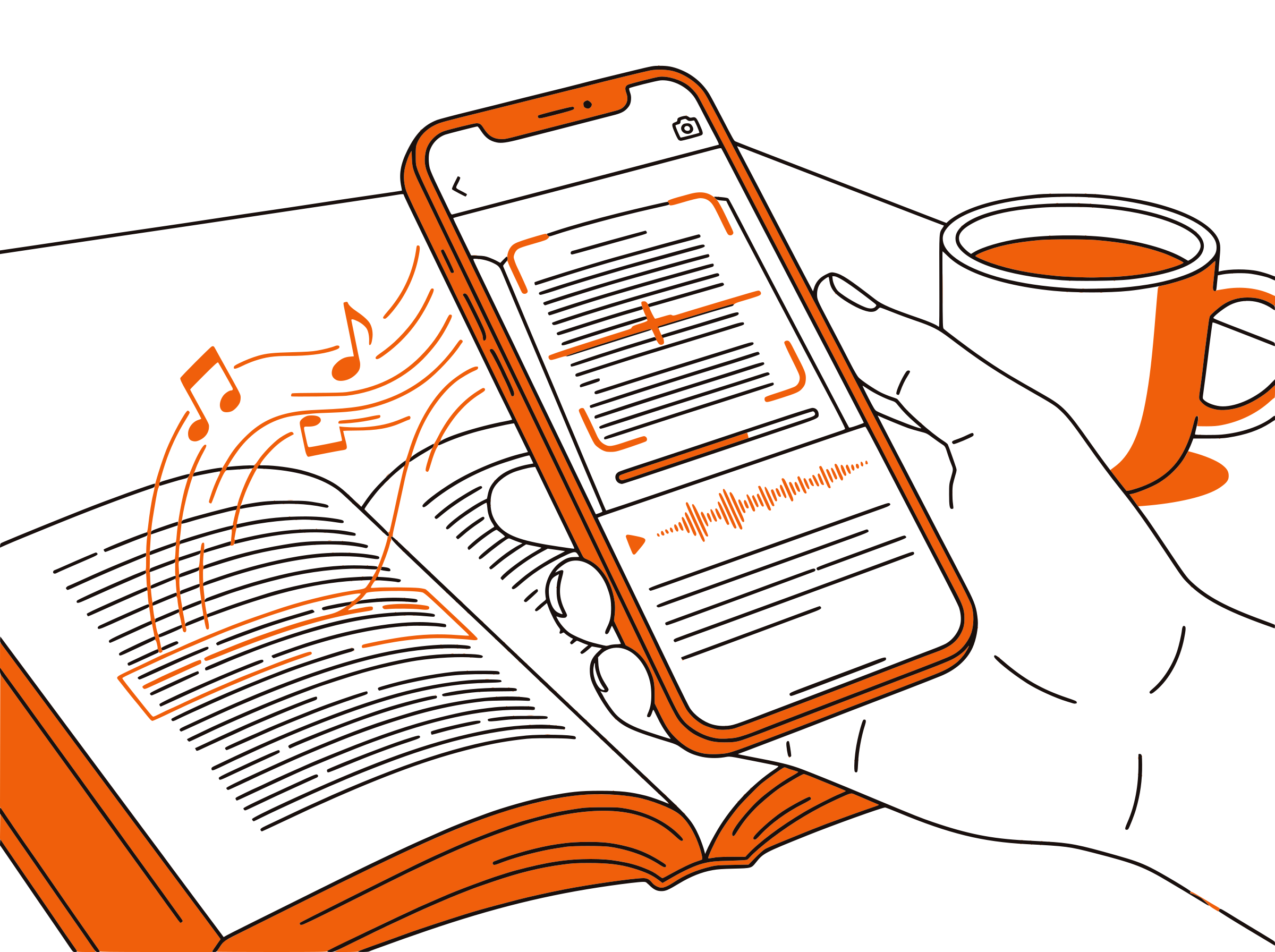
Each paragraph highlights as it's read aloud. For technical readings — neural network primers, AWS architecture explanations, cybersecurity threat models — the dual-channel input keeps focus locked. Especially helpful when reading dense material after a long workday.

100% Free
No Extra Cost on Top of Udacity
Completely free. No signup, no subscription, no usage limits. Whether you're enrolled in a paid nanodegree, on Udacity for Government, or just reading the free blog, CastReader adds audio at zero additional cost.

Udacity Text to Speech in 2026: Nanodegrees and Career Audio
Udacity is the original tech-focused MOOC platform — founded in 2011 by Sebastian Thrun (Stanford AI lab, Google self-driving car project) — and has stayed laser-focused on career-relevant tech skills. Its nanodegree programs in data science, machine learning, AI, autonomous systems, cybersecurity, cloud architecture, and product management are co-designed with Google, Amazon, IBM, Microsoft, NVIDIA, and Mercedes-Benz. The Udacity Blog at udacity.com/blog complements courses with career strategy, technology explainers, and skill-building articles.
Nanodegree learners are mostly working professionals — software engineers expanding into ML, business analysts moving into data science, IT pros pivoting to cybersecurity. They study after work, on weekends, during commutes. Each nanodegree includes substantial reading: project briefs (often 5–10 pages), reference material, capstone documentation, rubric explanations. The Udacity Blog adds career-strategy articles and technical primers. All text-only — none has built-in audio.
CastReader adds text-to-speech to Udacity as a free Chrome extension. Open any classroom reading, project brief, or blog article on udacity.com — click the extension icon, and listen with natural AI voices. Each paragraph highlights as it's spoken, so you can follow along visually or just listen during your commute, gym session, or evening walk.
Career-switchers especially benefit. The Udacity Blog has hundreds of articles on transitioning into data science, machine learning engineering, cybersecurity, and product management — each a 10–20 minute read. CastReader at 1.5x speed turns those into 7–14 minute listens during a coffee break. Replay key sections at 0.75x when you need to fully absorb a new concept like backpropagation or zero-trust architecture.
CastReader supports 40+ languages with natural AI voices. Udacity has expanded internationally with content in English, Portuguese, Spanish, Mandarin, and more — CastReader reads in the page's language. Combined with adjustable speed from 0.5x to 3x and the Send to Phone feature for true mobile audio, CastReader makes Udacity's career-focused education portable for the working learner.
Frequently Asked Questions
Everything about Udacity text to speech
Does Udacity have a built-in text-to-speech feature?
No, Udacity does not offer built-in TTS. Video lectures have audio (with captions), but project briefs, classroom readings, rubrics, and blog articles are text-only. CastReader adds free TTS to any Udacity page.
Can CastReader read Udacity nanodegree project briefs?
Yes. Project briefs are detailed multi-page documents — exactly the kind of dense material that benefits from audio. Listen to the brief once at 1.0x to understand requirements, replay key sections at 0.75x for absorption, then start coding.
Is CastReader free for Udacity learners?
Yes, 100% free. No signup, no subscription, no usage limits. Whether you're enrolled in a paid nanodegree, on Udacity for Government, or reading the free blog, CastReader adds audio at no additional cost.
Can I listen to Udacity content during my commute?
Yes. CastReader runs on desktop Chrome and Edge. For mobile listening, use Send to Phone to stream article audio to your phone via Telegram during commutes, workouts, or chores.
Can I adjust speed for technical Udacity content?
Yes. CastReader offers 0.5x to 3x. Use 1.5x for familiar career-strategy articles. Drop to 0.75x for new technical concepts like backpropagation or distributed consensus. Match speed to how new the topic is.
Does CastReader handle code blocks in Udacity readings?
CastReader skips code blocks during audio and focuses on prose explanations. The code stays visible on screen for normal reading. Works well for Python, R, SQL, and other coding-heavy nanodegrees.
Can CastReader read the Udacity Blog?
Yes. The Udacity Blog at udacity.com/blog publishes career-strategy articles and technology explainers — all readable with CastReader. Open any blog article, click the extension, listen with paragraph highlighting.
What languages does CastReader support for Udacity?
CastReader supports 40+ languages with natural AI voices. Udacity content appears in English, Portuguese, Spanish, Mandarin, and more — CastReader reads in whatever language the page is written in.
Does CastReader work with Udacity for Government and Enterprise?
Yes. Udacity for Government and Enterprise programs use the same web platform. CastReader works on classroom readings, project briefs, and any text content. Check with your IT department if your organization restricts Chrome extension installs.
Does CastReader work with other learning platforms besides Udacity?
Yes. CastReader works on any website. It supports Udacity, Coursera, edX, Khan Academy, Udemy, freeCodeCamp, AWS Skill Builder, and any other web-based learning platform.
Also Try
Start Listening to Udacity Now
Completely free. No signup. No limits. Turn every Udacity nanodegree reading and blog article into audio.
★★★★★ 4.7 · Free · No login · No limits