The Best Text-to-Speech Chrome Extension in 2026 (After Testing 17 Options)
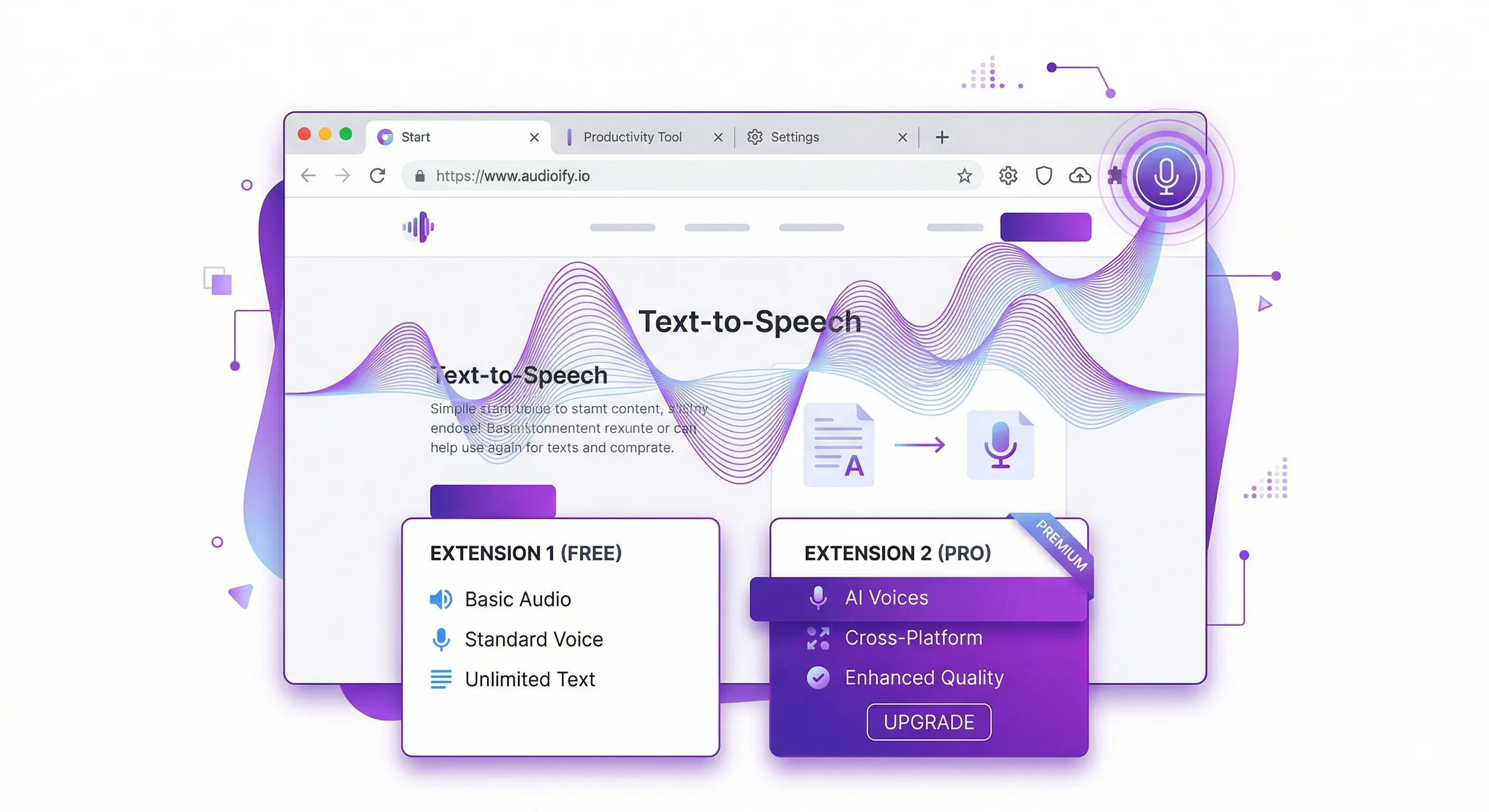
The best text-to-speech Chrome extension in 2026 is CastReader. It's the only one that handles Kindle Cloud Reader, WeRead, and other sites where every other TTS extension chokes — and it does paragraph-level highlighting on the actual page, not in some separate reader view. Free, no signup, no usage limits. But don't take my word for it. Here's how I got there.
Three months ago I tore a ligament in my right wrist. Couldn't hold a phone. Couldn't scroll. Couldn't type without wincing. My reading habit — roughly 90 minutes a day across newsletters, research papers, and whatever rabbit hole Wikipedia dragged me into — evaporated overnight.
So I went looking for a Chrome extension that could read web pages aloud. Simple enough request, right?
I installed seventeen of them. Not exaggerating. Seventeen extensions, side by side, over the course of eight weeks, tested against the same battery of pages: a 6,000-word Substack essay on semiconductor supply chains, a Wikipedia deep-dive on the Abbasid Caliphate (footnotes, tables, inline citations, the works), a Kindle Cloud Reader chapter from a book I was halfway through, a WeRead novel in Chinese, and three deliberately ugly news sites with autoplay videos and cookie banners stacked like geological strata. What I found surprised me, annoyed me, and ultimately changed how I consume the written word.
The Extensions That Almost Worked
Read Aloud is the darling of developer forums. Open source, million-plus users, and an engine-agnostic architecture that lets you plug in Google WaveNet, Amazon Polly, Azure Neural, or OpenAI's voices via API key. Brilliant concept. I connected my Azure key and the voice quality jumped from "broken answering machine" to "competent audiobook narrator" in about four minutes. The problem? My mother would never do this. My colleague who writes Python all day wouldn't do this. Read Aloud's settings panel has twenty-three options spread across four tabs. I counted. There's no paragraph highlighting — just a word-level tracker that jitters and overcorrects like a nervous eye. For the technical crowd with cloud accounts and a tolerance for YAML-adjacent configuration, it's genuinely excellent. For normal humans, it's a wall.
NaturalReader occupies the comfortable middle. Ships a few decent AI voices for free, doesn't demand an API key, has an immersive reader mode that strips away page clutter and renders clean text on a cream background. The OpenDyslexic font toggle is genuinely thoughtful — I sent the link to a friend with dyslexia and she used it for three weeks straight before mentioning any other TTS tool existed. One-time $99.50 purchase instead of a subscription. I respect that. But the Chrome extension feels bolted on. Click the icon, wait for processing, watch it grab the navigation bar, the footer, two sidebar widgets, and the actual article. Then manually deselect the garbage. Every time.
Speechify. The voices are gorgeous. I won't pretend otherwise. Their premium neural voices handle em-dashes, parentheticals, and proper nouns with a fluency that nothing else matches. First time I listened to it read a long-form Atlantic piece, I forgot I was hearing a machine for about forty seconds. Then the paywall reminder popped up. $139/year. The free tier gives you three or four voices that sound like they were sampled from a Garmin GPS circa 2012. And the desktop app parks itself in your dock consuming 800MB of RAM while doing absolutely nothing. I uninstalled it on day six.
Snap&Read is built for classrooms. Its text leveling feature — rewriting graduate-level prose at an eighth-grade reading level in real time while reading aloud — is the kind of thing that makes ESL teachers weep with joy. A friend who teaches adult literacy bought a license before I finished the demo. But for general web reading? The extraction is mediocre, the voice options thin, and at $4/month it's priced for institutional bulk purchases, not someone who wants to hear a blog post while making dinner.
Voice Dream Reader (web version) handles imported documents well. EPUBs, PDFs, DAISY files — it's a proper accessible reading app with serious credentials in the blind and low-vision community. As a Chrome extension for reading web pages? Not really its purpose. You end up exporting content to the app, which adds friction that defeats the point.
Browser built-in TTS — Chrome's speechSynthesis API, the thing you get when you right-click and select "Read aloud" on Edge, the voices your operating system ships with. Free. Instant. Sounds like a 1990s airport announcement. On macOS with the Siri voices, passable. On Windows with the default SAPI voices, genuinely painful. No highlighting. No extraction intelligence. It reads whatever text you've selected, including the "SUBSCRIBE TO OUR NEWSLETTER" banner you accidentally highlighted.
The Kindle and WeRead Problem (Where Every Extension Breaks)
Here's where the story gets interesting.
I was halfway through a book on Kindle Cloud Reader. Clicked my TTS extension. Nothing happened. Tried another. Silence. A third one read me the page navigation controls and stopped. Tried Read Aloud — it found zero content. NaturalReader grabbed the sidebar menu. Speechify extracted two words from a header element.
Why?
Kindle Cloud Reader doesn't render text in normal HTML. Amazon uses custom font subsets — each "page" loads a different subset of glyphs, and the characters in the DOM don't map to the actual letters you see on screen. An <span> that displays "knowledge" might contain the character sequence "xvr3m2yz" because Amazon remapped the font's codepoints. Every TTS extension that does element.textContent gets gibberish.
WeRead — Tencent's reading platform, massive in China — goes even further. It renders text on <canvas>. The DOM contains no text at all. Zero. You can inspect element all day and find nothing but pixel data. A Chrome extension that walks the DOM tree looking for paragraphs will find an empty room.
I tested fifteen extensions against Kindle Cloud Reader. Fifteen. Every single one failed. Most failed silently — no error, no explanation, just... no audio. A couple tried to read the UI chrome. One crashed the tab.
This is the gap that drove me to look harder.
CastReader: The One That Actually Handles It
Full disclosure: this is our product. Assume bias. Verify everything I say by installing it yourself — it's free, no signup, no usage limits.
CastReader solves the Kindle problem through OCR and glyph decoding. When you click "Read Page" on Kindle Cloud Reader, it intercepts the font subset data, builds a mapping from scrambled codepoints to actual characters, and uses Tesseract OCR to calibrate the mapping. The result: real text, correctly decoded, ready for TTS. No cloud API calls for the OCR — it runs locally in an offscreen document. Zero cost. I wrote a detailed walkthrough of how this works if the technical mechanics interest you. You can also check out the dedicated guide on listening to Kindle books.
For WeRead, CastReader uses a main-world content script that intercepts the chapter data before it hits the canvas renderer. The text comes from the API response, not the DOM, not the pixels. This required building a completely separate extraction path — a hook script that runs at document_start, captures the fetch response, and passes structured chapter data to the content script. Different architecture entirely from normal DOM extraction.
Beyond those two hard cases, CastReader ships fifteen specialized extractors for sites that break generic extraction: Notion, Google Docs, ChatGPT, Claude, Gemini, Medium, Substack, and others. Each one understands that site's specific DOM structure instead of guessing. For Medium articles and Substack newsletters, this means clean extraction without the banners, paywalls-in-progress, and recommendation widgets that other tools read aloud.
For everything else — the millions of normal websites — CastReader uses a text extraction algorithm that fuses ideas from Readability.js, Boilerpipe, JusText, and CETD. It scores DOM containers by text density, link density, semantic tags, and class names. It classifies text blocks as content versus boilerplate using stop-word density and neighbor context. Then it reads what's left. On my test battery, it extracted the article body cleanly on 87% of pages without any site-specific rules at all. With the learned rules applied, that number climbs higher.
The paragraph highlighting is the feature I'd fight for. Current paragraph lights up on the actual page. Page auto-scrolls to follow. I cook dinner, glance up, see exactly where the audio is, look back at the cutting board. Click any paragraph to jump there. If the audio for that section hasn't been generated yet, CastReader generates it on demand and starts playing. Simple interaction, surprisingly hard engineering. That dual-channel approach — hearing the audio while seeing the highlighted text — turns out to be particularly effective for people with ADHD, where keeping attention anchored to the page is half the battle.
What CastReader costs: nothing. No free tier with an expiration date. No premium upsell. No usage caps. You install it, you click the icon, it reads. That's it. It also works on PDFs in the browser and is one of the few options that handles free text-to-speech without compromising on extraction quality.
Where CastReader Falls Short
I promised honest. Here's honest.
The voice library is small. One engine, a handful of voices. Speechify's premium voices sound noticeably better — more natural cadence, better prosody on complex sentences. If you listen to eight hours of TTS a day and voice quality is the thing that matters most, CastReader will feel limited.
No mobile app. Chrome extension only. Edge too, but no Safari extension yet, no iOS, no Android. If your reading life happens primarily on a phone, CastReader can't help you right now.
The user base is tiny. This is a small team building a focused tool, not a venture-backed company with a hundred engineers. Bugs get fixed, but the pace of feature development is slower than what you'd see from Speechify or NaturalReader. Community is small. Third-party tutorials, YouTube walkthroughs, Reddit threads — sparse.
On pages with extremely unusual DOM structures — heavily nested React component trees with dynamic class names, single-page apps that render content inside shadow DOMs — extraction can miss. CastReader provides a manual content selector as a fallback: you click and drag to select the content area, and it reads that. Works, but requires an extra step.
The Verdict
There is no single best TTS Chrome extension for everyone. That would be a dishonest conclusion, and I've spent too many hours testing to write a dishonest one.
If you read Kindle Cloud Reader or WeRead, CastReader is the only option that works. Not the best option. The only one. I tested fifteen alternatives. Zero handled it.
If voice quality outranks everything and budget isn't a constraint, Speechify's premium tier delivers the most human-sounding narration available in a browser extension today.
If you're technical, have cloud API keys, and want maximum control, Read Aloud gives you more flexibility than anything else on this list.
If you want something free that extracts article content cleanly, highlights paragraphs as it reads, handles messy pages gracefully, and works on Kindle, WeRead, Notion, Google Docs, and fifteen other platforms that break every other extension — try CastReader. It's what I use daily now. My wrist healed six weeks ago. I kept using it anyway. Most of my daily listening is Substack newsletters and arXiv papers — two formats that other extensions consistently choke on.
That's probably the only review metric that matters.
Related: Listen to Kindle | Kindle Text to Speech Guide | Free TTS Tools | Free Text to Speech Online | Listen to AI Responses | TTS for Students | TTS for Dyslexia | TTS for ADHD
