Listen to Sophia Courses — Turn College Credit into Audio
CastReader adds text-to-speech to Sophia Learning. Click play on any lesson or tutorial — it reads aloud with paragraph highlighting and natural AI voices. Earn college credits faster by studying smarter.
Why CastReader is Perfect for Sophia Learning
Built for self-paced learners — study on your own schedule
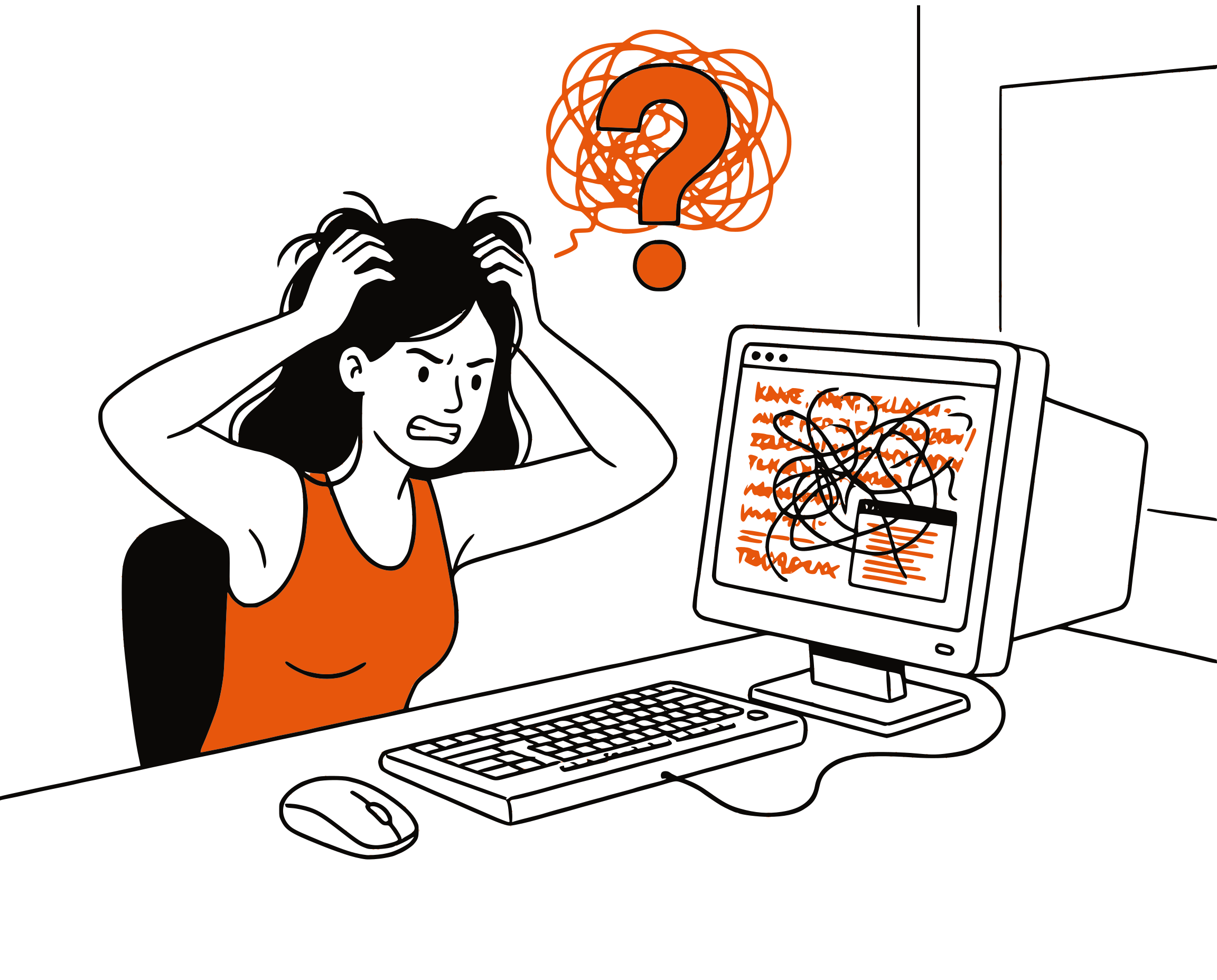
The Problem
Self-Paced Courses, Screen-Only Reading
Sophia Learning offers affordable, self-paced college courses that transfer to 60+ partner institutions. The lessons are text-heavy — each course has dozens of tutorials with paragraphs of educational content. But there's no audio option, so every lesson means more screen time.
Smart Extraction
Reads Lesson Content, Skips Navigation
Sophia's pages include navigation menus, progress trackers, challenge prompts, and sidebar elements. CastReader extracts only the lesson text — tutorial content, definitions, examples, and explanations — for focused audio.
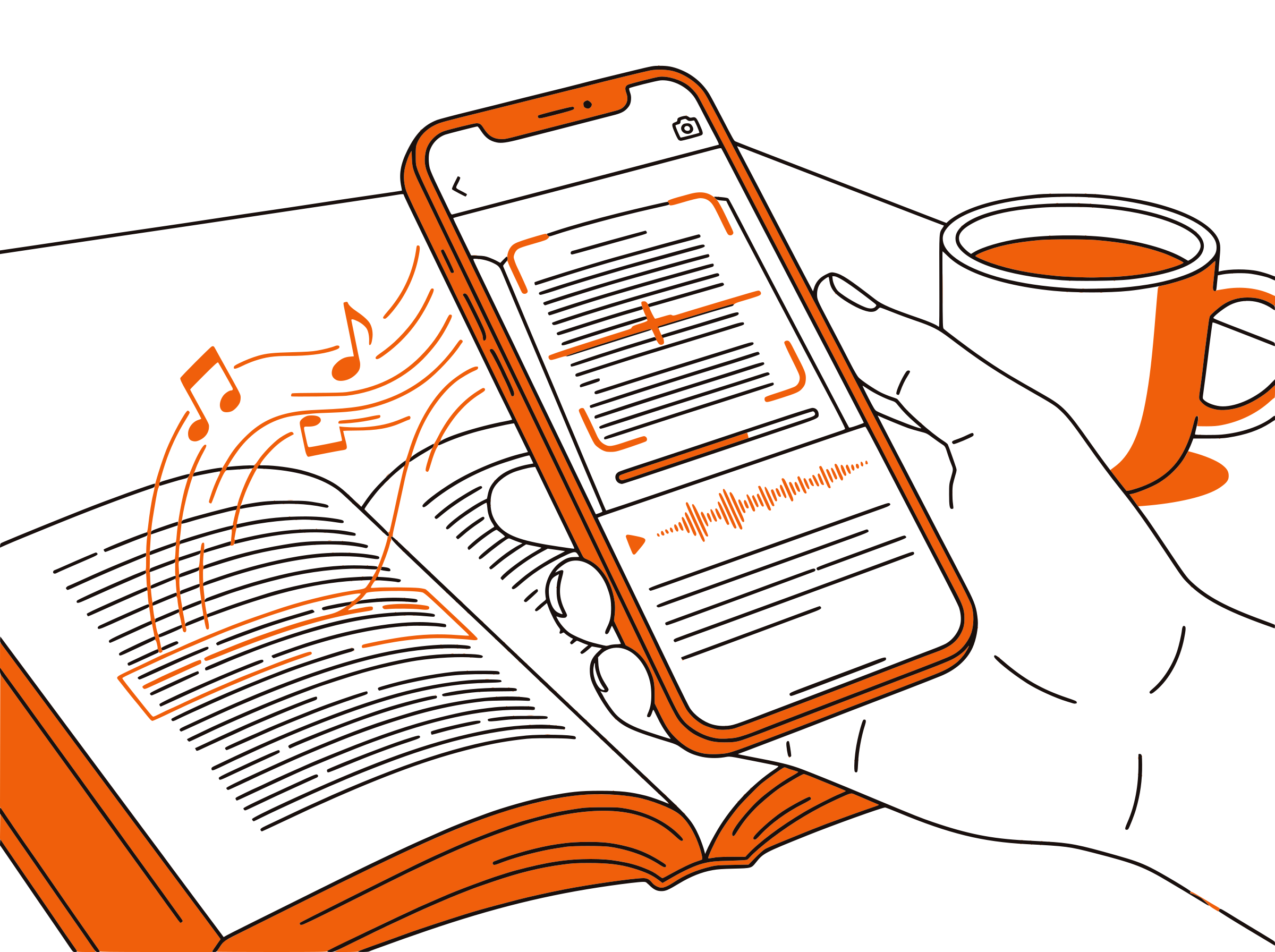
Follow Along
Paragraph Highlighting
Each paragraph highlights as it's read aloud. Visual reinforcement while listening improves comprehension and retention — especially important for courses where you need to pass assessments.

Faster Progress
Study Anywhere, Finish Sooner
Sophia courses are self-paced — the faster you study, the sooner you earn credit. Listen to lessons during commutes, walks, or chores. At 1.5x-2x speed, you can cover material significantly faster than screen reading.

100% Free
No Extra Cost for Audio
Completely free. No signup, no subscription, no usage limits. Focus your budget on Sophia's course fees — CastReader adds audio at zero additional cost.

Sophia Learning Text to Speech in 2026: Study Smarter, Finish Faster
Sophia Learning is a popular platform for earning affordable, transferable college credits at your own pace. With courses in general education subjects like English Composition, Psychology, Statistics, Business, and more, Sophia has become a go-to resource for students at WGU, SNHU, Purdue Global, and 60+ partner institutions looking to save time and money on degree requirements.
Each Sophia course consists of multiple units with tutorials — text-heavy lessons that explain concepts, provide examples, and prepare you for assessments. While some tutorials include short videos, the majority of learning happens through reading. For students completing multiple courses simultaneously or working full-time, this means hours of screen reading each day.
CastReader adds text-to-speech to Sophia Learning as a free Chrome extension. Open any tutorial or lesson page on app.sophia.org, click the extension icon, and listen to the content read aloud with natural AI voices. Each paragraph highlights as it's read, so you can follow along or just listen.
The self-paced nature of Sophia makes audio learning especially powerful. Since you can study whenever you want, adding audio means you can study wherever you are — commuting, exercising, cleaning, or cooking. Many Sophia students report completing courses 30-50% faster when they can study during time that would otherwise be unproductive.
CastReader's adjustable speed feature (0.5x-3x) is perfect for Sophia's study workflow. Use normal speed for first-time learning, then switch to 1.5x-2x for review before assessments. Combined with the Send to Phone feature for mobile listening, CastReader transforms Sophia into a fully flexible learning platform.
Frequently Asked Questions
Everything about Sophia Learning text to speech
Does Sophia Learning have text to speech?
No, Sophia Learning does not have a built-in text-to-speech feature. CastReader adds free TTS to Sophia's web platform, reading tutorials and lesson content aloud with natural AI voices.
Can I listen to Sophia tutorials?
Yes. Install CastReader, open any tutorial on app.sophia.org, and click play. CastReader reads the lesson content aloud with paragraph highlighting.
Is CastReader free for Sophia Learning?
Yes, 100% free. No signup, no subscription, no usage limits. Save your money for Sophia course fees — CastReader adds audio at no extra cost.
Will listening to Sophia courses help me finish faster?
Yes. By listening to course materials during commutes, exercise, or chores, you can study during time that would otherwise be unproductive. Many students report completing Sophia courses 30-50% faster with audio-assisted study.
Does it work with Sophia touchstone assignments?
CastReader reads the text content on any Sophia page, including assignment instructions and rubrics. It's most useful for tutorials and lesson content where you're absorbing educational material.
Can I use CastReader on my phone?
CastReader works on desktop Chrome and Edge browsers. Use the Send to Phone feature to stream audio to your phone via Telegram for mobile listening.
Does CastReader work with WGU courses too?
Yes. CastReader works with WGU's Canvas LMS, Sophia Learning, and any other web-based learning platform. It's the perfect companion for WGU students who use Sophia for transfer credits.
Can I adjust the reading speed?
Yes. CastReader offers adjustable speed from 0.5x to 3x. Use normal speed for first-time learning and 1.5x-2x for review sessions before assessments.
How many languages does CastReader support?
CastReader supports 40+ languages with natural AI voices. While Sophia content is primarily in English, CastReader can read any language.
Does it work with other online course platforms?
Yes. CastReader works on any web page, so it supports Sophia, Coursera, Canvas LMS, Blackboard, Moodle, and any other online learning platform.
Also Try
Sophia TTS Complete Guide
Step-by-step setup for Sophia Learning with audio
Listen to Canvas LMS
Add TTS to Canvas courses at WGU and other universities
Listen to UWorld
Add TTS to exam prep on UWorld
Text to Speech for Students
How TTS helps students study more effectively
Send to Phone
Stream course materials to your phone
Listen to Coursera
Add TTS to Coursera courses and specializations
Start Listening to Sophia Now
Completely free. No signup. No limits. Turn every Sophia lesson into audio.
★★★★★ 4.7 · Free · No login · No limits