Your AI Reading Buddy on Telegram
Send a book or article to your ClawBot — it reads it aloud and then chats with you about what you just heard. Characters, plot twists, confusing paragraphs, anything. Like a book club with one very well-read friend.
See It in Action
Send a link, listen to audio, chat about what you read
Start Reading Together in 3 Steps
From install to your first book conversation in under a minute
Get ClawBot
Install the CastReader skill on ClawHub — your ClawBot on Telegram gets reading superpowers instantly.
Send a Book or Article
Paste any URL into the Telegram chat — a Kindle book, WeRead novel, blog post, news article, anything.
Listen & Chat
ClawBot reads it aloud paragraph by paragraph. Then ask anything: 'Who is this character?', 'Summarize the last chapter', 'What does this term mean?'
More Than a Reader — A Reading Companion
ClawBot reads, understands, and discusses books with you
Listen Together
Send a Link, Get an Audiobook
Paste any URL into Telegram. ClawBot extracts the content, converts each paragraph to natural AI speech, and sends it back — text + audio paired together. Listen on the go, read along when you want.

Reading Companion
Chat About What You're Reading
ClawBot doesn't just read — it understands the text. Ask about characters you've lost track of. Get a quick summary of the last few chapters. Discuss a confusing argument. It has the full context of what you're listening to.
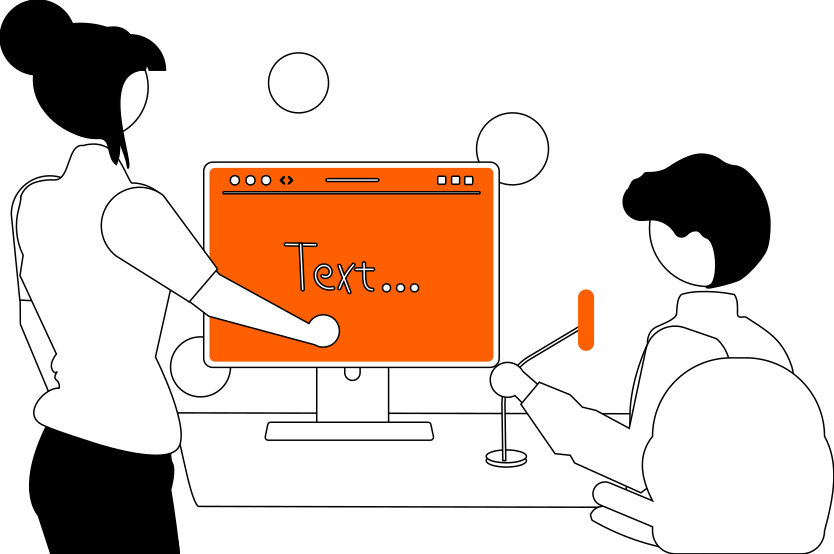
Kindle & WeRead
The Only Bot That Reads Kindle Books
Amazon encrypts Kindle text. WeRead renders on canvas. Every other tool fails. ClawBot uses CastReader's OCR engine to extract real text from both platforms. Your entire Kindle library becomes listenable — and discussable.
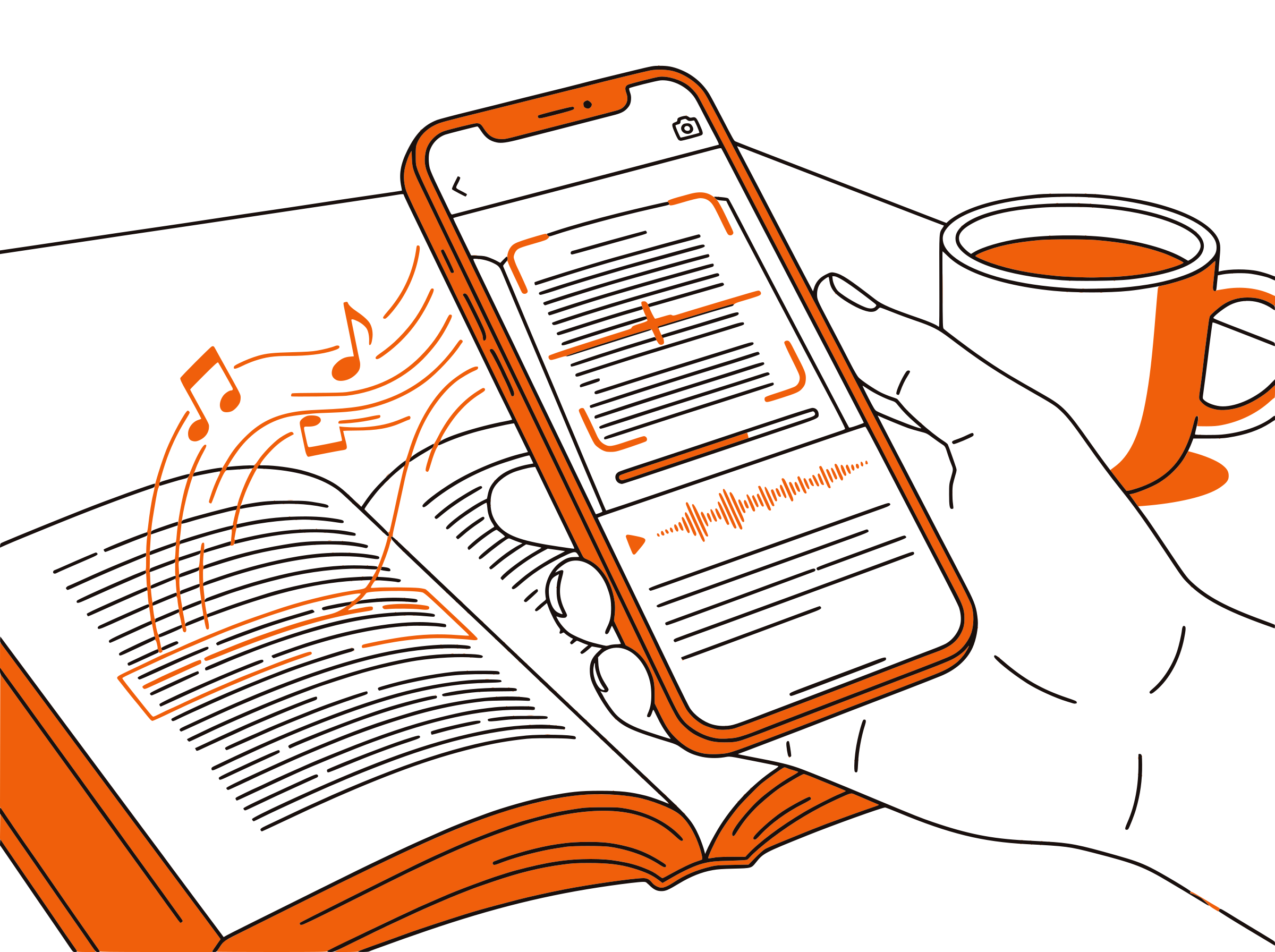
Send to Phone
Desktop to Phone, Seamlessly
Reading on your laptop? One tap sends the audio to your phone via Telegram. For Kindle books, CastReader auto-turns pages and streams new chapters to your phone continuously. Walk out the door and keep listening.
Frequently Asked Questions
Everything about reading with ClawBot
What is ClawBot?
ClawBot is your AI agent on Telegram, powered by OpenClaw. When you install the CastReader skill, your ClawBot gains the ability to read web pages aloud and discuss their content with you.
How do I get ClawBot?
Go to clawhub.ai, set up your agent with Telegram, then install the CastReader skill. Your ClawBot will be ready to read and chat in under a minute.
Can I really discuss books with it?
Yes. ClawBot has the full context of whatever it just read to you. Ask about characters, request summaries, discuss themes, ask what a term means — it's like having a well-read friend who just finished the same chapter.
Does it work on Kindle books?
Yes — CastReader is the only tool that can extract text from Kindle Cloud Reader (Amazon encrypts their fonts). Combined with ClawBot, you can listen to any book in your Kindle library and discuss it on Telegram.
What about WeRead (微信读书)?
Also supported. WeRead renders text on HTML Canvas, which breaks every other reader. CastReader intercepts the data and extracts clean text. Works the same way — send the link, listen, chat.
Is it free?
Completely free. No API key, no usage limits, no subscription. CastReader and ClawBot are both free to use.
What websites does it work on?
Any website with text content. CastReader has specialized extractors for 15+ platforms including Kindle, WeRead, Notion, Google Docs, Medium, Substack, arXiv, Wikipedia, and more.
What languages are supported?
40+ languages with natural AI voices. Works with books and articles in any language.
Do I need the Chrome extension too?
For basic URL-to-audio + chat, no — ClawBot works standalone via Telegram. The Chrome extension adds desktop features like real-time paragraph highlighting and the Send to Phone button for Kindle live sessions.
Start Listening Now
Completely free. No signup. No limits. Install and start listening.