Listen to Westlaw — Turn Case Law into Audio
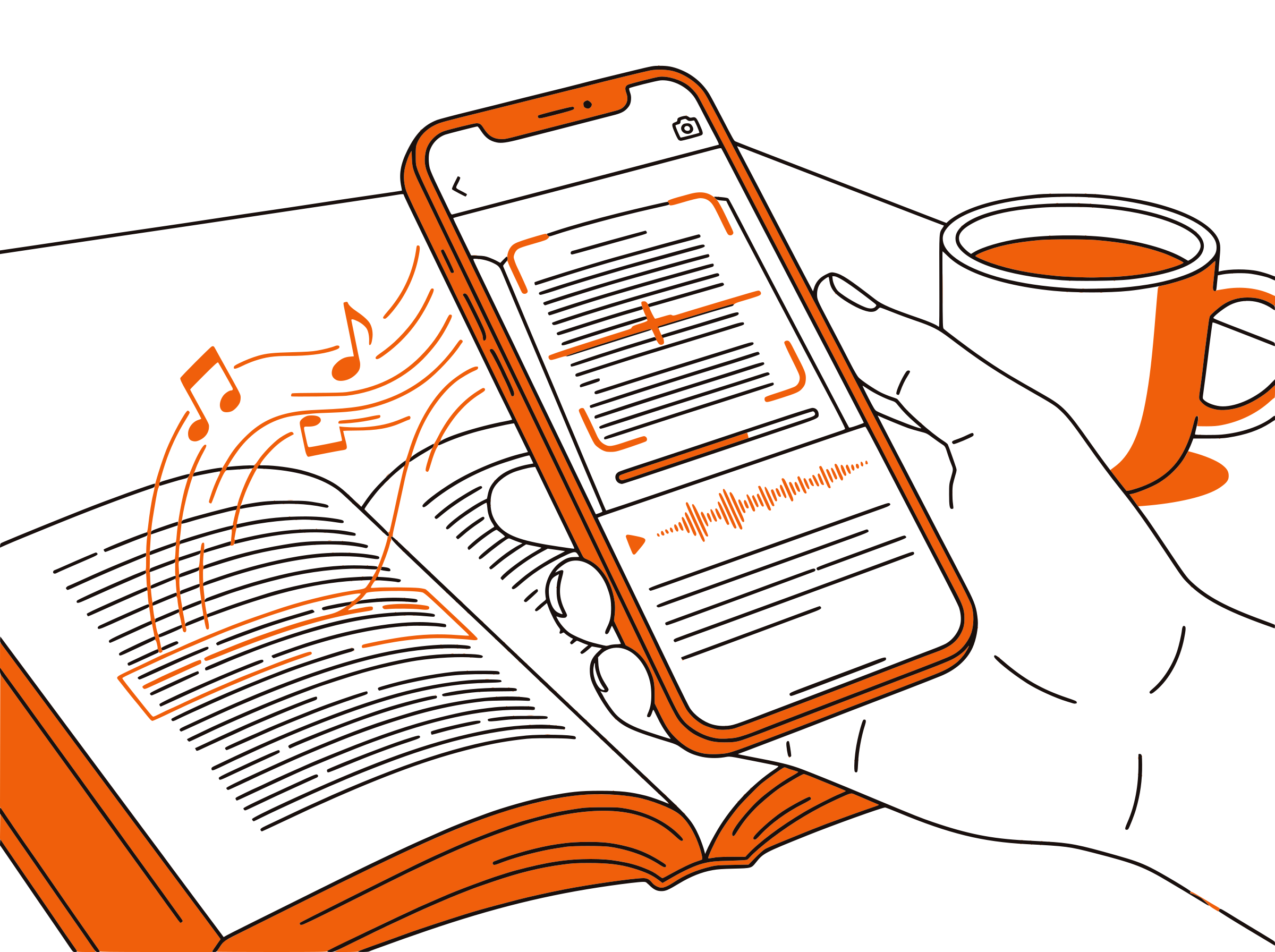
CastReader adds text-to-speech to Westlaw. Click play on any court opinion, statute, or legal article — it reads aloud with paragraph highlighting and natural AI voices. Review case law hands-free while preparing briefs or studying for the bar.
Why CastReader is Perfect for Westlaw
Built for legal professionals — review case law without screen fatigue
The Problem
50-Page Opinions, Screen-Only Reading
Westlaw is the backbone of legal research — over a million lawyers, law students, and paralegals rely on it daily. But court opinions routinely run 30 to 80 pages, and reviewing statutory frameworks means reading thousands of dense paragraphs. There is no built-in audio option, so every research session means hours of screen reading.

Smart Extraction
Reads Case Text, Skips Citation Clutter
Westlaw pages are packed with headnotes, key numbers, citation links, parallel references, and navigation panels. CastReader extracts the substantive text — the court's reasoning, statutory language, and editorial analysis — so you hear what matters without interruption.
Follow Along
Paragraph Highlighting for Complex Arguments
Each paragraph highlights as it's read aloud. When parsing a multi-part constitutional analysis or a dissent that spans twenty pages, visual tracking keeps you anchored in the argument structure. Dual-channel input — reading and listening simultaneously — improves comprehension of dense legal prose.

Speed Control
0.5x for Statutes, 2x for Familiar Precedent
Adjustable playback from 0.5x to 3x lets you match speed to content complexity. Slow down for unfamiliar statutory language or a critical holding. Speed up when reviewing cases you already know or scanning secondary sources. Cover more material without sacrificing comprehension.

100% Free
No Extra Cost on Top of Westlaw Fees
Completely free. No signup, no subscription, no usage limits. Westlaw already costs firms hundreds per month — CastReader adds audio at zero additional cost. Law students on academic licenses benefit equally.

Westlaw Text to Speech in 2026: Listen to Legal Research
Westlaw, developed by Thomson Reuters, is one of the two dominant legal research platforms alongside LexisNexis. It serves over a million users — practicing attorneys, law students, paralegals, judges, and legal scholars — with access to case law, statutes, regulations, administrative decisions, legal encyclopedias, law reviews, and practice guides. The depth and breadth of Westlaw's content is unmatched, but it was built for reading on a screen, not listening.
Legal research is uniquely demanding on the eyes. A single case opinion can exceed fifty pages. Statutory research often requires reading dozens of interconnected code sections. Law review articles run thirty to forty pages of dense academic prose. For attorneys juggling multiple matters, and for law students preparing for exams or the bar, the volume of required reading is overwhelming — and it all happens on a screen.
CastReader adds text-to-speech to Westlaw as a free Chrome extension. Open any case, statute, regulation, or secondary source on Westlaw, click the extension icon, and listen to the content read aloud with natural AI voices. Each paragraph highlights as it's spoken, so you can follow along with the text or simply listen while reviewing other documents.
For practicing attorneys, this transforms dead time into billable research. Listen to case law during your commute. Review a statute while organizing case files. For law students, CastReader turns bar exam prep into a multi-modal study system — read Westlaw headnotes and case summaries, then listen to the full opinions during walks or workouts for deeper retention.
CastReader's speed control is particularly valuable for legal content. Slow to 0.8x when parsing the precise language of a statute or a court's holding. Speed to 1.5x when reviewing the factual background of a case you've already briefed. Combined with paragraph-level navigation, you can jump directly to the section of a fifty-page opinion that matters most.
Frequently Asked Questions
Everything about Westlaw text to speech
Does Westlaw have text to speech?
No, Westlaw does not have a built-in text-to-speech feature. CastReader adds free TTS to Westlaw's web platform, reading case law, statutes, regulations, and secondary sources aloud with natural AI voices.
Can CastReader read full court opinions on Westlaw?
Yes. Open any case on Westlaw, click CastReader, and it reads the opinion text aloud with paragraph highlighting. It works with opinions of any length — from one-page orders to hundred-page Supreme Court decisions.
Does it work with Westlaw statutes and regulations?
Yes. CastReader reads statutory text, regulatory provisions, and annotations on Westlaw. It extracts the substantive content and reads it aloud, which is especially helpful for parsing dense legislative language.
Is CastReader useful for bar exam study on Westlaw?
Absolutely. Law students use CastReader to listen to case summaries, headnotes, and full opinions during study sessions. Listening while reading simultaneously improves retention — critical when you need to memorize holdings across hundreds of cases for the bar.
How does CastReader compare to using it on LexisNexis?
CastReader works equally well on both Westlaw and LexisNexis. The extension reads whatever text is displayed in your browser, regardless of the platform. Many legal professionals use CastReader on both services interchangeably.
Can I adjust the reading speed for legal documents?
Yes. CastReader offers adjustable speed from 0.5x to 3x. Use slower speeds for statutory language or unfamiliar holdings, and faster speeds when reviewing cases you've already briefed or scanning secondary sources.
Does CastReader work on Westlaw's mobile site?
CastReader is a desktop Chrome and Edge extension. For mobile listening, use the Send to Phone feature to stream Westlaw content to your phone via Telegram. Open the case on your desktop, click Send to Phone, and continue listening on the go.
Is CastReader free for law students?
Yes, 100% free. No signup, no subscription, no usage limits. Law students already pay tuition for Westlaw access — CastReader adds audio at absolutely no cost.
Can CastReader help with accessibility on Westlaw?
Yes. CastReader provides an audio layer for users with visual impairments, reading difficulties, or anyone who benefits from listening to content. Paragraph highlighting adds a visual aid that helps track position in long documents.
Does it work with other legal research platforms?
Yes. CastReader works on any web page — Westlaw, LexisNexis, Google Scholar, HeinOnline, Fastcase, Casetext, and any other browser-based legal resource. One extension covers all your legal research platforms.
Also Try
Listen to LexisNexis
Add TTS to LexisNexis legal research
Listen to UWorld
Add TTS to exam prep on UWorld
Listen to PDF
Read legal PDFs and briefs aloud
Listen to O'Reilly
Add TTS to O'Reilly technical books
Listen to Coursera
Add TTS to Coursera courses and specializations
Listen to Canvas LMS
Add TTS to Canvas courses and assignments
Start Listening to Westlaw Now
Completely free. No signup. No limits. Turn every case, statute, and legal article into audio.
★★★★★ 4.7 · Free · No login · No limits