Listen to JSTOR — Turn Academic Papers into Audio
CastReader adds text-to-speech to JSTOR. Click play on any journal article, book chapter, or primary source — it reads aloud with paragraph highlighting and natural AI voices. Power through literature reviews without screen fatigue.
Why CastReader is Perfect for JSTOR
Built for researchers, students, and lifelong learners
The Problem
12 Million Articles, Zero Audio Options
JSTOR hosts over 12 million academic journal articles, books, and primary sources across 75 disciplines — used by 11,000+ institutions worldwide. But every piece of content is text-only. Researchers doing literature reviews often read dozens of papers a day, leading to severe eye strain and diminishing comprehension.
Smart Extraction
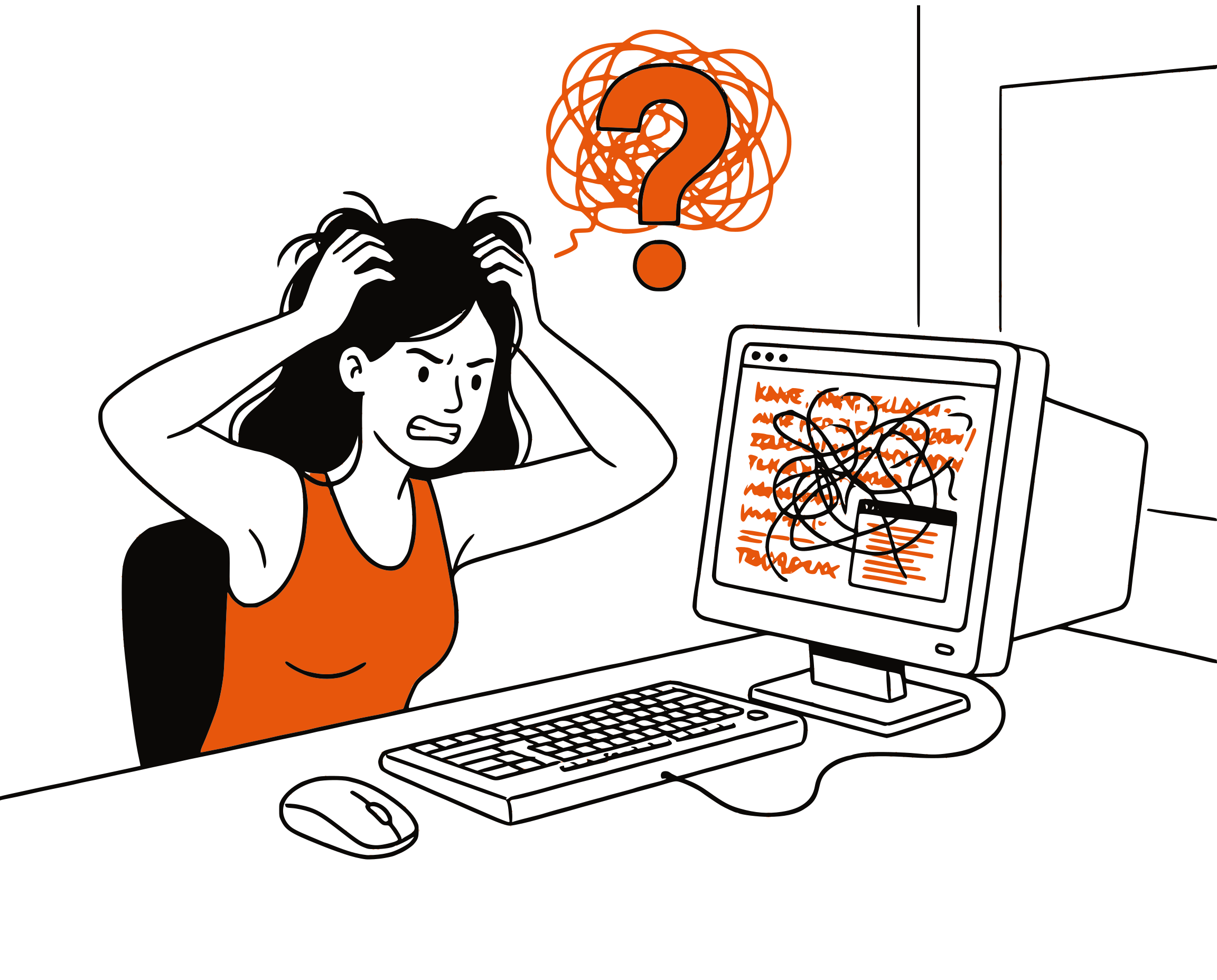
Reads Article Text, Skips Metadata Clutter
JSTOR pages include citation panels, related article sidebars, institutional banners, and navigation elements. CastReader extracts only the article body — abstracts, section headings, paragraphs, and conclusions — for clean, focused audio playback.
Follow Along
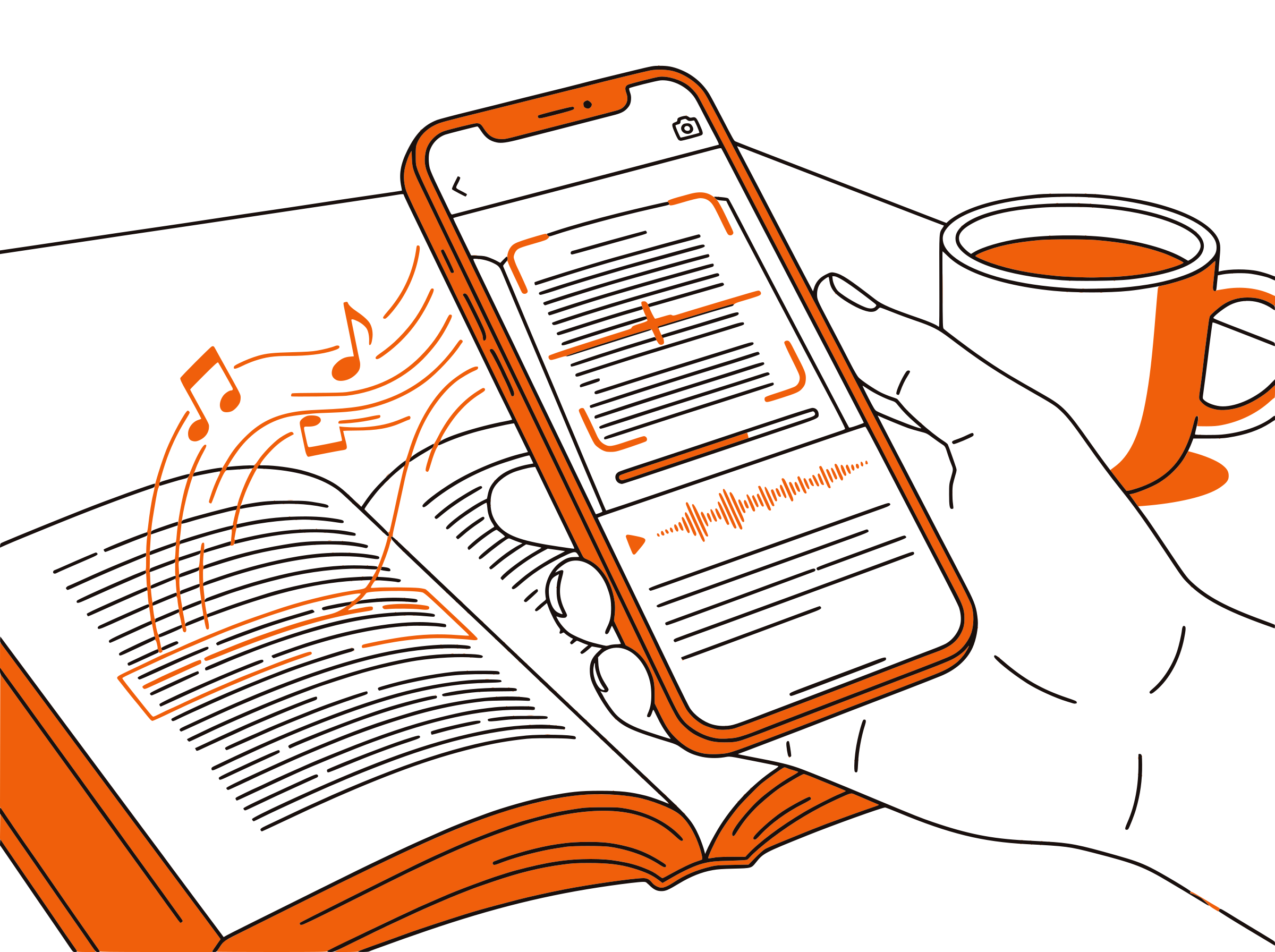
Paragraph Highlighting for Dense Text
Academic writing is dense by nature. Each paragraph highlights as it's read aloud, keeping you anchored in the text. This dual-channel processing — reading and listening simultaneously — improves comprehension of complex arguments and technical terminology.

Research Productivity
Literature Reviews at 1.5x Speed
A single literature review can involve 50-100 papers. Listen to abstracts and introductions at 1.5x-2x speed to quickly assess relevance before committing to a full read. Review familiar papers during commutes or walks to reinforce key findings.

100% Free
No Extra Cost Beyond Your Library Access
Completely free. No signup, no subscription, no usage limits. You already pay for JSTOR access through your institution — CastReader adds audio at zero additional cost.

JSTOR Text to Speech in 2026: Listen to Academic Research
JSTOR is one of the world's most important digital libraries, providing access to over 12 million academic journal articles, books, images, and primary sources spanning 75 disciplines. Used by researchers, professors, and students at more than 11,000 institutions globally, JSTOR is a cornerstone of academic work — from undergraduate term papers to doctoral dissertations and peer-reviewed publications.
The challenge with JSTOR is volume. A graduate student conducting a literature review might need to read 30-50 articles in a week. A professor preparing a course syllabus scans hundreds of abstracts each semester. The reading demands of academic life are relentless, and JSTOR's entirely text-based interface means every paper requires focused screen time — there's no built-in option to listen.
CastReader adds text-to-speech to JSTOR as a free Chrome extension. Navigate to any JSTOR article page, click the extension icon, and the article reads aloud with natural AI voices. Each paragraph highlights as it's spoken, so you can follow along visually or simply listen. Adjustable speed from 0.5x to 3x lets you match the pace to your purpose — slower for dense methodology sections, faster for scanning introductions.
For researchers with visual impairments or reading disabilities like dyslexia, CastReader transforms JSTOR from an inaccessible text archive into an audio-first research tool. Screen readers provide basic page navigation, but CastReader delivers a purpose-built reading experience with paragraph tracking, speed control, and clean content extraction that skips navigation and metadata.
The productivity gains compound over time. Listening to previously-read papers during commutes reinforces retention without additional screen hours. Scanning abstracts via audio at 2x speed lets you triage a large reading list in a fraction of the time. And the dual-channel benefit of reading while listening helps complex academic arguments stick on the first pass — reducing the re-reading that eats into research timelines.
Frequently Asked Questions
Everything about JSTOR text to speech
Does JSTOR have a text-to-speech feature?
No, JSTOR does not have built-in text-to-speech. CastReader adds free TTS to JSTOR, reading journal articles, book chapters, and primary sources aloud with natural AI voices and paragraph highlighting.
Can I listen to JSTOR articles?
Yes. Install CastReader, open any JSTOR article in your browser, and click play. CastReader reads the article text aloud while highlighting each paragraph. It works on HTML article views on JSTOR.
Does CastReader work with JSTOR PDFs?
CastReader reads HTML content rendered in your browser. For JSTOR articles displayed as web pages, it works perfectly. For PDF-only articles, open the PDF in your browser's PDF viewer or use CastReader's Listen to PDF feature for the best experience.
How does CastReader handle citations and footnotes?
CastReader extracts the main article body for reading. Inline citation numbers are read briefly, while footnote sections at the bottom of the page are read in sequence. You can click any paragraph to skip sections you don't need.
Is CastReader free for academic research?
Yes, 100% free. No signup, no subscription, no usage limits. CastReader works on JSTOR and any other website at zero cost.
Can I adjust the reading speed for academic papers?
Yes. CastReader offers adjustable speed from 0.5x to 3x. Use slower speeds (0.8x-1.0x) for dense methodology or theory sections, and faster speeds (1.5x-2x) for scanning abstracts, introductions, or papers you've already read.
Does CastReader support languages other than English?
CastReader supports 40+ languages with natural AI voices. JSTOR hosts content in many languages — French, German, Spanish, Chinese, and more — and CastReader can read all of them aloud.
Can I listen to JSTOR articles on my phone?
CastReader is a desktop Chrome and Edge extension. Use the Send to Phone feature to stream article audio to your mobile device via Telegram — perfect for listening to papers during commutes.
Is CastReader useful for visually impaired researchers?
Yes. CastReader provides purpose-built reading with paragraph tracking, speed control, and clean content extraction — going beyond basic screen readers to deliver a focused academic reading experience for researchers with visual impairments or reading disabilities.
Does CastReader work with other academic databases?
Yes. CastReader works on any website, so it supports JSTOR, PubMed, ArXiv, Google Scholar, IEEE Xplore, ScienceDirect, and any other web-based academic platform.
Also Try
Listen to ArXiv
Add TTS to ArXiv preprints and open-access papers
Listen to PubMed
Add TTS to PubMed biomedical research articles
Listen to PDF
Read PDF documents aloud with text-to-speech
Listen to Wikipedia
Add TTS to Wikipedia articles for audio learning
Text to Speech for Students
How TTS helps students study more effectively
Listen to Coursera
Add TTS to Coursera courses and specializations
Start Listening to JSTOR Now
Completely free. No signup. No limits. Turn every JSTOR article into audio.
★★★★★ 4.7 · Free · No login · No limits