Read Any Email Aloud
CastReader adds a Listen button to your emails — Gmail, Outlook, QQ Mail, and any webmail. One click to hear the email read aloud with natural AI voices and paragraph highlighting.
Q2 Product Strategy — Action Items & Timeline
Click "Listen" next to any email subject — paragraph highlighting follows along
Works with Every Email Provider
Built-in support for major webmail platforms, plus auto-detection for everything else
Gmail
Gmail — Listen Button on Every Email
Open any email in Gmail and a Listen button appears next to the subject line. CastReader detects Gmail SPA navigation — the button follows as you switch between emails. Smart extraction reads only the email body, skipping navigation, signatures, and quoted reply chains.

Outlook
Outlook.com and Office 365
Full support for Outlook.com (personal) and Office 365 (work/school). CastReader detects Outlook ARIA heading structure and document role containers. When you switch emails — even though Outlook reuses the same DOM element — the Listen button updates correctly.

QQ Mail
QQ Mail — Including iframe Content
QQ Mail renders email bodies inside same-origin iframes. CastReader reaches into the iframe to extract the email content, while keeping the Listen button in the top frame next to the subject. Both the new QQ Mail (wx.mail.qq.com) and classic version are supported.

Auto Detection
Auto-Detects Other Webmail
For webmail platforms CastReader does not have specific rules for, it uses heuristic auto-detection: ARIA heading roles for the subject line, iframe traversal for email bodies, and semantic container detection. If the hostname contains mail and it finds a subject-like heading, it adds the Listen button automatically.

Smart Filtering
Reads Content, Not Chrome
Email UIs are cluttered — folder lists, toolbars, ads, quoted reply chains, signatures, footer disclaimers. CastReader webmail extractor uses leaf-block traversal with BR-split to extract clean paragraph-level text. Blockquotes and reply history are excluded. You hear the message, not the interface around it.
Why Email Read-Aloud Matters
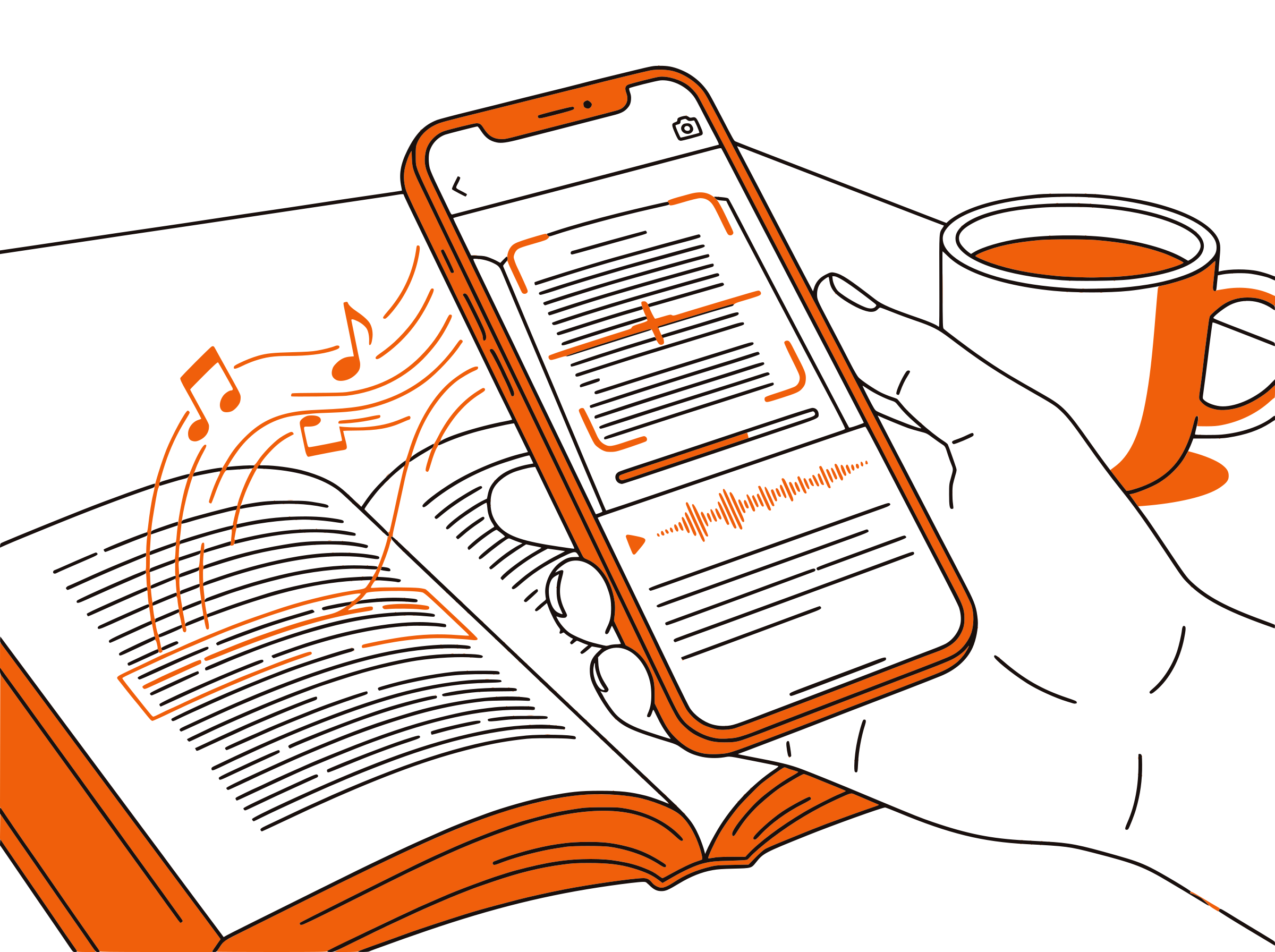
The average office worker receives 120+ emails per day. Reading all of them takes time you do not have — especially when half are newsletters, updates, and FYI-forwards. Listening to emails turns dead time (commuting, cooking, walking) into productive inbox time. Instead of staring at a screen, you can process your inbox with your ears.
Built-in email read-aloud options are fragmented. Gmail has none. Outlook desktop has Immersive Reader (buried under View menu). Outlook web has partial support. Yahoo and other providers have nothing. Your phone accessibility features (iOS Speak Screen, Android Select to Speak) work but read the entire screen including UI elements. There is no unified, clean solution — until now.
CastReader takes a different approach. Instead of being a generic page reader that hopes for the best, it specifically detects webmail platforms and adapts its extraction strategy. For Gmail, it knows the subject is an h2 with class hP. For Outlook, it targets the ARIA document role container. For QQ Mail, it traverses into same-origin iframes. For unknown webmail, it falls back to heuristic detection using ARIA roles, heading elements, and iframe content analysis.
The extraction layer is equally tailored. Emails have unique content patterns: the actual message at the top, followed by quoted reply chains, signatures, legal disclaimers, and sometimes HTML newsletter layouts with tables and images. CastReader webmail extractor uses leaf-block traversal to extract only visible text blocks, excludes blockquote elements (reply chains), and filters out common noise patterns like embedded attachments and advertising content.
All of this is free. No signup, no limits, no premium tier. One Chrome or Edge extension that works across Gmail, Outlook, QQ Mail, and auto-detects other webmail platforms. Install it and every email in your inbox becomes listenable.
Frequently Asked Questions
Everything about reading emails aloud
Which email providers does CastReader support?
Built-in support for Gmail, Outlook.com, Office 365, and QQ Mail. Auto-detection for other webmail platforms — if the hostname contains mail and has an identifiable subject heading, CastReader will add the Listen button.
How is this different from my browser built-in read aloud?
Browser read-aloud features (like Edge Read Aloud) read the entire page — including navigation, sidebars, and UI elements. CastReader extracts only the email body content, skipping everything else. It also adds a dedicated Listen button next to the subject line for one-click access.
Does it read quoted replies and signatures?
No. CastReader webmail extractor specifically filters out blockquoted reply chains, signatures, and footer disclaimers. You hear only the new content in the email.
Can I use it during my commute?
Yes — that is one of the best use cases. Open your email in Chrome or Edge on your laptop, click Listen, and process your inbox while commuting. CastReader auto-scrolls and highlights as it reads.
Does it work with HTML newsletters?
Yes. Many marketing emails and newsletters use complex HTML with tables and images. CastReader extraction handles these layouts and pulls out the readable text content in the correct order.
Is it free?
Yes, 100% free. No signup, no limits, no subscription. Works on unlimited emails across all supported email providers.
What voices does it use?
CastReader uses the Kokoro AI voice engine with natural-sounding voices in 40+ languages. The voice is automatically selected based on the detected language of the email.
Does it work with email apps like Thunderbird?
CastReader works with webmail (email in the browser). It does not work with desktop email clients like Thunderbird, Apple Mail, or the Outlook desktop app. For those, use the built-in accessibility features of your operating system.
Start Listening Now
Completely free. No signup. No limits. Install and start listening.
★★★★★ 4.7 · Free · No login · No limits