Free Reading Apps That Support Text-to-Speech in 2026
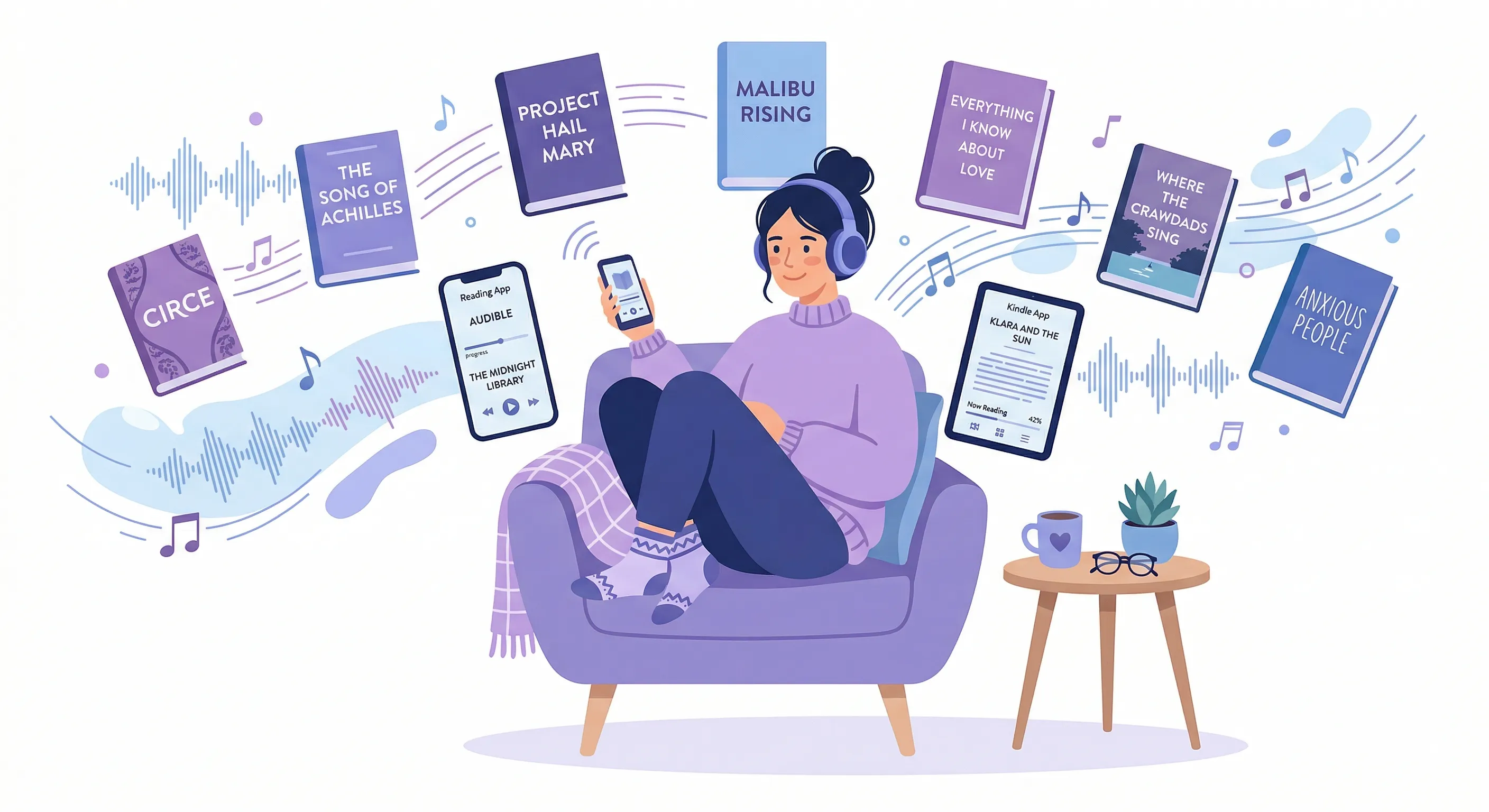
I have 43 unread books on my Kindle. Seventeen articles saved in Pocket that I bookmarked sometime around Thanksgiving and never opened. A Libby queue so long I've had books auto-return twice because the 21-day loan expired while they sat there, unread, judging me from a notification badge. Forty-three books. And last month I discovered I could listen to almost every single one of them without spending a cent on Audible or buying a single audiobook.
The trick is text-to-speech. Not the robotic, stilted, Microsoft Sam voice from 2004 that you're probably imagining right now. Modern TTS — on phones especially — sounds shockingly human. Apple's Siri voices, Google's neural voices, Samsung's built-in engine. They've gotten genuinely good. And a surprising number of free reading apps either have TTS built in or work beautifully with your phone's accessibility layer. Nobody talks about this. Everyone assumes you need to pay $14.95 a month to Audible to "read with your ears." You don't.
Let me walk through every free reading app I tested, what kind of TTS it actually supports, and — this matters — whether the experience is pleasant or whether it's technically possible but miserable in practice. Because there's a difference.
Apple Books was the first one I tried and the one that surprised me most. If you have an iPhone or iPad, you already have it. Open any book, any ePub you've loaded, any free book from the Apple Books store — there are thousands. Now here's the part most people don't know. Go to Settings, Accessibility, Spoken Content, and turn on Speak Screen. Two-finger swipe down from the top of any page. It starts reading.
That's it. That's the whole setup.
The voice quality depends on which Siri voice you've downloaded — the Enhanced and Premium voices are miles ahead of the defaults, and they're free downloads, just large files. I use the Premium Australian English voice for some reason I can't fully explain. Maybe I like being read to by someone who sounds like they'd invite me to a barbecue after. Apple Books doesn't have a native TTS button inside the app itself, which feels like an oversight the size of a barn, but the Speak Screen workaround is reliable. It follows along as you turn pages. It pauses when you leave the app. It resumes. I listened to an entire 280-page novel this way during a week of commuting and it worked without a single hiccup. The catch — it reads everything on screen. Page numbers. Chapter headers. The little "3 of 47" progress indicator. You learn to tune those out after about ten minutes. Slightly annoying. Not a dealbreaker.
Google Play Books does something similar but the implementation is rougher around the edges. On Android, you enable TalkBack or the newer "Select to Speak" option in accessibility settings, and Play Books content becomes speakable. But TalkBack is really a full screen reader designed for blind and low-vision users — it changes how your entire phone behaves, not just the reading app. Every element gets announced. Every tap requires a double-tap. I turned it on, tried to read a chapter, accidentally opened my notification shade three times, and said "okay this is not for casual use" out loud to nobody. Select to Speak is better for sighted users who just want to hear text — you tap the accessibility button, then tap a paragraph, and it reads that paragraph. One paragraph at a time. Which means you're tapping constantly. Google has the engineering talent to build gorgeous native TTS into Play Books. They built it into Google Translate. They built it into Google Assistant. They just... haven't put it in their book app. It's baffling and a little insulting. Free books? Enormous catalog. TTS experience? Homework-level effort required.
The Kindle app. I need to be careful here because Amazon's TTS situation is a tangled mess of product decisions, legal constraints, and publisher agreements that would take a flowchart to explain. The short version: Kindle has a feature called VoiceView on Android and iOS, designed primarily as an accessibility screen reader. Some Kindle books support text-to-speech and some don't — publishers can disable it on a per-title basis, and many do, especially for popular titles where they want you to buy the Audible version instead. You'll see "Text-to-Speech: Enabled" on the Amazon product page if it works. When it does work, you enable VoiceView, open the book, and the phone reads it using the device's TTS engine. It's functional. It's free. But Amazon has made exactly zero effort to make this a pleasant experience for someone who isn't visually impaired. No highlighting of the current sentence. No auto-scroll. No speed controls beyond what your phone's accessibility settings offer. Amazon wants you on Audible. They want that $14.95. They will not make the free path easy. (I wrote a complete guide to every Kindle TTS method if you want the full picture.)
So the paid path is Audible's Immersive Reading which syncs professional narration with the Kindle text and it's beautiful. But it costs money for the audiobook on top of the ebook and we're talking about free here.
Libby changed my reading life and I'm not being dramatic. If you have a library card — any library card, from any public library system — you probably have access to Libby. It's the OverDrive app, rebranded with a better interface, and it lets you borrow ebooks and audiobooks for free. Actual free. Tax-funded free. The audiobooks are professionally narrated, same quality as Audible, because they literally are the same recordings. But that's audiobooks, not TTS. For ebooks borrowed through Libby, TTS works the same way as Apple Books or Kindle — you use your device's Speak Screen or TalkBack. Libby doesn't have native TTS built into the app. What Libby does have is a genuinely great reading experience with well-formatted text, good typography, and books that are easy to read on screen, which means the accessibility TTS layer works cleanly on top of it. I borrowed three novels last month. Listened to all three using Speak Screen while doing dishes, folding laundry, walking the dog. My library card is the most valuable subscription I don't pay for.
Now here's where things shift. Everything I've talked about so far is books. Ebooks. Novels, nonfiction, stuff you download and read in an app. But I spend more time reading on the web than I do in book apps. Articles, newsletters, documentation, web novels, Substack posts, Wikipedia rabbit holes at 1 AM. None of that lives in a reading app.
CastReader is what I use for web content and — disclosure, this is our product — it's a browser extension that reads any webpage aloud. You click the icon, it extracts the article text from the page (ignoring navigation bars, ads, comment sections, all the noise), and starts speaking with paragraph-by-paragraph highlighting that follows along on the actual page. Not in a separate reader view. On the page itself. I built the habit of clicking CastReader on every long article I open and just... listening while I do other things. The current paragraph lights up. I glance over, see where I am, look away. For web novels — Royal Road, Wattpad, Scribble Hub — it handles chapter pages cleanly because they're just long blocks of text, which is the easiest extraction case. Free tier is real free, not a trial. If you want a deeper comparison of browser-based TTS options, I wrote about the best TTS Chrome extensions and there's also a broader roundup of free TTS tools that covers desktop apps too.
Moon+ Reader is the Android reading app that power users swear by and casual users have never heard of. It's been on the Play Store since roughly the Mesozoic era and it's still actively updated. The free version — Moon+ Reader, not Moon+ Reader Pro — has built-in TTS that uses your phone's speech engine. Open an ePub or PDF or MOBI or FB2 or CBR or basically any file format that has ever contained text. Tap the menu, tap TTS, it reads. Speed control. Pitch control. Voice selection. Auto-page-turning as it reads. Sentence highlighting. All of this in the free version. I keep asking myself why this app doesn't have fifty million downloads. The UI looks like it was designed by an engineer who values function over aesthetics, which it was, and that probably scares people off. The settings screen alone has maybe sixty options. But for pure reading-plus-TTS on Android, nothing free comes close. Nothing. I loaded a 900-page fantasy novel as an ePub and Moon+ Reader handled it without stuttering, without crashing, with perfect chapter navigation and TTS that picked up exactly where I paused. Pro version is $6 and adds more themes and a widget. You don't need it for TTS.
ReadEra is Moon+ Reader's quieter, cleaner cousin. Also Android. Also free. Also supports TTS through the device speech engine. Where ReadEra wins is simplicity — the interface is minimal, modern, doesn't overwhelm you with options. It opens PDFs, ePubs, MOBI, DJVU, even Word documents. The TTS integration isn't as feature-rich as Moon+ Reader's — fewer controls, no pitch adjustment — but it works and it's straightforward. Open book, long-press, select "read aloud," done. ReadEra makes its money by being completely ad-free in the base version and offering a premium tier for annotations and cloud sync. The TTS is free. I'd recommend ReadEra over Moon+ Reader for anyone who looked at Moon+'s settings screen and felt their soul leave their body.
Wattpad is interesting because of what it is rather than how well its TTS works. Millions of free stories — romance, fantasy, fanfiction, thriller, horror, things that defy categorization. Community-written. Some of it is rough. Some of it is genuinely excellent and has gone on to become published bestsellers. Wattpad itself does not have built-in text-to-speech. What it does have is cleanly formatted text that works well with your phone's accessibility TTS. On iOS, Speak Screen reads Wattpad chapters smoothly. On Android, Select to Speak handles it paragraph by paragraph. The experience is identical to using accessibility TTS on any other app — it works, it's free, and the app hasn't done anything special to enable or enhance it. What Wattpad has done special is give you an infinite library of free fiction. Pair that with TTS and you have a free audiobook machine that never runs out of content. The quality variance is enormous — I've heard Speak Screen dutifully read aloud a chapter that misspelled the protagonist's name three different ways — but for the price of zero dollars, I'm not complaining.
Something I want to be honest about. There's a real difference between apps that have native, thoughtfully designed TTS — a play button in the interface, highlighting that follows the narration, controls for speed and voice — and apps that merely don't prevent your phone's accessibility features from working. Apple Books, Google Play Books, Kindle, Libby, and Wattpad all fall into the second category. They work with TTS. They don't support TTS. If you read a lot of ePubs, our ePub audio reader page walks through the best options. Have PDFs? The PDF to audiobook converter handles multi-column papers and textbooks. You can also browse our free audiobook library for titles that already have narration. The distinction matters because the experience of using accessibility TTS is functional but clunky. You're fighting the interface a little bit. There's no highlighting in the book itself. Page turns sometimes interrupt the reading. It reads UI elements you don't want read. Moon+ Reader, ReadEra, and CastReader fall into the first category — TTS is a first-class feature, designed into the product, with controls and highlighting and auto-scrolling.
So what do I actually use? Daily? CastReader for web articles and newsletters because that's where most of my reading happens and I want the highlighting on the actual page. Moon+ Reader for ePubs on my Android tablet. Libby for borrowing books I'd otherwise buy. Apple Books with Speak Screen when I'm on my iPad and feeling lazy. That combination covers everything I read, costs nothing, and has eliminated probably 80% of my "I'll read that later" guilt. If you're curious about TTS for manga and comics, that's a whole different challenge — images with text, speech bubbles, reading order — worth exploring separately.
Forty-three unread Kindle books. I'm down to thirty-one now. Not by reading faster. By listening while I live the rest of my life. The books were always free. The voices were always there. I just didn't know to press play.
Related: Kindle Text to Speech: Every Device Guide | Best TTS Chrome Extensions | Free TTS Tools | PDF to Audiobook Free | EPUB to Audio | Send Kindle to Phone
