The Most Realistic AI Voice Generator
Turn text into natural speech with standard AI voices. Create your own personal voice in CastReader, preview it free, and apply it with Pro.
Type or paste your script here
Explore AI Voices

American female with reserved personality

American female with whisper-like voice, looks casual

American female, probably an educator; confident

American female with high level of composure

American male with confident personality

American male with confident personality

British female

British female with calm personality

British male, mature voice

British male with confident personality

Young Spanish female voice
Young Spanish male voice

Young French female voice

Young Hindi female voice

Young Hindi female voice

Young Hindi male voice

Young Italian female voice

Young Italian male voice

Young Japanese female voice

Young Japanese female voice

Young Japanese male voice

Young Portuguese female voice

Young Portuguese male voice

Young Chinese female voice

Young Chinese male voice
Personal voice
Why CastReader is the #1 AI Voice Generator
Unlock the power of professional voice overs with our advanced AI technology.
Voice Cloning
Clone Your Voice in Seconds
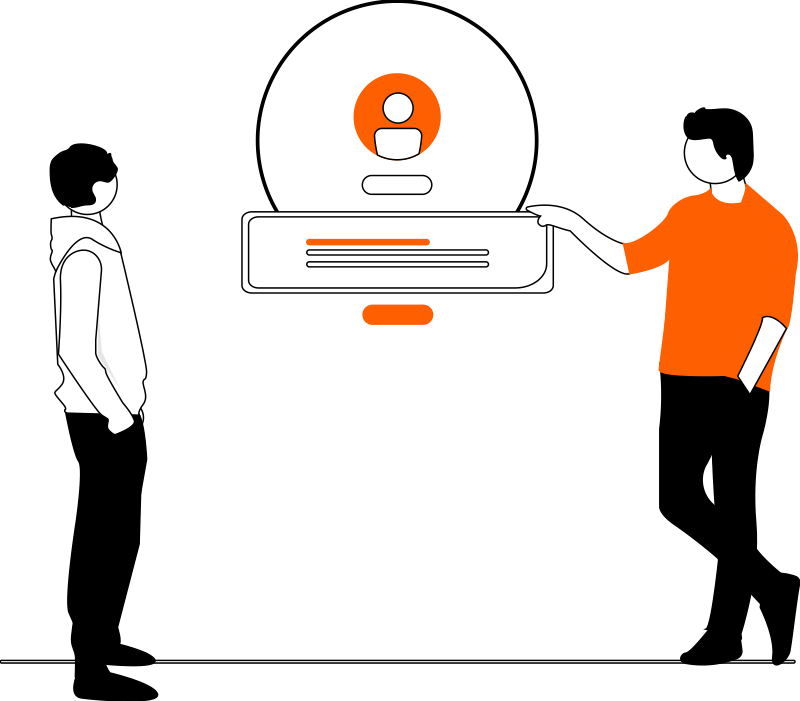
Sign in and record your own voice in the CastReader app or extension. An account can create multiple personal voices and hear their fixed previews; Pro can use them for Read Aloud and Explain.

Hyper-Realistic
Natural Standard and Personal Voices
Choose a standard CastReader voice here, or use your authorized personal voice in Read Aloud and Explain after upgrading to Pro.
Global Reach
Multilingual Speech
Standard voices cover a broad language catalog. Personal cloned voices currently support English, Chinese, Japanese, Korean, Spanish, French, German, Italian, Portuguese and Russian.
For Professionals
Consent and Private Ownership
Only create a personal voice you own or are explicitly authorized to use. Personal references and previews are stored privately and are never added to the public voice catalog.
Common Questions About AI Voice Generation
Learn more about creating professional voice overs with CastReader
What is an AI Voice Generator?+
An AI voice generator converts written text into spoken audio. CastReader combines speech with synchronized highlighting and auto-scroll so you can listen and follow the text at the same time.
Is CastReader really free to use?+
The standard voice tool has a free allowance. For personal voice cloning, a signed-in account may create multiple voices and play their fixed previews. Applying them to arbitrary Read Aloud or Explain text requires Pro.
Can I use the AI voices for YouTube or commercial projects?+
Use generated audio only where you have the necessary rights. Personal voice cloning requires the voice owner's explicit consent; CastReader does not grant rights to someone else's identity or recordings.
How does Voice Cloning work?+
In the CastReader app or extension, you read a displayed prompt and record a short, clear sample. We validate the recording and create a private personal voice. The web tool does not accept arbitrary third-party audio uploads.
What languages are supported?+
The standard voice catalog covers many languages. Personal cloned voices currently generate in 10 languages: English, Chinese, Japanese, Korean, Spanish, French, German, Italian, Portuguese and Russian. A voice created from one supported recording language can be used in all 10.
Is my text and voice data private?+
Personal voice references and fixed previews are stored privately and encrypted. They are not published to the public voice catalog. You can delete a voice, but deleting it does not reset the one-time free creation.
What counts toward the Pro 120-minute personal-voice allowance?+
Only successfully generated audio duration counts. Playback, the fixed free preview, failed jobs and cancelled jobs do not. The allowance resets with the entitlement period; trialing and paid Pro users follow the same rule.
What happens when the 120 minutes are used?+
Personal-voice generation pauses until the monthly reset. Your saved voice remains available, and you can keep using standard CastReader voices. CastReader will not silently replace the selected personal voice.
Need enterprise solutions? Contact our sales team