gTTS vs Browser TTS: I Wrote 15 Lines of Python to Do What a Chrome Extension Does in One Click
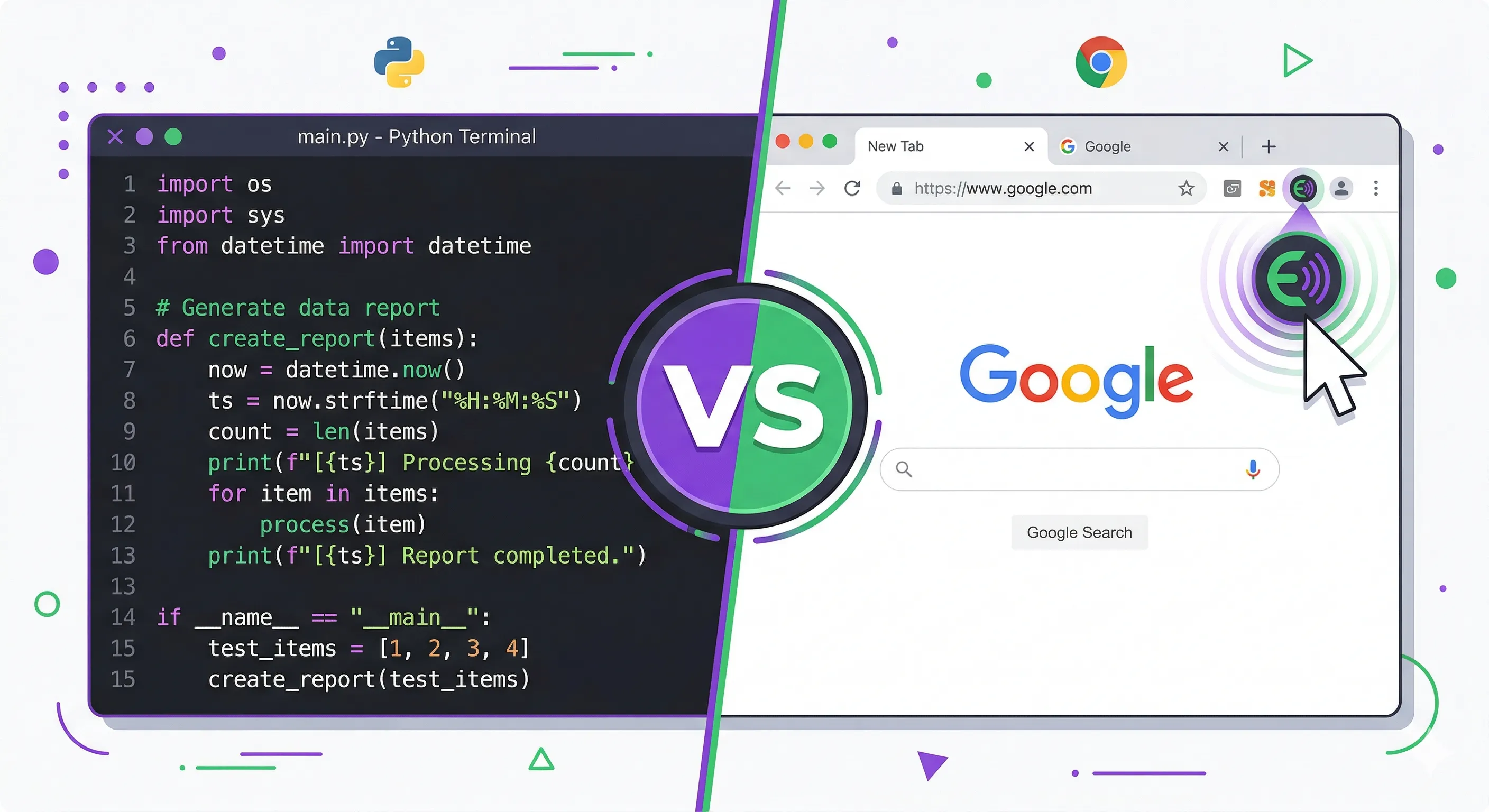
I was sitting in my apartment on a Sunday night writing a Python script to read a blog post out loud. Fifteen lines of code. Import gTTS, open the URL with requests, parse the HTML with BeautifulSoup, extract the text, feed it to gTTS, save the MP3, open the MP3 with subprocess. I ran it. It worked. The audio came out of my speakers in that familiar Google Translate voice, flat and steady and vaguely feminine, reading the article at a pace that suggested she had somewhere else to be. I leaned back in my chair, satisfied. Then my roommate walked by, saw the article still open in my browser tab, clicked the TTS extension icon in his toolbar, and the same article started playing instantly with paragraph highlighting following along on the page. He didn't write a single line of code. He didn't open a terminal. He clicked a button.
I stared at my fifteen lines of Python.
"Why didn't you just use the extension?" he asked.
Because I'm a developer, Marcus. Because I solve problems with code even when the problem has already been solved by someone who made a button for it.
That moment is basically the entire gTTS story. gTTS, short for Google Text-to-Speech, is a Python library that wraps Google Translate's undocumented TTS endpoint. You pip install it, pass it a string and a language code, and it hands you back an MP3 file. Three lines in their simplest form: from gtts import gTTS, tts = gTTS('Hello world', lang='en'), tts.save('hello.mp3'). That's it. That's the whole library in its most distilled form. And for what it is, it works remarkably well. The audio quality is exactly what you'd expect from Google Translate — clean, intelligible, the kind of voice that has read billions of directions to lost tourists. Not warm. Not expressive. But clear. Always clear.
I first used gTTS three years ago when I needed to generate audio samples for a notification system. A few hundred short phrases, different languages, saved as individual MP3 files. Writing a loop in Python that iterated through a CSV of phrases and spat out named audio files was the obvious approach, and gTTS made it trivially easy. The whole script was maybe 30 lines including error handling and file naming logic. I ran it, went to make coffee, came back to a folder full of perfectly usable audio clips. That's gTTS at its best. Batch processing. Automation. Turning a tedious manual task into something a for-loop handles while you do something else.
But then I got ambitious.
I thought, hey, what if I build a little reading tool? Something that takes a URL, extracts the article text, and reads it aloud paragraph by paragraph. I could add playback controls. Maybe highlight the current paragraph in the terminal. I got about two hours into it before I realized I was reinventing something that already existed as a Chrome extension you can install in four seconds. The extraction part alone — figuring out which div contains the article body, stripping navigation and ads and sidebars — took more code than the actual TTS part. And the result was still worse than what a browser-based TTS tool does out of the box, because the browser already has the rendered page right there. It doesn't need to fetch anything. It doesn't need to parse HTML. The DOM is sitting there, fully rendered, waiting to be read.
That's the fundamental split. gTTS is a developer tool for generating audio files programmatically. Browser TTS extensions are consumer tools for listening to web pages. They overlap in exactly one place — turning text into speech — and diverge in every other dimension.
Let me talk about gTTS's limitations because they matter and the README doesn't emphasize them enough. The biggest one is rate limiting. gTTS hits Google Translate's TTS endpoint, and Google did not build that endpoint for third-party libraries to hammer with bulk requests. Process too many texts too quickly and you'll get a 429 error or, worse, your IP gets temporarily blocked. I've seen this happen in production. A coworker ran a gTTS batch job on 2,000 product descriptions and got blocked after about 300. He had to add sleep delays between requests, which turned a twenty-minute job into a three-hour job. There are workarounds — using slow=False to reduce request count, rotating IPs, adding jitter to your delays — but they all feel like you're tiptoeing around a system that was never meant to be used this way. Because it wasn't.
There's also no offline mode. gTTS needs an internet connection for every single generation because the synthesis happens on Google's servers. If you're building something that needs to work on an airplane or in a data center with restricted outbound access, gTTS is dead in the water. This is where pyttsx3 enters the conversation. pyttsx3 is the other popular Python TTS library, and it works completely offline by using your operating system's built-in speech engine — SAPI5 on Windows, NSSpeechSynthesizer on macOS, espeak on Linux. The voice quality is generally worse than gTTS, sometimes significantly worse depending on the platform and available voices. But it runs locally, it runs fast, and it never gets rate limited because there's no server to rate limit you. For developers who need guaranteed offline synthesis, pyttsx3 is the pragmatic choice even if the output sounds like a GPS navigator from 2008.
gTTS also gives you exactly one voice per language. English? You get the Google Translate English voice. French? The Google Translate French voice. No male option. No female option. No voice selection at all. You get what Google Translate gives you and that's it. There's a tld parameter that lets you switch between Google's regional endpoints — co.uk for a British-inflected English, com.au for Australian — and the accent does shift slightly, which is a clever hack that the community discovered. But it's still fundamentally the same synthesis engine with the same flat prosody and the same inability to convey emphasis or emotion. No SSML support either, so you can't mark up your text with pauses, emphasis, or pronunciation hints the way you can with Google Cloud Text-to-Speech or Amazon Polly. What you type is what you get, read in the same tone regardless of whether it's a joke, a warning, or a eulogy.
So when does gTTS actually win? When you need files. When you need automation. When you need code.
If you're building a pipeline that generates audio assets — notification sounds, language learning flashcard audio, automated podcast intros, audio versions of documentation pages generated in CI/CD — gTTS is fast to implement and costs nothing. Zero API keys. Zero billing. Zero signup. pip install gTTS and you're generating audio in under a minute. I've seen it used in educational apps to generate pronunciation examples on the fly, in accessibility tools to create audio versions of text content, in testing pipelines to generate sample audio for speech recognition systems. Every one of those use cases is fundamentally about producing audio files as part of a larger automated process. That's gTTS's home turf.
I've also seen developers try to use gTTS for things it was never designed for, and this is where the story gets painful. Someone in a Python subreddit posted a project where they built a "real-time reading assistant" using gTTS. The script scraped a webpage, split the text into paragraphs, generated audio for each one sequentially, and played them back. The latency between pressing Enter and hearing the first word was about eight seconds. Eight seconds of staring at a terminal while gTTS made a network round-trip to Google's servers, received the audio, saved it to a temp file, and loaded it into a media player. By the time the first paragraph started playing, I'd already lost interest in whatever the article was about. He'd built a Rube Goldberg machine for reading articles when the solution was literally a single browser extension that does it in under a second with real-time word highlighting and paragraph tracking.
And that's where browser TTS tools live. Not in scripts. Not in terminals. In the browser, where the content already is.
A browser extension like CastReader works by reading the DOM of the page you're already looking at. No HTTP request to fetch the page because you're already on the page. No HTML parsing because the browser already parsed it. No text extraction guesswork because the extension can see exactly which elements contain the article text based on the rendered layout. You click the icon and it starts reading. The current paragraph highlights on the page so you can follow along. You can click any paragraph to jump there. You can adjust the speed. You can pause and resume. The audio plays right there in your browser tab with zero latency because modern AI TTS engines are built for streaming, not file generation.
The voice quality gap has also gotten absurd. gTTS in 2026 still sounds like Google Translate because it is Google Translate. The same synthesis engine that's been powering the "listen" button on Google Translate for years. It was impressive in 2015. It is adequate now. Meanwhile, browser-based TTS tools have access to neural voices that sound close to human — natural pacing, appropriate emphasis, the kind of prosody that makes you forget you're listening to a machine after the first thirty seconds. The gap between "Google Translate voice reading a blog post" and "modern neural TTS reading a blog post" is the gap between a MIDI rendition of a song and an actual recording. Both technically contain the same notes. One of them you'd actually choose to listen to.
I still use gTTS. I used it last month to generate 400 audio labels for a hardware prototype — short phrases in six languages, each saved as a numbered WAV file (well, MP3 converted to WAV). The script ran in twelve minutes and saved me what would have been days of manual recording or hundreds of dollars in cloud TTS API costs. That's a perfectly valid use case and I'd do it again tomorrow.
But I don't use gTTS to read articles anymore. I don't use it to listen to documentation while I cook. I don't use it for anything that involves sitting in front of a browser looking at text I want to hear out loud. Because for that, writing Python is the wrong tool. It's like writing a script to calculate a tip when there's a calculator app on your phone. Technically correct. Practically absurd.
The mental model I've settled on is simple. If you need audio files as output — MP3s, WAVs, assets you'll store and reuse — reach for gTTS or pyttsx3 or, if budget allows, a proper cloud TTS API like Google Cloud or Amazon Polly. If you need to hear something right now, in your browser, while looking at it, reach for an extension. They're different tools shaped by different constraints for different moments. gTTS is a wrench. A browser extension is a doorknob. Both involve turning things. Only one of them requires you to understand threading.
My fifteen-line Python script still sits in a file called read_article.py on my desktop. I haven't run it in months. The Chrome extension icon sits in my toolbar and I click it almost every day. Sometimes the right tool isn't the one you built. It's the one someone else built so you wouldn't have to.
Related: 10 Free TTS Tools That Are Actually Free | Best TTS Chrome Extensions | How to Read a Webpage Aloud
