Just Paste Text, and I'll Read It to You
Give your eyes a break. Listen to articles, emails, or study notes with a natural voice. It's like having a personal reader on demand.
Content to Read
Choose Speaker

American female with reserved personality

American female with whisper-like voice, looks casual

American female, probably an educator; confident

American female with high level of composure

American male with confident personality

American male with confident personality

British female

British female with calm personality

British male, mature voice

British male with confident personality

Young Spanish female voice

Young Spanish male voice

Young French female voice

Young Hindi female voice

Young Hindi female voice

Young Hindi male voice

Young Italian female voice

Young Italian male voice

Young Japanese female voice

Young Japanese female voice

Young Japanese male voice

Young Portuguese female voice

Young Portuguese male voice

Young Chinese female voice

Young Chinese male voice
Why Ask Us to "Read This"?
Sometimes you just don't want to stare at a screen anymore. We turn your reading list into a listening list.
Multitasking
Listen While You Do Life
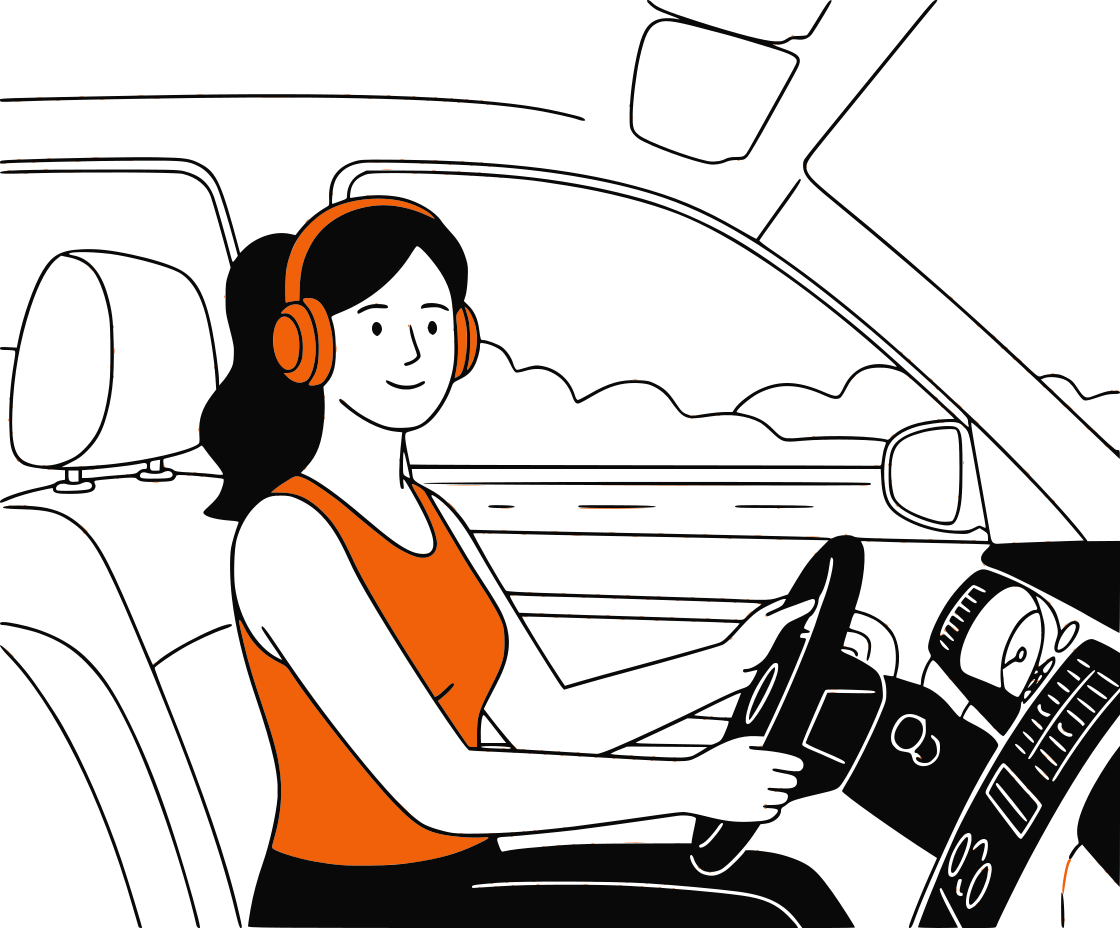
You can't read an article while folding laundry, doing the dishes, or driving. But you can listen to one. Turn your reading materials into audio and reclaim your time. It's the ultimate productivity hack for busy people.
Eye Relief
Give Your Eyes a Rest
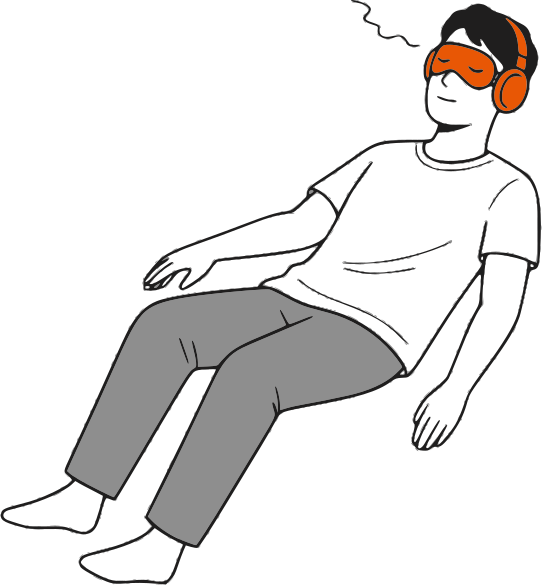
Screen fatigue is real. If you've been staring at a computer all day, reading another PDF feels like torture. Just switch to 'Read This to Me' mode, close your eyes, and absorb the information without the eyestrain.
Better Proofreading
Catch Typos Your Eyes Miss
When you read your own writing, your brain often auto-corrects mistakes. Hearing it read back to you by a neutral AI voice exposes awkward phrasing and typos instantly. It's the secret weapon of great writers.


Simplicity
No Complicated Tech
You don't need to install a browser extension or buy an app. Just bookmark this page. Whenever you find a long email or blog post, copy it, paste it here, and hit play. It works on your laptop, phone, or tablet.
Common Questions
How to use your new personal reading assistant
How do I get the tool to read to me?+
It's super simple. Copy the text from your document, website, or email. Paste it into the big text box above. Select a voice you like, and click the 'Read Aloud' button. The audio will start playing immediately.
Is 'Read This to Me' free to use?+
Yes, it is completely free. You can use it as many times as you want. We don't hide the play button behind a paywall, so you can listen to as much text as you need.
Does it sound like a robot?+
Not anymore. We use modern AI voices that flow naturally. While you can tell it's not a live human in the room, the rhythm and pronunciation are smooth enough to listen to for hours without getting annoyed.
Can I speed up the reading?+
Yes. If you're trying to get through a long report quickly, you can bump the speed up to 1.5x or 2x. If you're listening to something complex or learning a language, you can slow it down to 0.75x.
Can I download the audio to listen later?+
Absolutely. Once the audio is generated, a 'Download' button appears. You can save the MP3 file to your phone and listen to it during your commute or run, just like a podcast.
Is my text private?+
Yes. We don't store the text you paste here. The conversion happens in your browser session. Once you close the tab, your text is gone. It's safe to use for personal emails or work drafts.
What kind of text can it read?+
Almost anything. Blog posts, news articles, essays, emails, PDF contents (if you copy-paste), and even eBook chapters. If you can copy the text, we can read it to you.
Do I need to sign up?+
No. We hate sign-up walls too. You can start listening immediately. No email required, no passwords to remember.
Something sounding off? Let us know at support