Build Your Own Free Audio Books Library
Stop paying $15 a month for credits. Upload your own EPUBs, PDFs, or text documents and turn them into an unlimited collection of premium audiobooks.
Book Content
Narrator Voice

American female with reserved personality

American female with whisper-like voice, looks casual
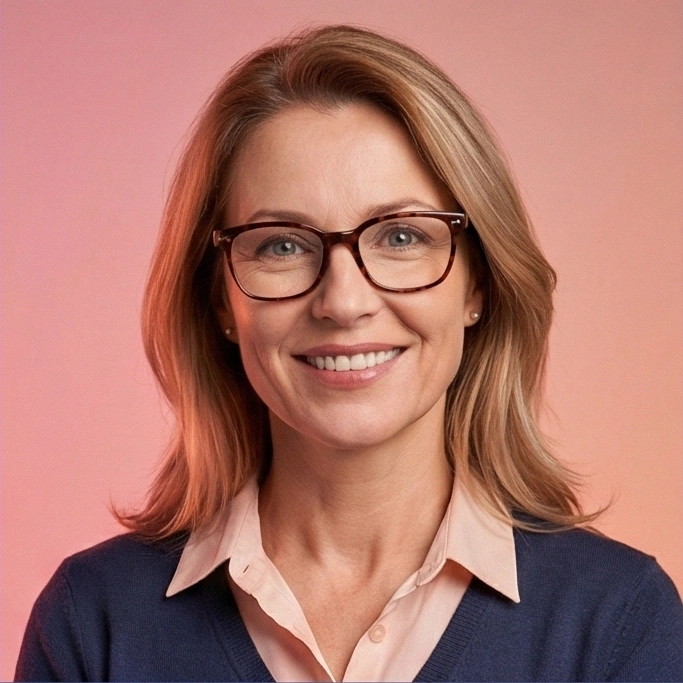
American female, probably an educator; confident

American female with high level of composure

American male with confident personality

American male with confident personality
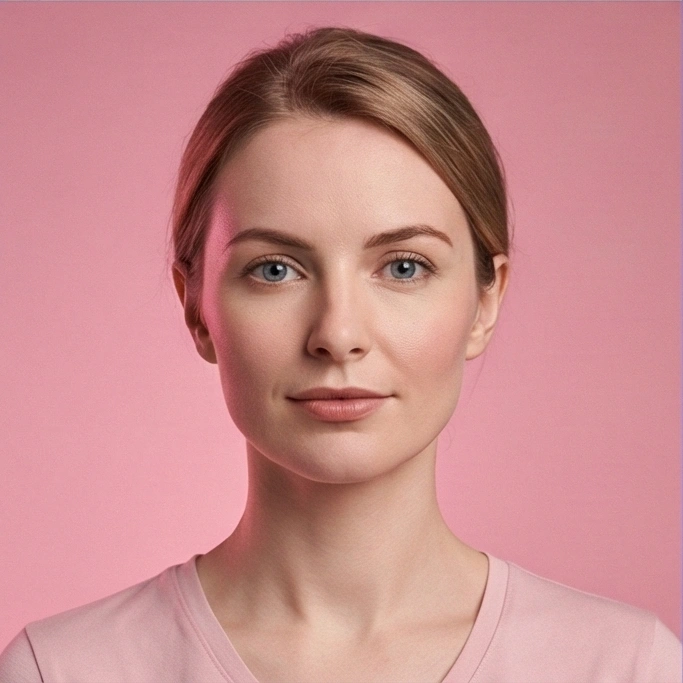
British female

British female with calm personality

British male, mature voice

British male with confident personality
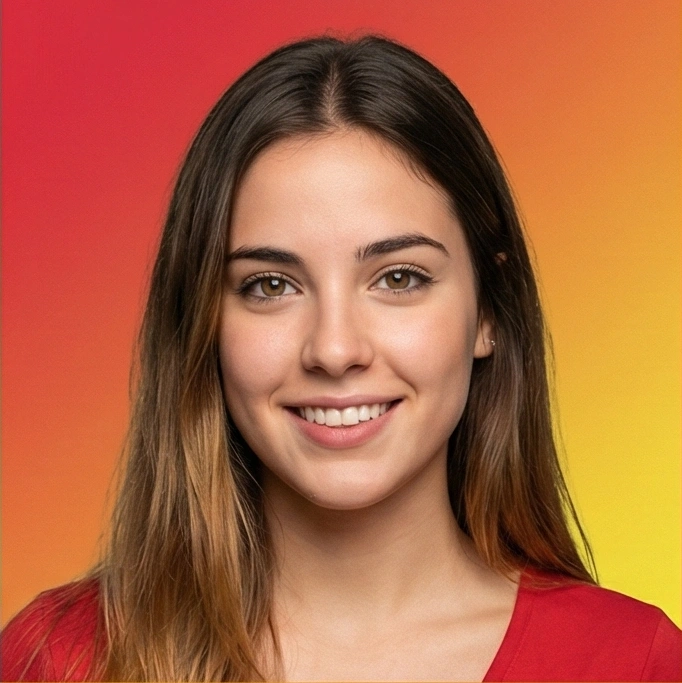
Young Spanish female voice
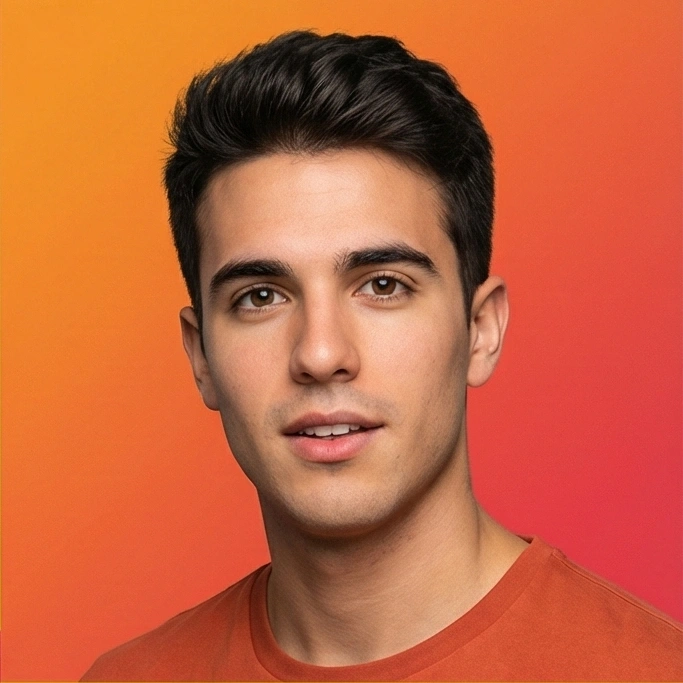
Young Spanish male voice

Young French female voice

Young Hindi female voice
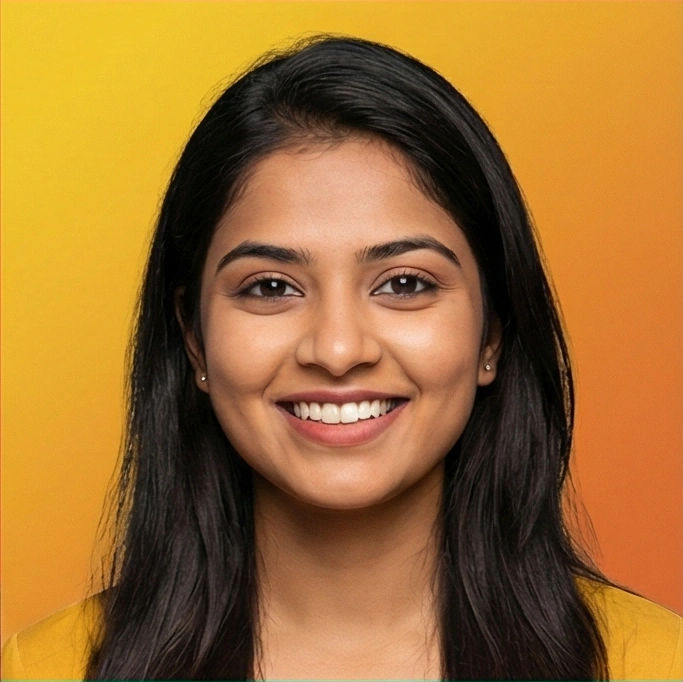
Young Hindi female voice

Young Hindi male voice

Young Italian female voice

Young Italian male voice

Young Japanese female voice

Young Japanese female voice

Young Japanese male voice
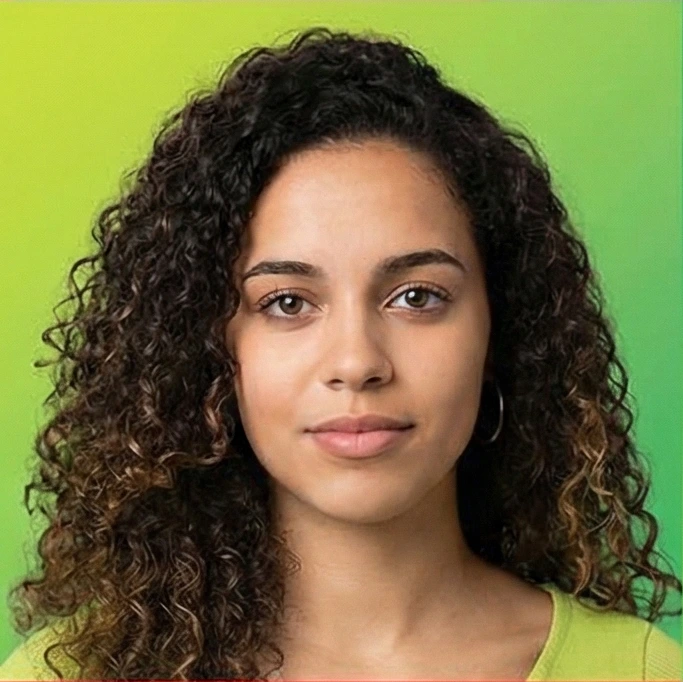
Young Portuguese female voice

Young Portuguese male voice

Young Chinese female voice

Young Chinese male voice
Why Pay for Audiobooks When You Can Make Them?
The internet is full of free ebooks. We give them a voice.
Unlock Free Content
Access Millions of Free Titles
Sites like Project Gutenberg and Standard Ebooks offer thousands of classics for free. CastReader lets you take those free text files and turn them into high-quality audiobooks instantly. It's a library that never closes.


Better Than Audible
No Credits, No Monthly Bills
Audible is great, but it gets expensive fast. Why be limited to one book a month? With our tool, your listening is unlimited. If you have the file (EPUB, PDF, or Doc), you have the audiobook. Simple as that.
Your Personal Narrator
Voices You Actually Want to Hear
Free public domain audiobooks (like LibriVox) are amazing, but sometimes the recording quality varies. Our AI narrators offer consistent, studio-quality sound with customizable speed and emotion. It's premium narration for free content.

Format Freedom
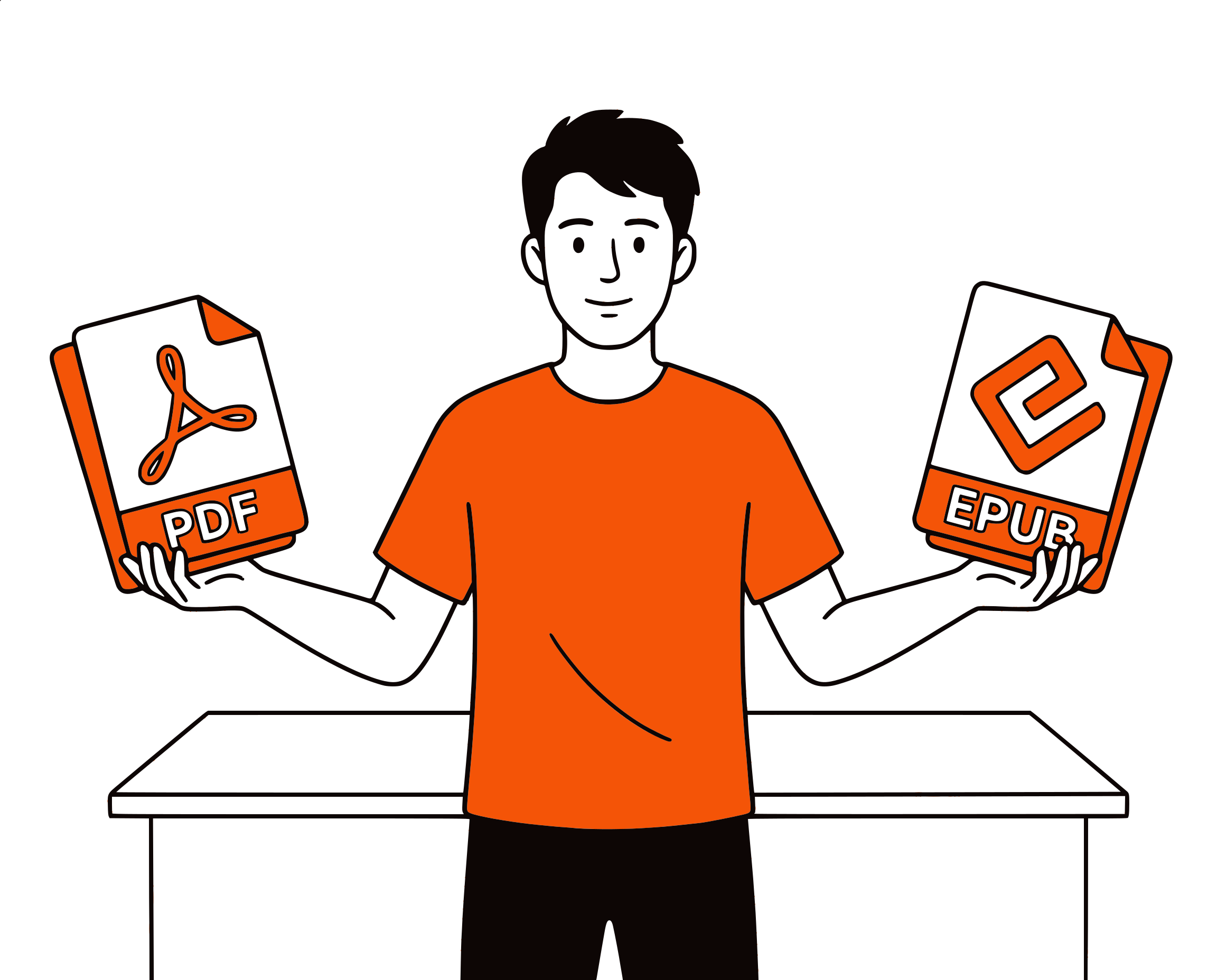
PDFs, EPUBs, & Articles
We don't just do novels. Turn your textbooks, research papers, fanfiction, or long web articles into audio tracks. Listen to your homework or work documents while you commute or hit the gym.
Audio Library FAQ
How to turn your reading list into a listening list
Is this audio book library really free?+
Yes. The tool to convert text to audio is completely free. You bring the content (the text or ebook file), and we provide the voice. There are no hidden fees or 'credits' to buy.
Where can I find free books to convert?+
There are amazing resources online! Check out Project Gutenberg, Standard Ebooks, or Open Library for public domain classics. You can download the EPUB or Text files there and paste them here to listen.
Can I listen to these audiobooks offline?+
Absolutely. After you generate the audio for a chapter or section, you can hit the 'Download' button. Save the MP3 to your phone and listen anywhere, even without an internet connection.
Is this legal?+
Yes. You are creating a private audio copy of a document you own or have access to for personal use. It's an accessibility tool. As long as you don't distribute or sell the generated audio of copyrighted books, you are good to go.
Does it sound like a robot reading?+
No. We use advanced AI that mimics human breathing patterns and intonation. It's much smoother than the built-in 'Speak' feature on your phone. Many users find it comparable to professional narration.
Can I adjust the reading speed?+
Yes. Everyone listens differently. Speed it up to 1.5x to fly through a textbook, or slow it down to savor a novel. You have full control over the playback.
Do I need an account to save my library?+
No account is needed to generate audio. However, since we process everything locally for privacy, we don't store your library on our servers. We recommend downloading your audio files to keep your library safe on your own device.
reader.free-audio-books-library.faq.items.7.question+
Plain text is the easiest—just copy and paste. However, we handle PDF and EPUB content well. For the best experience with PDFs, copy the text you want to hear to avoid reading out page numbers or headers.
Have a request for a new voice? Email our library team