Listen to UpToDate — Turn Clinical Topics into Audio
CastReader adds text-to-speech to UpToDate. Click play on any clinical topic — it reads recommendations, summaries, and drug information aloud with paragraph highlighting and natural AI voices. Review evidence-based content faster between patients.
Why CastReader is Perfect for UpToDate
Built for busy clinicians — review clinical content on your schedule
The Problem
12,000+ Topics, No Time to Read Them All
UpToDate covers 12,000+ clinical topics used by 2M+ clinicians in 190+ countries. Each topic includes detailed recommendations, graded evidence, drug dosing, and differential diagnoses. But between patient encounters, rounds, and documentation, there's rarely enough time to read a full topic on screen.

Smart Extraction
Reads Recommendations and Summaries, Skips Navigation
UpToDate pages include navigation panels, reference lists, contributor disclosures, and sidebar widgets. CastReader extracts only the clinical content — recommendations, summary and recommendation sections, drug information, and explanatory text — for focused audio.
Follow Along
Paragraph Highlighting for Clinical Detail
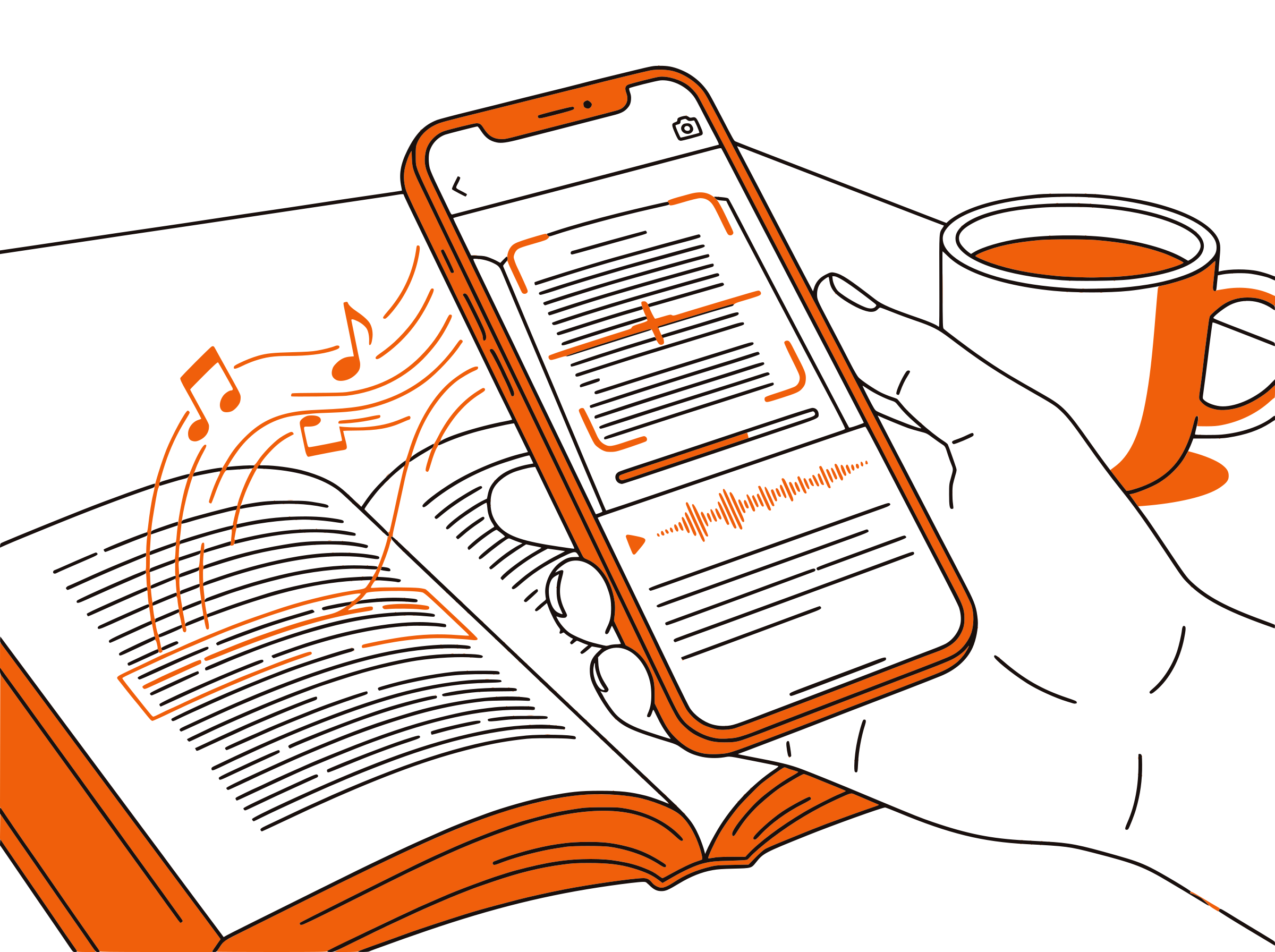
Each paragraph highlights as it's read aloud. When reviewing drug dosing, differential diagnoses, or graded recommendations, visual tracking ensures you don't miss critical details — especially important when clinical decisions depend on precise wording.

Speed for Busy Physicians
Review Topics at 1.5x–2x Between Patients
Adjustable speed from 0.5x to 3x lets you match playback to context. Use 1.0x for unfamiliar topics with complex recommendations. Use 1.5x–2x for familiar topics where you're checking updated guidelines. Listen during commutes, rounds prep, or charting breaks.

100% Free
No Extra Cost Beyond Your UpToDate Subscription
Completely free. No signup, no subscription, no usage limits. You already pay for UpToDate access — CastReader adds audio at zero additional cost. Works on any browser where you can access UpToDate.

UpToDate Text to Speech in 2026: Listen to Evidence-Based Medicine
UpToDate is the most widely used clinical decision support resource in the world, trusted by over 2 million clinicians across 190+ countries. Its evidence-based topics are continuously updated by physician authors who synthesize the latest research into actionable recommendations graded by evidence quality. For hospitalists, primary care physicians, specialists, and trainees, UpToDate is often the first reference consulted at the point of care.
Each UpToDate topic is comprehensive — typically 5,000 to 15,000 words covering epidemiology, pathophysiology, clinical manifestations, diagnosis, treatment, and prognosis. The Summary and Recommendation sections distill key takeaways, but clinicians frequently need the full topic for nuanced cases. Reading a complete topic takes 20 to 40 minutes of focused screen time, which is difficult to find during a busy clinical day.
CastReader adds text-to-speech to UpToDate as a free Chrome extension. Open any topic on uptodate.com, click the extension icon, and listen to the clinical content read aloud with natural AI voices. Each paragraph highlights as it's spoken, so you can follow along or listen hands-free during commutes, rounds preparation, or charting breaks.
For physicians preparing for board certification or maintenance of certification exams, UpToDate is a primary study resource. CastReader transforms board review into an audio experience — listen to UpToDate topics during your commute, at the gym, or while doing household tasks. At 1.5x speed, a 30-minute topic becomes 20 minutes of listening that can overlap with other activities.
CastReader's adjustable speed and paragraph navigation are designed for clinical workflows. Jump directly to the treatment section of a topic. Slow down for complex drug dosing tables. Speed up through background sections you already know. Combined with the Send to Phone feature for mobile listening, CastReader makes UpToDate accessible wherever your clinical day takes you.
Frequently Asked Questions
Everything about UpToDate text to speech
Does UpToDate have a built-in text-to-speech feature?
No, UpToDate does not include built-in text-to-speech. CastReader adds free TTS to UpToDate's web interface, reading clinical topics, recommendations, and drug information aloud with natural AI voices.
Can I listen to UpToDate clinical topics?
Yes. Install CastReader, open any topic on uptodate.com, and click play. CastReader reads the clinical content aloud with paragraph highlighting so you can follow along or listen hands-free.
Does CastReader work with UpToDate drug information?
Yes. CastReader reads any text content on UpToDate pages, including Lexicomp drug monographs, dosing information, interactions, and adverse effects. It reads the text as rendered on the page.
Can I use CastReader to review UpToDate treatment guidelines?
Yes. Open the topic, click CastReader, and use paragraph navigation to jump directly to the treatment or management section. You can listen at your preferred speed while reviewing guidelines between patients or during commutes.
Is CastReader useful for board exam preparation with UpToDate?
Absolutely. Many physicians use UpToDate as a primary board review resource. CastReader lets you listen to clinical topics during commutes, exercise, or downtime — turning otherwise unproductive time into board study sessions.
Can I adjust the reading speed for dense medical content?
Yes. CastReader offers adjustable speed from 0.5x to 3x. Use slower speeds for unfamiliar topics with complex recommendations and faster speeds for review of material you already know.
Does CastReader work on mobile devices with UpToDate?
CastReader is a desktop Chrome and Edge extension. Use the Send to Phone feature to stream audio to your mobile device via Telegram for listening during rounds or commutes.
Can I use CastReader for CME credit study on UpToDate?
CastReader reads the clinical content that forms the basis for UpToDate's CME activities. You can listen to topics as part of your CME study workflow, then complete the CME questions directly on UpToDate.
Is CastReader free for UpToDate users?
Yes, 100% free. No signup, no subscription, no usage limits. You already pay for UpToDate access — CastReader adds audio at zero additional cost.
Does CastReader work with PubMed and other medical resources?
Yes. CastReader works on any web page, including PubMed, Amboss, UWorld, Medscape, and any other medical reference site. Once installed, every medical website gets a play button.
Also Try
Listen to PubMed
Add TTS to PubMed abstracts and full-text articles
Listen to Amboss
Add TTS to Amboss medical knowledge library
Listen to UWorld
Add TTS to UWorld question explanations and review
Listen to ArXiv
Add TTS to ArXiv research papers and preprints
Listen to O'Reilly
Add TTS to O'Reilly technical books and courses
Listen to Wikipedia
Add TTS to Wikipedia articles in any language
Start Listening to UpToDate Now
Completely free. No signup. No limits. Turn every clinical topic into audio.