Listen to Any O'Reilly Book — Turn Technical Reading into Audio
CastReader adds text-to-speech to O'Reilly Learning Platform. Click play on any chapter — it reads aloud with paragraph highlighting, skips code blocks, and auto-advances to the next chapter.
Why CastReader is Perfect for O'Reilly Books
Built for technical content — not just another generic TTS tool
The Problem
50,000+ Books, Almost No Audiobooks
O'Reilly has the world's largest technical book library — over 50,000 titles on programming, AI, DevOps, data science, and more. But fewer than 1% have audiobook versions. O'Reilly's mobile app has basic device TTS, but with robotic voices and no smart content filtering. Technical books deserve better.
Smart Extraction
Reads Prose, Skips Code Blocks
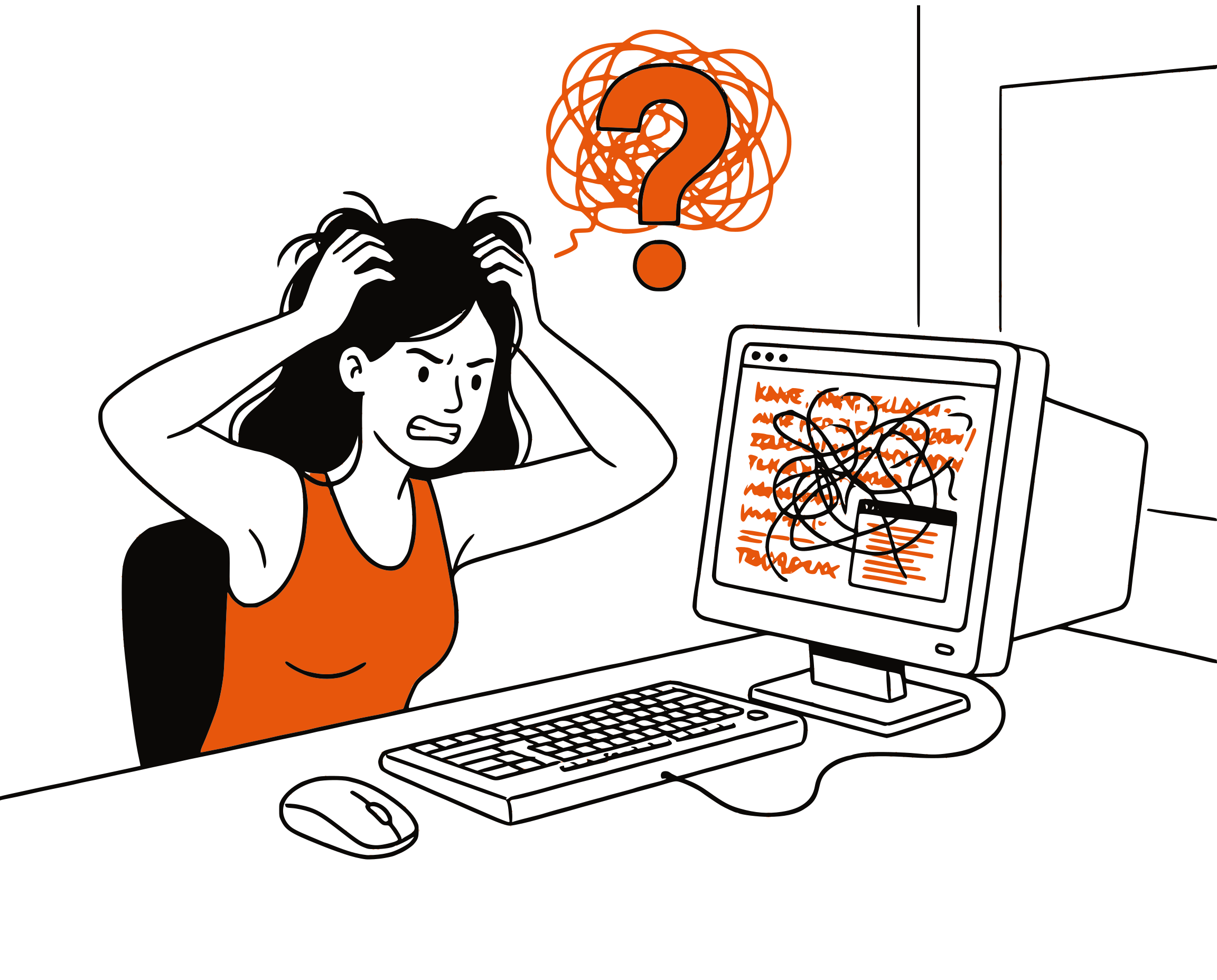
Technical books are full of code snippets, tables, and diagrams that make no sense when read aloud. CastReader intelligently extracts only the readable text — paragraphs, headings, and list items — while skipping code blocks, tables, figures, and footnotes.
Follow Along
Paragraph Highlighting
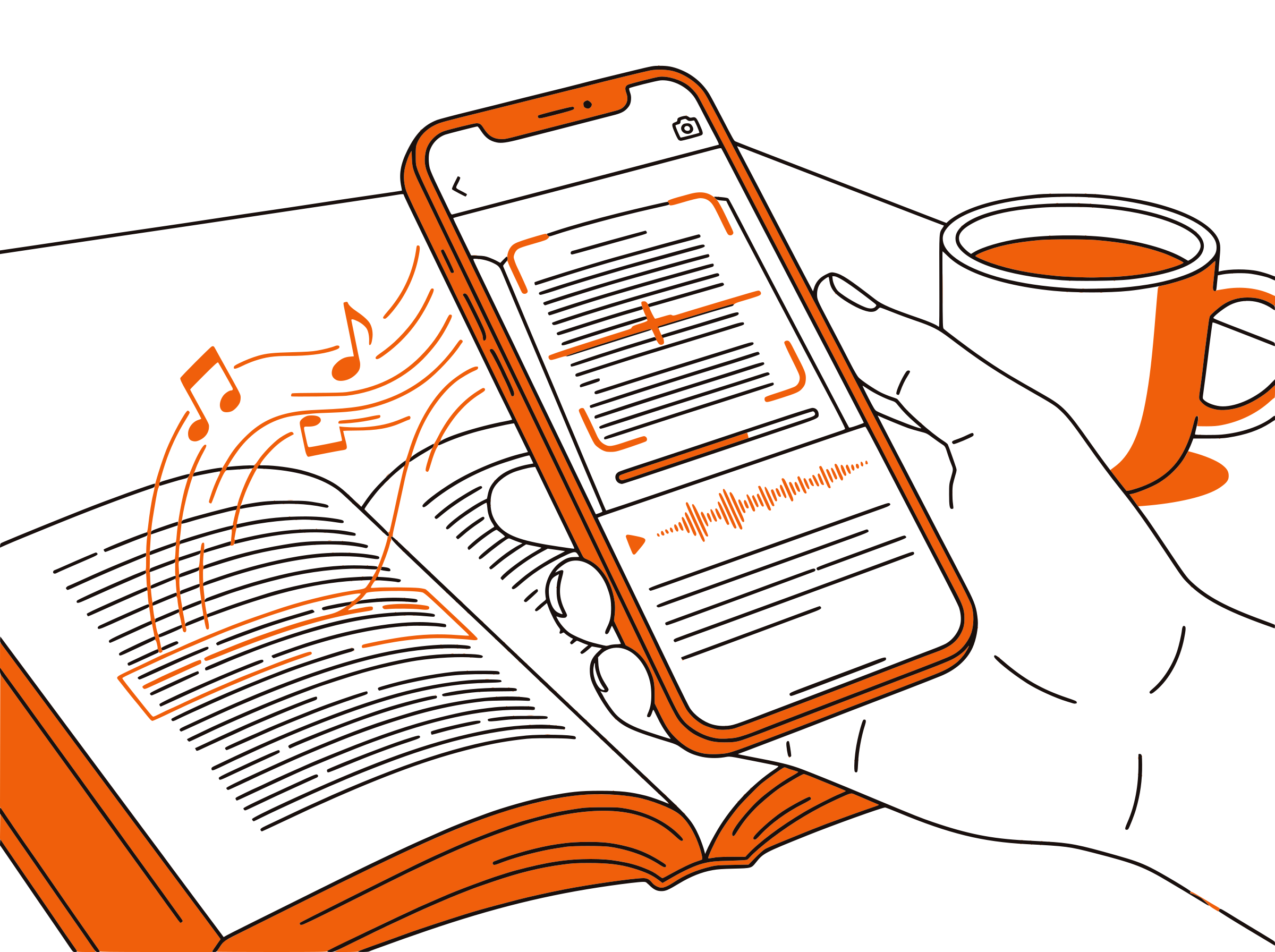
Each paragraph highlights as it's read aloud. Click any paragraph to jump there. The page auto-scrolls to follow the reading — so you can read along or just listen.

Read from Here
Start from Where You Are
Scrolled halfway through a chapter? CastReader detects your reading position and starts from there — no need to listen from the beginning. Works on any page with URL anchors.

100% Free
No Limits, No Account
Completely free. No signup, no subscription, no usage limits. Every book in your O'Reilly library becomes listenable at no extra cost — you're already paying for the O'Reilly subscription, don't pay again for audio.

O'Reilly Text to Speech in 2026: Your Options Explained
O'Reilly Learning (formerly Safari Books Online) is the gold standard for technical education — over 50,000 books from O'Reilly, Addison-Wesley, Pragmatic Bookshelf, Packt, and Manning, plus thousands of hours of video courses. If you're a software engineer, data scientist, or tech professional, chances are your company or university provides an O'Reilly subscription. The problem: almost none of these books have audiobook versions.
This matters because technical professionals are busy. You want to absorb 'Designing Data-Intensive Applications' during your commute, review 'AI Engineering' while cooking, or catch up on the latest Kubernetes book at the gym. But the only way to consume O'Reilly content is to sit down and read — until now.
O'Reilly's mobile app includes a basic read-aloud feature that uses your device's built-in TTS engine. It works, but the voice quality is robotic, it reads everything on the page (including code blocks, table headers, and figure captions), and there's no smart content filtering. For a 400-page technical book full of code examples, this is unusable.
CastReader solves this by adding intelligent text-to-speech to O'Reilly's web reader at learning.oreilly.com. It identifies the chapter content container, extracts only readable text (paragraphs, headings, list items), and skips code blocks, tables, figures, and footnotes. The result is clean, natural audio that makes sense — you hear the author's explanations without 'import numpy as np, def train underscore model, open paren, X comma y, close paren, colon' interrupting every other paragraph.
The workflow: open any book on O'Reilly Learning in Chrome or Edge, click the CastReader extension icon, and press play. It reads the current chapter aloud with paragraph highlighting that follows along. When you're done with a chapter, CastReader can auto-advance to the next one. If you scrolled halfway through the chapter before clicking play, it detects your position and starts reading from there — no need to listen from the beginning.
Frequently Asked Questions
Everything about O'Reilly text to speech
Does O'Reilly have text to speech?
O'Reilly's mobile app has a basic read-aloud feature using your device's built-in TTS. However, it reads everything including code blocks and tables, making it unusable for technical books. The web reader at learning.oreilly.com has no built-in TTS. CastReader adds intelligent TTS that skips code and reads only the prose.
Does O'Reilly have audiobooks?
O'Reilly has a small audiobook catalog (a few hundred titles), but the vast majority of their 50,000+ technical books have no audio version. CastReader turns any O'Reilly book into an audiobook using AI text-to-speech.
How do I listen to O'Reilly books?
Install CastReader (free Chrome extension), open any book on learning.oreilly.com, and click the extension icon. CastReader reads the chapter aloud with paragraph highlighting, skipping code blocks and tables automatically.
Does CastReader skip code blocks in O'Reilly books?
Yes. CastReader's O'Reilly integration automatically filters out code blocks, inline code, tables, figures, and footnotes. It only reads paragraphs, headings, and list items — the parts that make sense as spoken audio.
Can CastReader auto-advance chapters on O'Reilly?
Yes. When the current chapter finishes, CastReader automatically clicks the next chapter button and continues reading. You can listen through an entire book hands-free.
Is CastReader free for O'Reilly?
Yes, 100% free. No signup, no subscription, no limits. You're already paying for your O'Reilly subscription — CastReader adds audio at no extra cost.
What languages does CastReader support on O'Reilly?
CastReader supports 40+ languages with natural AI voices. Most O'Reilly books are in English, but CastReader automatically detects the language and selects the appropriate voice.
Does it work with O'Reilly accessed through a university or company proxy?
Yes. CastReader works with O'Reilly accessed through library proxies (e.g., EZproxy) and direct access at learning.oreilly.com. It detects O'Reilly's content structure regardless of the access method.
Can I start reading from the middle of a chapter?
Yes. Scroll to where you want to start, then click play. CastReader detects your scroll position via the URL anchor and begins reading from that point — no need to listen from the beginning of the chapter.
How does CastReader compare to O'Reilly's built-in read-aloud?
O'Reilly's mobile app read-aloud uses basic device TTS and reads everything on the page including code. CastReader uses AI voices (40+ languages), intelligently skips code/tables/figures, supports paragraph highlighting, auto-advances chapters, and works on the web reader.
What is Safari Books Online text to speech?
Safari Books Online was the former name of O'Reilly Learning Platform. It was renamed in 2019. CastReader works with the current O'Reilly Learning platform at learning.oreilly.com and provides text-to-speech for all books in the library.
Can I listen to O'Reilly books on my phone?
CastReader's Send to Phone feature streams audio to your phone via Telegram. Start reading on your computer, tap the phone icon, and continue listening on your phone during your commute.
Does it work with O'Reilly video courses?
No, CastReader is designed for text content (books, articles, documentation). O'Reilly video courses already have audio narration.
What technical books work best with text-to-speech?
Conceptual and design-focused books work best — think 'Designing Data-Intensive Applications,' 'Clean Code,' 'The Pragmatic Programmer,' or 'AI Engineering.' Books that are heavy on code examples (like cookbooks or reference manuals) still work but you'll skip more content since CastReader filters out code blocks.
Also Try
O'Reilly TTS Complete Guide
Step-by-step setup and tips for listening to O'Reilly books
Listen to Kindle Books
CastReader also works on Kindle Cloud Reader with OCR
Send to Phone
Stream O'Reilly books to your phone and listen anywhere
Listen to ArXiv Papers
Turn academic papers into audio for your commute
Listen to Confluence Pages
Add TTS to your team's documentation
Listen to Notion Pages
Read your Notion workspace aloud with CastReader
Listen to Coursera
Add TTS to Coursera courses and specializations
Listen to AWS Skill Builder
Listen to AWS certification training content
Start Listening Now
Completely free. No signup. No limits. Install and start listening to O'Reilly books.