Listen to PubMed — Turn Medical Literature into Audio
CastReader adds text-to-speech to PubMed and PubMed Central. Click play on any abstract or full-text article — it reads aloud with paragraph highlighting and natural AI voices. Stay current with biomedical research without screen fatigue.
Why CastReader is Perfect for PubMed
Built for clinicians and researchers — keep up with the literature effortlessly
The Problem
36 Million Citations, Not Enough Hours
PubMed indexes over 36 million citations from MEDLINE, life science journals, and online books. Clinicians, researchers, medical students, and nurses face an impossible reading backlog — thousands of new papers every week in their field alone. But PubMed offers no audio option, so every abstract and article means more screen time.

Smart Extraction
Reads Abstracts, Methods, and Results — Skips Navigation
PubMed pages include citation metadata, MeSH terms, sidebar links, and related article panels. CastReader extracts the content that matters — structured abstracts, full-text sections on PMC, methods, results, and discussion — for focused, uninterrupted audio.
Follow Along
Paragraph Highlighting for Complex Papers
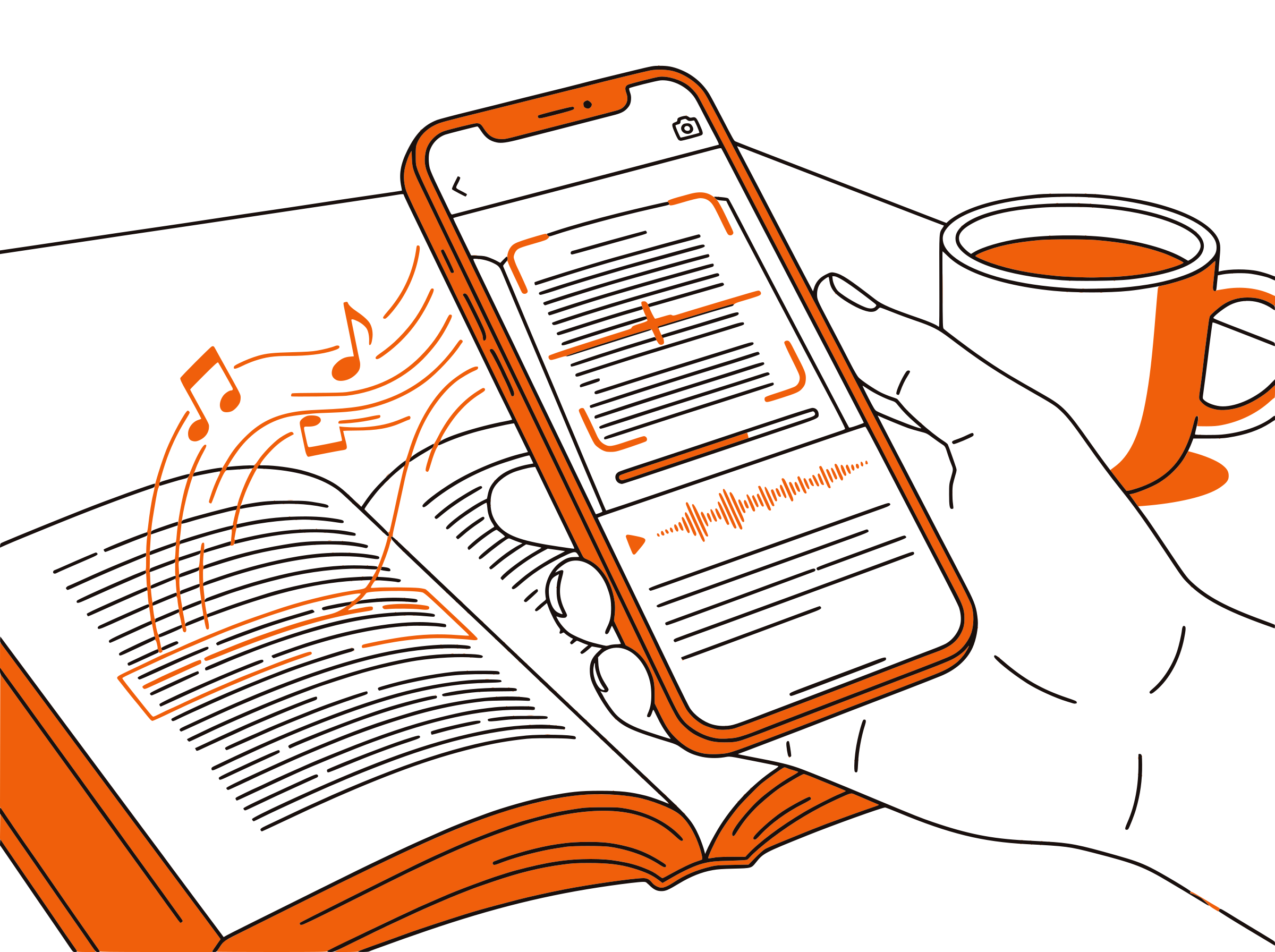
Each paragraph highlights as it's read aloud. For dense biomedical text with statistical results, dosage data, and multi-step protocols, visual tracking while listening prevents you from losing your place and improves comprehension of complex findings.

Speed Control
Adjust Pace for Dense Medical Content
Playback speed from 0.5x to 3x. Use 1.0x for unfamiliar specialties or novel methodology sections. Switch to 1.5x–2x for literature screening and review articles you're already familiar with. Cover more ground during journal club prep or systematic review sessions.

100% Free
No Extra Cost on Top of Your Subscriptions
Completely free. No signup, no subscription, no usage limits. You already pay for journal access — CastReader adds audio at zero additional cost. Works with PubMed, PMC, and any publisher site you have access to.

PubMed Text to Speech in 2026: Listen to Medical Literature Efficiently
PubMed is the premier biomedical literature database, maintained by the National Library of Medicine at the National Institutes of Health. With over 36 million citations from MEDLINE, life science journals, and online books, it is the starting point for virtually every biomedical literature search. Researchers, physicians, medical students, nurses, pharmacists, and public health professionals rely on PubMed daily to find evidence, review treatments, and stay current in their fields.
The volume of published biomedical research is staggering and accelerating. Over 1.5 million new articles are indexed on PubMed each year. For a practicing clinician trying to stay evidence-based, or a graduate student conducting a systematic review, the reading backlog is a constant source of stress. Abstracts alone can run 300–500 words each, and PMC full-text articles routinely exceed 5,000 words of dense scientific prose packed with statistical analyses, methodology details, and clinical data.
CastReader adds text-to-speech to PubMed and PubMed Central as a free Chrome extension. Navigate to any PubMed abstract or PMC full-text article, click the extension icon, and listen to the content read aloud with natural AI voices. Each paragraph highlights as it's spoken, so you can follow along visually with complex tables, figures, and statistical results while hearing the surrounding text.
For clinicians, the most practical use case is literature screening during otherwise unproductive time. Listen to abstracts during your commute to triage which papers deserve a full read. Play review articles at 1.5x while charting or during administrative time. Medical students can listen to assigned readings while walking between classes or during exercise, turning dead time into study time — particularly valuable during board exam preparation.
CastReader's adjustable speed is especially useful for medical literature. Use 1.0x for unfamiliar topics or complex statistical methods. Switch to 1.5x–2x for review articles, clinical guidelines, or papers in your core specialty where the vocabulary is already familiar. Combined with paragraph highlighting that keeps your place in dense text, CastReader transforms PubMed from a screen-only resource into a flexible, multimodal research tool.
Frequently Asked Questions
Everything about PubMed text to speech
Does PubMed have a built-in text-to-speech feature?
No. PubMed does not include built-in text-to-speech. Neither PubMed nor PubMed Central offers native audio for abstracts or full-text articles. CastReader adds free TTS to both platforms, reading content aloud with natural AI voices.
Can CastReader read full-text articles on PubMed Central (PMC)?
Yes. CastReader works on PMC full-text articles just as well as on PubMed abstract pages. Open any PMC article, click the CastReader icon, and it reads through the introduction, methods, results, and discussion sections with paragraph highlighting.
How does CastReader handle PubMed abstracts?
CastReader extracts the abstract text from the PubMed page and reads it aloud. For structured abstracts with labeled sections (Background, Methods, Results, Conclusions), it reads through each section sequentially while highlighting the current paragraph.
Does CastReader pronounce medical terminology correctly?
CastReader uses advanced AI voices that handle most medical and scientific terminology well, including drug names, anatomical terms, and common abbreviations. For highly specialized or novel terms, pronunciation is generally close enough for comprehension, though occasional mispronunciations of rare compound terms can occur.
Can I adjust the reading speed for dense medical papers?
Yes. CastReader offers adjustable speed from 0.5x to 3x. Use slower speeds (0.8x–1.0x) for complex methodology or statistical sections, and faster speeds (1.5x–2x) for screening abstracts or reviewing familiar material.
Can I listen to PubMed articles on my phone?
CastReader is a desktop Chrome and Edge extension. Use the Send to Phone feature to stream audio to your mobile device — open the PubMed article on your desktop, click Send to Phone, and continue listening during commutes or rounds.
Does CastReader work offline for studying?
CastReader requires an active internet connection to generate audio. For offline study, you can save PubMed articles as PDFs or use the browser's reading mode before going offline. CastReader works best as a real-time reading companion when you have connectivity.
Can I use CastReader for CME and continuing education?
Absolutely. Listen to CME-relevant articles and review papers during commutes or exercise. CastReader turns your literature reading time into flexible audio study time, making it easier to meet CME credit requirements without carving out additional desk hours.
Does it work on publisher sites like Elsevier, Springer, and Wiley?
Yes. CastReader works on any web page, including publisher sites where you have full-text access. If the article text is displayed in your browser, CastReader can read it aloud — PubMed, PMC, ScienceDirect, SpringerLink, Wiley Online Library, and more.
Is CastReader free for researchers and medical students?
Yes, 100% free. No signup, no subscription, no usage limits. CastReader is free for everyone — researchers, clinicians, medical students, nurses, and anyone who reads on the web.
Also Try
Listen to JSTOR
Add TTS to academic journals and primary sources on JSTOR
Listen to ArXiv
Add TTS to preprints on ArXiv across all scientific fields
Listen to UWorld
Add TTS to medical exam prep questions on UWorld
Listen to PDF
Read downloaded papers and PDFs aloud with CastReader
Listen to UpToDate
Add TTS to clinical decision support on UpToDate
Listen to Wikipedia
Add TTS to Wikipedia articles for quick background research
Start Listening to PubMed Now
Completely free. No signup. No limits. Turn every abstract and article into audio.