The Free AI Voice Over Generator for Creators
Produce professional narration for your videos, podcasts, and social content without a microphone. Studio quality, zero cost, instant results.
Voice Over Script
Select Narrator

American female with reserved personality
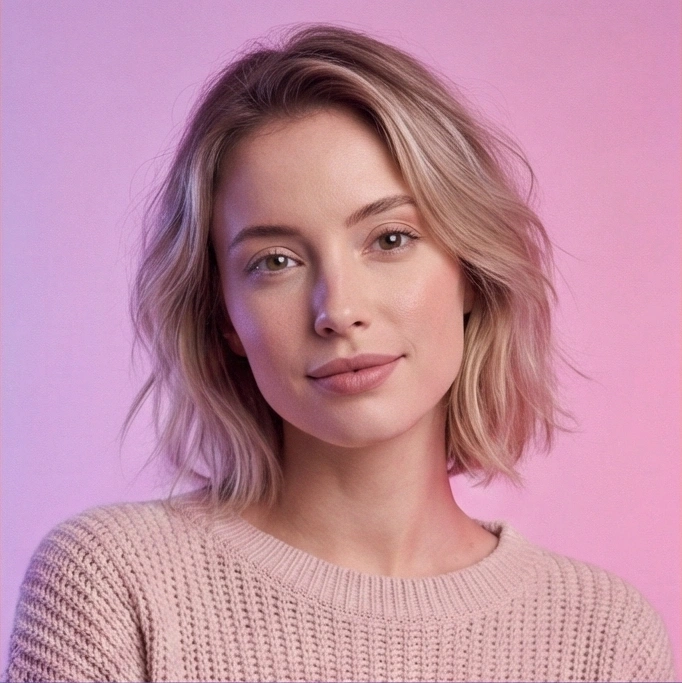
American female with whisper-like voice, looks casual

American female, probably an educator; confident
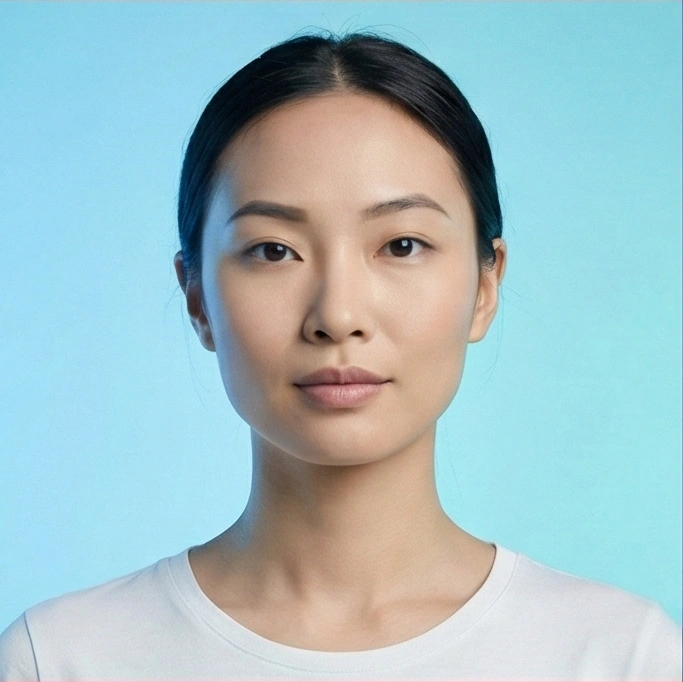
American female with high level of composure

American male with confident personality

American male with confident personality

British female
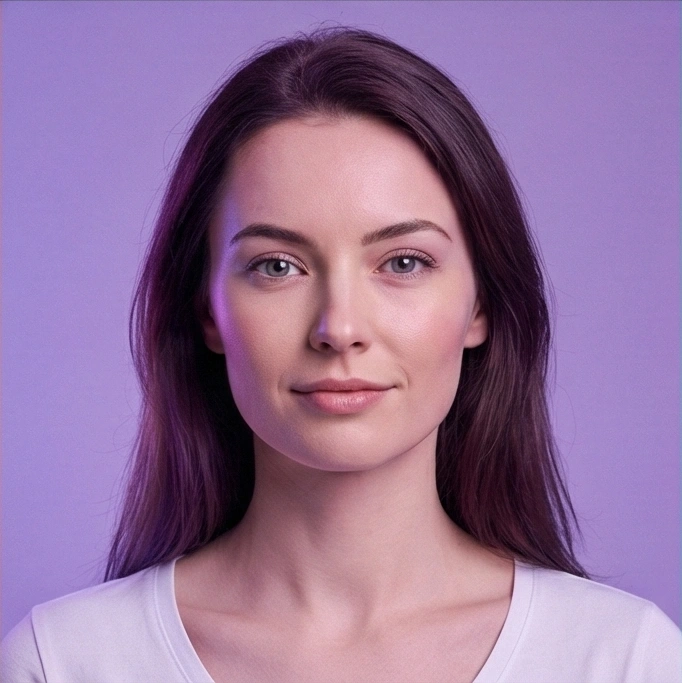
British female with calm personality

British male, mature voice

British male with confident personality
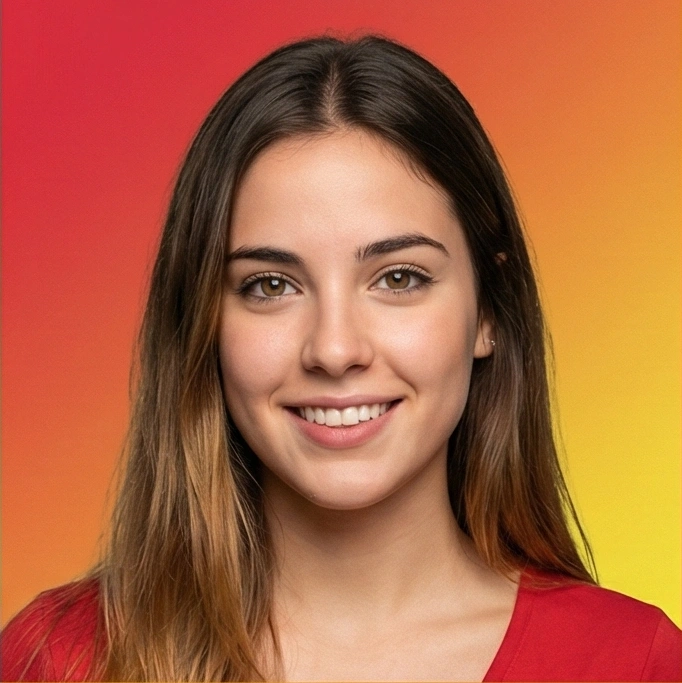
Young Spanish female voice
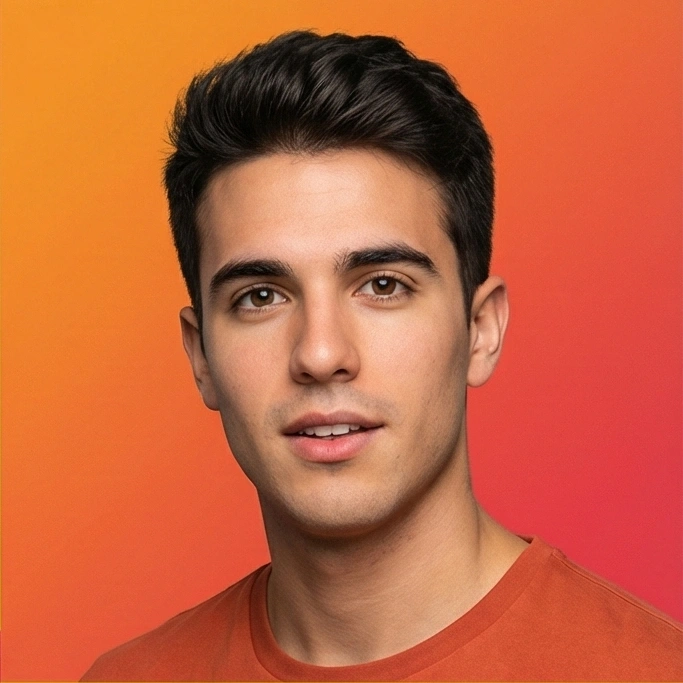
Young Spanish male voice

Young French female voice

Young Hindi female voice

Young Hindi female voice

Young Hindi male voice

Young Italian female voice

Young Italian male voice

Young Japanese female voice

Young Japanese female voice

Young Japanese male voice
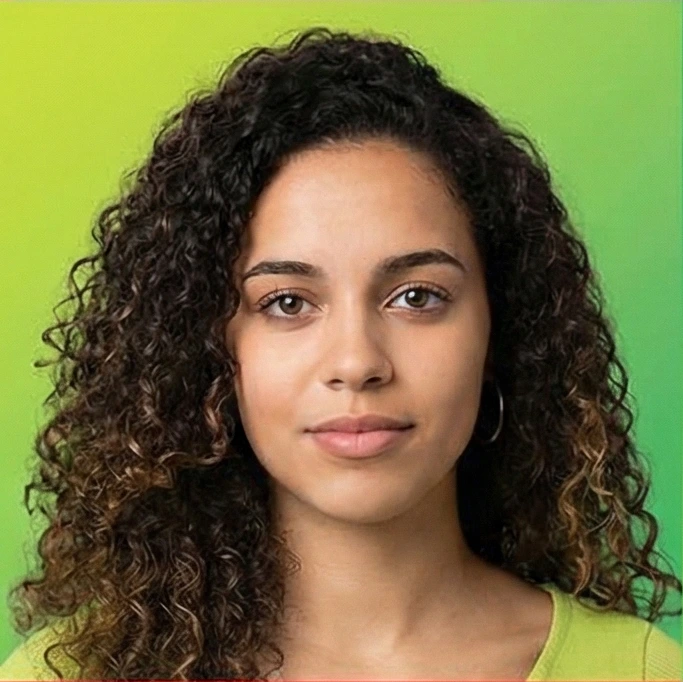
Young Portuguese female voice

Young Portuguese male voice

Young Chinese female voice

Young Chinese male voice
Why Creators Use Our Voice Over Tool?
Stop struggling with cheap microphones and expensive freelancers. Get the perfect take in seconds.
Skip the Studio
Professional Quality, Zero Gear
You don't need a $500 microphone or a soundproof room to get crisp, clear audio. Our AI generator produces studio-grade voice overs that sound like they were recorded by a pro, eliminating background noise and popping sounds automatically.

Instant Workflow
From Script to Timeline in Seconds
Waiting for a freelance voice actor can take days. With CastReader, you paste your script and get the audio file instantly. It's the fastest way to add narration to your YouTube videos, TikToks, or explainer content without breaking your creative flow.
Emotional Depth
Voices That Actually Act
Most TTS sounds robotic and flat. Our AI narrators understand context, adding subtle pauses, breath, and intonation changes. Whether you need a serious documentary tone or an energetic promo voice, the output sounds remarkably human.


Totally Unrestricted
Create Without Limits
Other 'free' tools cut you off after 500 words. We don't. Generate voice overs for long-form video essays, full podcast episodes, or entire audiobooks. We believe creativity shouldn't have a word count limit.
Voice Over FAQ
Common questions from video editors and content creators
Is this voice over generator truly free for videos?+
Yes. You can generate unlimited voice overs for your projects without paying a cent. We don't watermark the audio or restrict the length, making it perfect for budget-conscious creators.
Can I use these voices for YouTube monetization?+
Generally, yes. Our AI voices are cleared for use in content creation. You can use the generated audio in monetized YouTube videos, Instagram Reels, and TikToks without worrying about copyright strikes.
Do the voices sound like real humans?+
They sound incredibly close to human. We use advanced neural networks that mimic human speech patterns, including natural intonation and pacing. Most listeners won't be able to tell it's AI, especially when mixed with background music.
How do I add the audio to my video editor?+
It's simple. After generating your speech, click the 'Download' button to save the file (usually .mp3 or .wav). Then, just drag and drop that file into the timeline of your video editing software like Premiere Pro, Final Cut, or CapCut.
Is this better than hiring a voice actor on Fiverr?+
For many projects, yes. While human actors are great for specific acting nuances, our tool offers instant turnaround and zero cost. It's ideal for explainer videos, news recaps, and content where speed and clarity are the priority.
What if I need a specific accent?+
We support multiple English accents including US and UK. You can audition different voices in the dropdown menu to find the one that fits your brand's tone—whether that's a deep, authoritative narrator or a friendly, casual guide.
Can I adjust the pacing for my video?+
Yes! Video editing often requires precise timing. You can use the speed control (0.5x to 2x) to make the narrator speak faster to fit a TikTok trend, or slower for a detailed tutorial.
Do I need to sign up to save my files?+
No. We believe in removing friction. You don't need to create an account or hand over your email address to generate and download your voice overs. Just create and save.
Is there a limit on script length?+
No hard limits. You can paste long scripts. If you are making a long documentary, we recommend breaking the text into chunks to make editing easier, but we won't stop you from generating it all at once.
Is my script data private?+
Yes. Your scripts are processed locally in your browser session. We don't save your video scripts or sell your data. Your creative work remains yours.
Does it work on mobile for editing on the go?+
Currently, the full generator is optimized for desktop browsers to ensure the best performance with our AI models. We are working on a mobile-responsive version for creators who edit on their phones.
Need a specific voice style? Tweet at our creator support team