Listen to freeCodeCamp — Coding Articles as Audio
CastReader adds text-to-speech to freeCodeCamp. Click play on any article in the freeCodeCamp News library — JavaScript, Python, React, system design, career advice — it reads aloud with paragraph highlighting and natural AI voices.
Why CastReader is Built for freeCodeCamp
For developers reading long technical articles and learning to code by ear
The Problem
9,000+ Long-Form Articles, Pure Screen Reading
freeCodeCamp's News library has 9,000+ in-depth technical articles — JavaScript fundamentals, React tutorials, system design, algorithms, career strategy, deep dives on databases, security, DevOps. Articles routinely run 20–60 minutes of reading. None of it has built-in audio. For developers commuting, doing chores, or just tired of screens, that's a lot of valuable content stuck behind your eyes.

Code-Aware Reading
Skips Code Blocks, Reads the Explanations
freeCodeCamp articles mix prose and code. Listening to literal code is useless — variable names, semicolons, brackets read aloud are noise. CastReader reads the prose explanations and skips code blocks. The code stays visible on screen for you to read normally. You get the conceptual narrative by ear while seeing the code with your eyes.
Follow Along
Paragraph Highlighting While Listening
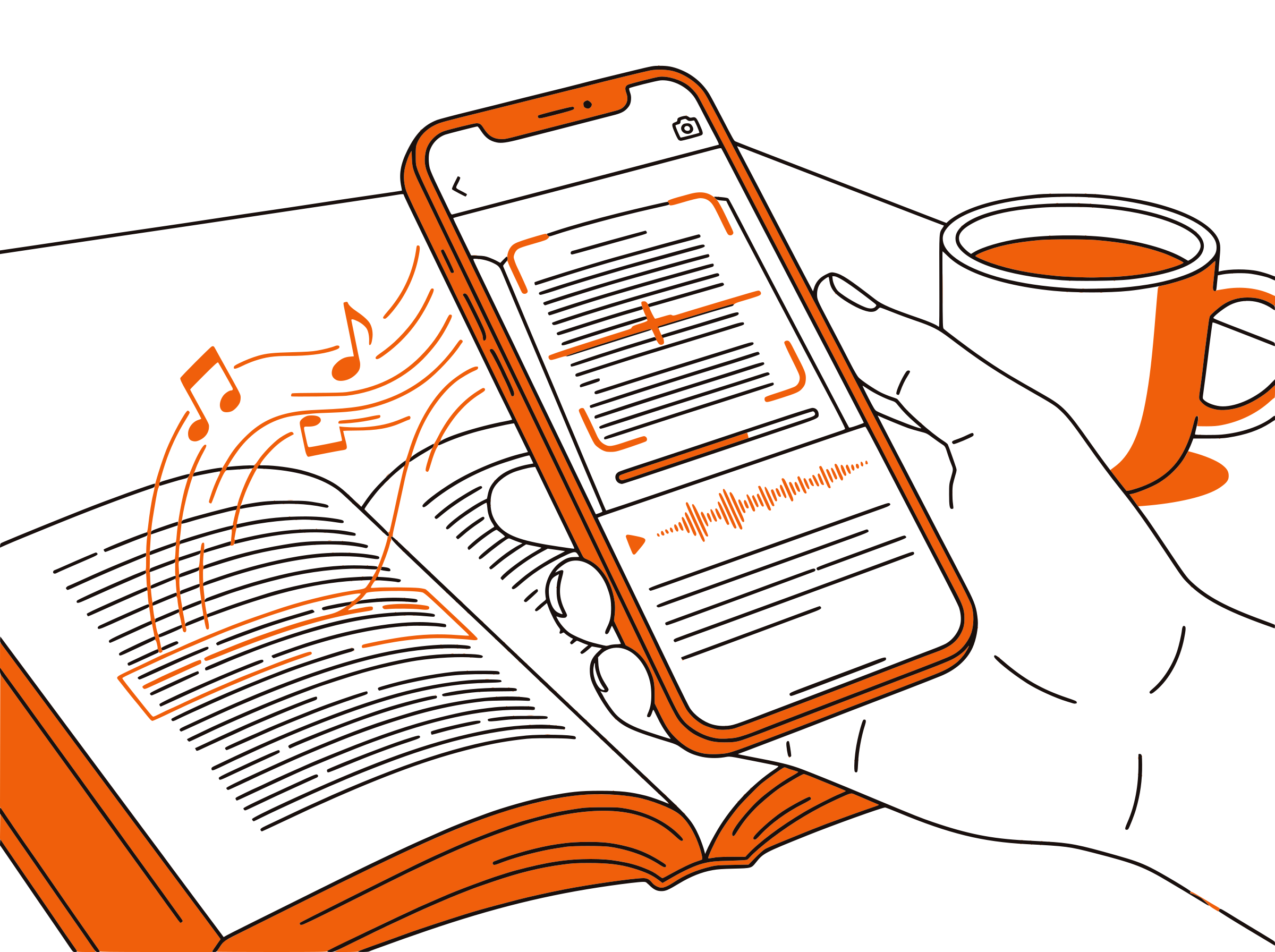
Each paragraph highlights as it's read aloud. For dense technical articles — recursion explanations, distributed systems primers, async/await deep dives — the dual-channel input keeps your focus locked. Especially helpful when reading on a smaller laptop screen or after a long day of coding.

Developer-Friendly Speed
1.5x for Familiar Topics, 0.75x for New Concepts
Use 1.5–2x for review or familiar topics — most senior devs already know what async/await does, but want a refresher. Drop to 0.75x for entirely new concepts (rust borrow checker, eBPF, distributed consensus). Adjustable from 0.5x to 3x — match speed to how new the topic is.

100% Free
Free Mission, Free Tool
freeCodeCamp is a non-profit committed to free coding education for everyone. CastReader is also completely free. No signup, no subscription, no usage limits. Together, they keep technical learning truly free.

freeCodeCamp Text to Speech in 2026: Coding Articles by Ear
freeCodeCamp.org is one of the most influential free coding education platforms in the world — 600+ million minutes of learning per year, 9,000+ in-depth articles, a complete free curriculum from HTML basics to data structures and algorithms certifications. The non-profit, founded in 2014 by Quincy Larson, runs entirely on donations. Its News library (freecodecamp.org/news) is now one of the top 5 sources for developer education on the web.
Articles range from beginner JavaScript primers to deep dives on system design, distributed databases, eBPF, Rust ownership, and React Server Components. Many articles run 20–60 minutes of reading time. Written by working engineers — Stripe, Google, Meta, OpenAI staff regularly contribute — the content is high-quality, technical, and dense. None of it has built-in audio.
CastReader adds text-to-speech to freeCodeCamp as a free Chrome extension. Open any article on freecodecamp.org/news, click the extension icon, and listen with natural AI voices. Each paragraph highlights as it's read. Code blocks stay visible on screen but are skipped during audio — you don't want to hear semicolons read aloud.
Developers have unique reading patterns. Senior engineers skim familiar topics at 2x while doing chores. Junior devs replay tricky concepts at 0.75x to absorb fully. Career changers consume career-strategy articles during commutes. CastReader at adjustable 0.5x–3x serves all of these. The Send to Phone feature streams articles to your phone via Telegram for true mobile listening.
freeCodeCamp's mission of removing economic barriers to coding education aligns with CastReader's free-and-unrestricted model. Together, they make 9,000+ deep technical articles accessible by ear — for the bus ride, the gym, the dishwashing, the morning walk. Pure free education, finally portable.
Frequently Asked Questions
Everything about freeCodeCamp text to speech
Does freeCodeCamp have built-in text-to-speech?
No, freeCodeCamp does not offer built-in TTS. The full curriculum and 9,000+ News articles are text and code. CastReader adds free TTS to any freeCodeCamp page.
Does CastReader read code blocks on freeCodeCamp?
No — and that's intentional. Listening to literal code (semicolons, variable names, brackets) is useless. CastReader skips code blocks and reads the prose explanations. The code stays visible on screen for you to read normally.
Can CastReader read the freeCodeCamp curriculum challenges?
Yes for the instructions. The curriculum has step-by-step text instructions for each challenge — those read cleanly. The interactive code editor part is for you to type in. Use CastReader for the explanation, then type the solution.
Is CastReader free for freeCodeCamp learners?
Yes, 100% free. freeCodeCamp is a non-profit. CastReader is free. No signup, no subscription, no usage limits.
Can I listen to freeCodeCamp articles on my phone?
CastReader runs on desktop Chrome and Edge. Use the Send to Phone feature to stream article audio to your phone via Telegram for commute or workout listening.
Can I adjust speed for technical content?
Yes. CastReader offers 0.5x to 3x. Use 1.5–2x for familiar topics and review. Drop to 0.75x for entirely new concepts (rust borrow checker, eBPF, distributed consensus). Match speed to how new the topic is for you.
Does CastReader work with freeCodeCamp's certifications?
Yes for the reading material. CastReader reads the prose explanations and project descriptions. The interactive coding portions and tests are for you to complete in the editor.
What languages does CastReader support for freeCodeCamp?
CastReader supports 40+ languages. freeCodeCamp publishes in English, Spanish, Portuguese, Italian, Chinese, Japanese, German, Ukrainian, and more — CastReader reads in whatever language the page is written in.
Can CastReader handle very long freeCodeCamp articles?
Yes. Many freeCodeCamp articles run 30–60 minutes of reading. CastReader streams audio continuously with paragraph highlighting throughout. Use playback controls to pause, replay, or skip sections.
Does CastReader work with other learning platforms besides freeCodeCamp?
Yes. CastReader works on any website. It supports freeCodeCamp, Coursera, edX, Khan Academy, Udemy, Udacity, GitHub, Stack Overflow, MDN, dev.to, DevDocs, and any other web-based learning resource.
Start Listening to freeCodeCamp Now
Completely free. No signup. No limits. Turn every freeCodeCamp article into audio.