Listen to Udemy — Course Content and Blog as Audio
CastReader adds text-to-speech to Udemy. Click play on any course description, lecture transcript, blog tutorial, or article — it reads aloud with paragraph highlighting and natural AI voices. Browse 200,000+ courses by ear.
Why CastReader Adds Audio to Udemy
For learners browsing 200,000+ courses and reading the Udemy Blog
The Problem
200,000+ Courses, but Browsing is Screen-Heavy
Udemy hosts 200,000+ courses across development, business, IT, design, marketing, photography, and personal development. Browsing courses means reading detailed descriptions, learning objectives, instructor bios, and student reviews — pages of text per course before you decide to enroll. The Udemy Blog (blog.udemy.com) publishes long-form tutorials and career articles, all text-only.

Smart Extraction
Reads Course Content, Skips Marketing Chrome
Udemy course pages include trust badges, pricing widgets, recommendation rails, and 'students also bought' sections. CastReader extracts only the educational content — what you'll learn, course descriptions, lecture transcripts, blog articles — for clean audio without sales noise.
Follow Along
Paragraph Highlighting While Listening
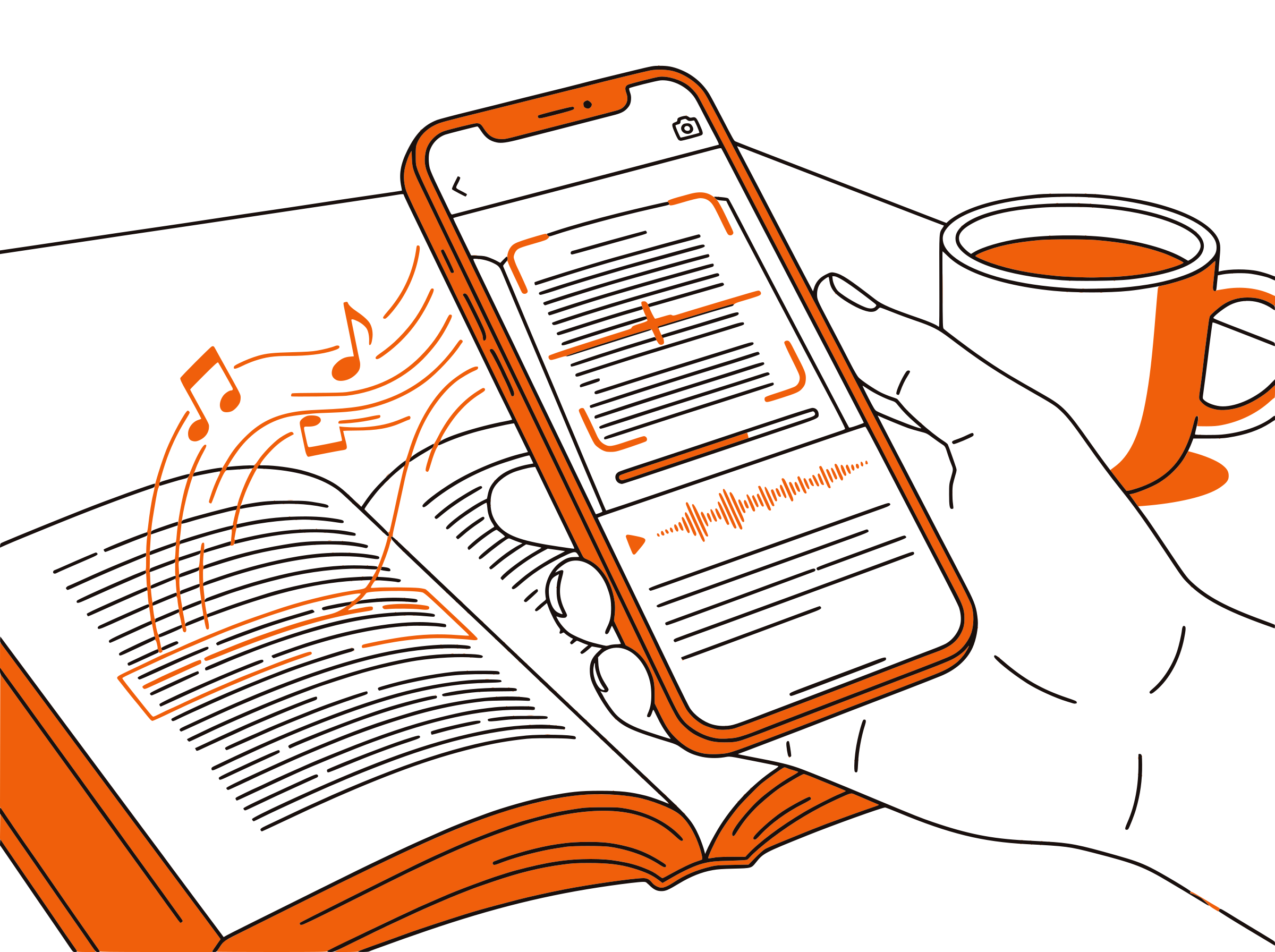
Each paragraph highlights as it's spoken. Read along while listening — the combined input keeps focus on technical tutorials and career advice. Great for the Udemy Blog's longer reads on Python, JavaScript, AWS, machine learning, and career strategy.

Flexible Pace
Speed Control for Browsing vs Deep Reading
Use 2x for fast course browsing — listen to 5 course descriptions in the time it takes to read one. Switch to 1.0x for deep reads of Udemy Blog tutorials. Adjustable from 0.5x to 3x to match what you're doing — picking a course or actually learning.

100% Free
No Extra Cost on Top of Udemy
Completely free. No signup, no subscription, no usage limits. Whether you're browsing free courses, on a Udemy Personal Plan, or part of Udemy Business at work, CastReader adds audio at zero additional cost.

Udemy Text to Speech in 2026: Course Content and Blog by Ear
Udemy is the world's largest online course marketplace — 200,000+ courses, 70+ million learners, 70,000+ instructors. Unlike university-led platforms, Udemy is a marketplace: anyone with expertise can publish a course, and learners pay per course (no subscription required for the consumer plan). The catalog spans Python, JavaScript, AWS certifications, Photoshop, Excel, marketing, productivity, and personal development.
Beyond the courses themselves, Udemy publishes the Udemy Blog at blog.udemy.com — a substantial library of long-form technical tutorials, career advice, and skill-building articles. Topics include programming languages, data science workflows, project management, design fundamentals, and career changes. The blog is freely accessible and acts as a major SEO entry point for Udemy.
CastReader adds text-to-speech to all Udemy text content as a free Chrome extension. Course description pages on udemy.com, blog tutorials at blog.udemy.com, lecture transcripts inside enrolled courses — all readable with one click. Each paragraph highlights as it's spoken, so you can follow along visually or just listen during commutes.
Course browsing is a hidden time sink. Udemy's algorithm shows you 30+ relevant courses per search, and each one has paragraphs of description, learning objectives, and student reviews to read before deciding. CastReader at 2x speed lets you 'audition' courses by ear while doing other things — pick the right course in 10 minutes instead of an hour of screen reading.
Once enrolled, Udemy's lecture transcripts (where instructors provide them) become useful study aids. CastReader reads transcripts aloud, letting you replay key concepts hands-free while reviewing notes or commuting. Combined with the Send to Phone feature, you can turn any Udemy course into mobile audio. CastReader supports 40+ languages, matching Udemy's global instructor base.
Frequently Asked Questions
Everything about Udemy text to speech
Does Udemy have a built-in text-to-speech feature?
No, Udemy does not offer built-in TTS. Course videos have audio (with optional captions), but course descriptions, learning objectives, lecture transcripts, and blog articles are text-only. CastReader adds free TTS to any Udemy page.
Can CastReader read the Udemy Blog at blog.udemy.com?
Yes. The Udemy Blog publishes long-form tutorials and career articles — all readable with CastReader. Open any blog article, click the extension, and listen with paragraph highlighting.
Can CastReader read course videos on Udemy?
Course videos already have audio narration from the instructor. CastReader is for text content — course descriptions, learning objectives, lecture transcripts (where available), and the Udemy Blog. Use the video player for video, CastReader for text.
Is CastReader free for Udemy learners?
Yes, 100% free. No signup, no subscription, no usage limits. Whether you're browsing free courses, paying for individual courses, on a Personal Plan, or part of Udemy Business, CastReader adds audio at zero additional cost.
Does CastReader work on Udemy Business?
Yes. Udemy Business is a separate enterprise platform but uses the same web technology. CastReader works on Udemy Business course pages, descriptions, and any text content. Check with your IT department if your company restricts Chrome extension installs.
Can I adjust speed for course browsing vs deep reading?
Yes. CastReader offers 0.5x to 3x speed. Use 2x for fast course browsing — audition course descriptions by ear. Switch to 1.0x for deep reads of Udemy Blog tutorials. Use 0.75x for tricky technical material.
What languages does CastReader support for Udemy?
CastReader supports 40+ languages with natural AI voices. Udemy has courses and blog content in many languages — English, Spanish, Portuguese, German, French, Japanese, Mandarin — and CastReader reads in whatever language the page is written in.
Can CastReader read lecture transcripts inside Udemy courses?
Yes, where transcripts are visible on the page. Many Udemy instructors provide transcripts as a sidebar or downloadable text. CastReader reads any visible text on the course player page.
Does CastReader work with Udemy mobile?
CastReader works on desktop Chrome and Edge browsers. For mobile listening, use the Send to Phone feature to stream Udemy text content to your phone via Telegram while commuting or exercising.
Does CastReader work with other learning platforms besides Udemy?
Yes. CastReader works on any website. It supports Udemy, Coursera, edX, Khan Academy, Udacity, freeCodeCamp, Canvas LMS, AWS Skill Builder, and any other web-based learning platform.
Also Try
Start Listening to Udemy Now
Completely free. No signup. No limits. Turn every Udemy course description and blog article into audio.