Listen to edX — Turn MIT and Harvard Courses into Audio
CastReader adds text-to-speech to edX. Click play on any course reading, transcript, or article — it reads aloud with paragraph highlighting and natural AI voices. Study from MIT, Harvard, Berkeley, and 220+ partner institutions hands-free.
Why CastReader is Built for edX
Designed for university-level MOOC learners — read, listen, retain
The Problem
World-Class Universities, Text-Heavy Courses
edX hosts 4,000+ courses from MIT, Harvard, Berkeley, Columbia, and 220+ partner institutions — including MicroMasters and MicroBachelors programs. While video lectures cover core concepts, supplementary readings, problem sets, transcript pages, and the edx.org/resources blog all require dense screen reading. A graduate-level course can demand 10–15 hours of text reading per week.

Smart Extraction
Reads Course Content, Skips Platform Chrome
edX pages include navigation menus, course progress widgets, enrollment modals, and recommendation sidebars. CastReader extracts only the educational content — readings, transcripts, blog articles, problem statements — for clean, focused audio without interruption.
Follow Along
Paragraph Highlighting While Listening
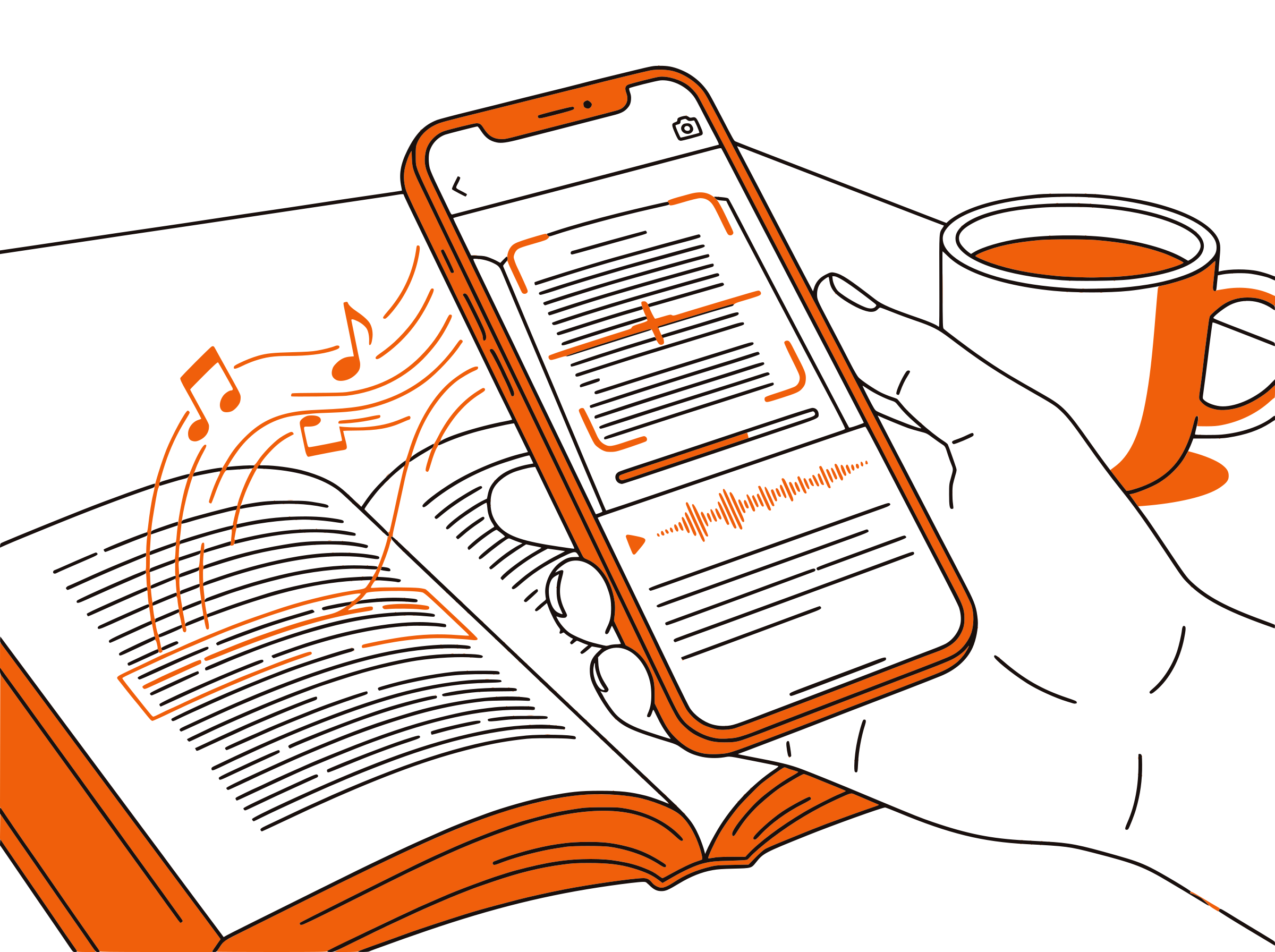
Each paragraph highlights as it's read aloud. The dual-channel approach — eyes on text, ears on audio — keeps your attention locked on dense academic content. Especially helpful for MIT-level math, Harvard humanities, or Berkeley computer science readings where wandering attention costs you the thread.

Flexible Pace
Speed Control for Different Course Types
Use 1.0x for first reads of dense technical material — algorithms, calculus, quantum mechanics. Switch to 1.5x for review passes before graded assessments. Push to 2x for skimming supplementary readings or blog tutorials. Adjustable from 0.5x to 3x to match course difficulty and your familiarity with the topic.

100% Free
No Extra Cost on Top of edX
Completely free. No signup, no subscription, no usage limits. Whether you're auditing courses for free, paying for a verified certificate, or enrolled in an edX MicroMasters, CastReader adds audio at zero additional cost.

edX Text to Speech in 2026: Listen to MIT and Harvard Courses
edX was founded in 2012 by MIT and Harvard as a non-profit, open-source MOOC platform — and remains one of the most academically rigorous online learning destinations. Now with 50+ million learners and 4,000+ courses spanning computer science, engineering, business, humanities, data science, and life sciences, edX hosts content from 220+ universities and companies including Berkeley, Columbia, Microsoft, Linux Foundation, and the World Bank.
While edX videos cover core lectures, the platform's deep university roots mean extensive text-based material in every course. Course readings often run 50+ pages per week. Problem sets include detailed problem statements. The edx.org/resources blog publishes long-form articles on machine learning, data science, business strategy, and career development. MicroMasters programs expect graduate-level reading loads — and none of it is read aloud.
CastReader adds text-to-speech to edX as a free Chrome extension. Open any course page or blog article on edx.org, click the extension icon, and listen to the content read aloud with natural AI voices. Each paragraph highlights as it's spoken, so you can follow along visually or just listen during commutes, exercise, or chores.
edX learners often combine multiple courses in a MicroMasters or MicroBachelors track — that's hundreds of hours of reading over a year. CastReader makes that workload portable. Listen to your data science readings during your morning commute. Review machine learning papers while cooking. Replay difficult sections at 0.75x to grasp dense mathematical notation. The text stays on screen for reference while audio carries the load.
CastReader supports 40+ languages with natural AI voices, matching edX's growing international course catalog. Whether you're studying English-language MIT courses, Spanish-language University of Alicante content, or Arabic-language KhalifaX programs, CastReader reads in the page's language. Combined with adjustable speed from 0.5x to 3x and no usage caps, CastReader transforms edX from a screen-bound experience into a flexible, audio-enhanced graduate-level learning platform.
Frequently Asked Questions
Everything about edX text to speech
Does edX have a built-in text-to-speech feature?
No, edX does not offer built-in text-to-speech. Video lectures have audio, but readings, problem statements, transcripts, and blog articles are text-only. CastReader adds free TTS to any edX page.
Can CastReader read MIT and Harvard courses on edX?
Yes. CastReader works on every edX course page regardless of the partner institution. MIT computer science, Harvard humanities, Berkeley data science — all readable. It also works on edx.org/resources blog articles.
Is CastReader free for edX learners?
Yes, 100% free. No signup, no subscription, no usage limits. Whether you're auditing courses for free or paying for a verified certificate, MicroMasters, or MicroBachelors, CastReader adds audio at no additional cost.
Can CastReader read MicroMasters and Professional Certificate content?
Yes. CastReader reads any text on any edX page — course readings, problem statements, transcripts, capstone instructions. Works on individual courses, MicroMasters tracks, Professional Certificates, and Executive Education programs.
Can I adjust the reading speed for technical edX content?
Yes. CastReader offers 0.5x to 3x speed. Use 0.75x for first reads of MIT-level math or quantum mechanics where dense notation needs careful pacing. Switch to 1.5x for review passes. Push to 2x for skimming supplementary readings.
Does CastReader work with edX's mobile app?
CastReader works on desktop Chrome and Edge browsers. For mobile listening, use the Send to Phone feature to stream audio to your phone via Telegram while you commute, exercise, or do chores.
What languages does CastReader support for edX?
CastReader supports 40+ languages with natural AI voices. It reads edX content in whatever language the page is written in — English, Spanish, French, Mandarin, Arabic, Japanese, and more.
Can CastReader read edX problem sets and assignment instructions?
Yes. CastReader reads problem statements, rubrics, and assignment instructions. It's especially helpful for understanding multi-paragraph problem statements before tackling math or coding solutions — listen once, then dive in with full context.
Does CastReader handle code blocks in edX programming courses?
CastReader skips code blocks during audio reading and focuses on prose explanations. The code stays visible on screen for you to read normally. This works well for Python, R, SQL, and other programming courses where prose context matters more than literal code.
Does CastReader work with other learning platforms besides edX?
Yes. CastReader works on any website. It supports edX, Coursera, Khan Academy, Udemy, Udacity, freeCodeCamp, Canvas LMS, AWS Skill Builder, O'Reilly, arXiv, and any other web-based learning platform.
Also Try
Listen to Coursera
Add TTS to Coursera courses from Stanford, Yale, Google
Listen to Khan Academy
Add TTS to Khan Academy lessons and articles
Listen to Udemy
Add TTS to Udemy course content and blog tutorials
Listen to freeCodeCamp
Add TTS to freeCodeCamp coding tutorials
Listen to Udacity
Add TTS to Udacity nanodegree readings and blog
Text to Speech for Students
How TTS helps students study more effectively
Start Listening to edX Now
Completely free. No signup. No limits. Turn every edX course into audio.